

PixPretty
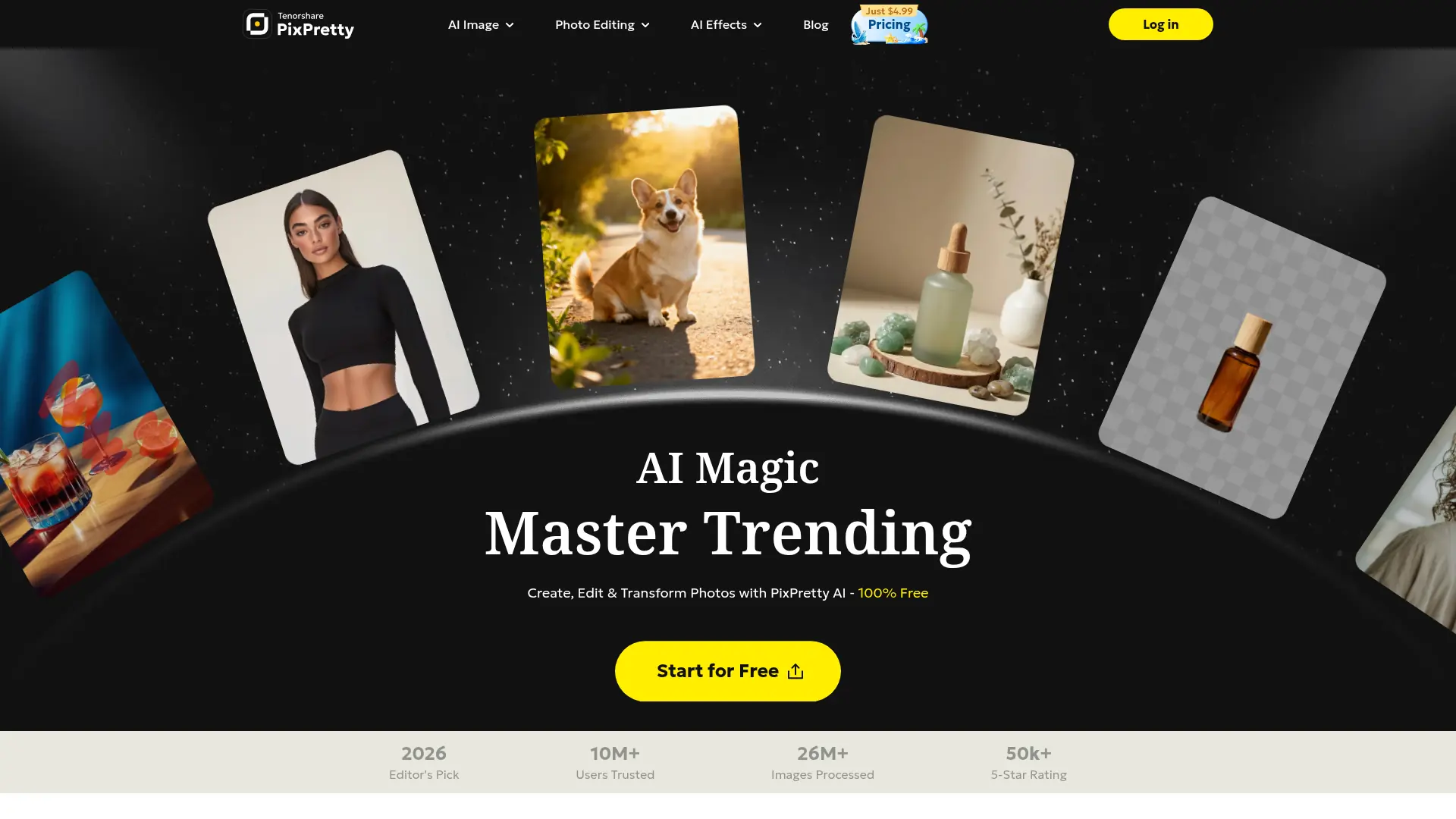
What is PixPretty?
PixPretty is an online AI photo editor from Tenorshare AI for background removal, image enhancement, generation, and batch processing. It uses AI-based image processing to automate tasks such as background replacement, object removal, image expansion, stylization, and virtual try-on. The platform serves individuals, creators, photographers, online sellers, and businesses that need product-ready or social-ready images without complex desktop software. Its core differentiator is free background removal combined with browser-based batch tools and additional credit-based AI features. A separate PC version focuses primarily on AI portrait retouching.
How to use PixPretty?
1. Open PixPretty and upload a JPG, JPEG, PNG, WebP, or supported image file. 2. Choose an editing tool such as background removal, object removal, background replacement, or batch processing and adjust the available options. 3. Preview the result, then download the edited image or upgrade your plan if you need premium resolution, watermark-free exports, or additional credits.
PixPretty's Core Features
AI Background Removal: Automatically isolate subjects from photos for clean cutouts and transparent-background assets.
Background Replacement: Swap existing backgrounds with new colors, scenes, or photo backgrounds for product and marketing visuals.
AI Object Removal: Remove unwanted people, objects, text, or other distractions from images with automated retouching.
Batch Photo Editing: Process multiple images together to reduce repetitive editing work and improve production efficiency.
Batch Format Conversion: Convert image files into commonly used formats for easier publishing and platform compatibility.
Batch Compression: Reduce image file sizes for faster uploads and more efficient storage while preparing content for the web.
Batch Rename: Apply consistent filenames across image collections to simplify catalog and asset management.
AI Image Generation: Create or transform visuals with supported AI image models and text or image-based workflows.
AI Clothes Changer: Generate virtual outfit changes and try-on visuals from uploaded clothing or personal images.
AI Ghost Mannequin: Turn garment photos into professional apparel product images without showing a visible mannequin.
PixPretty's Use Cases
- #1
Online sellers removing product backgrounds for marketplace listings and store catalogs
- #2
Photographers preparing clean cutouts and polished images for client deliverables
- #3
Marketing teams creating promotional product visuals with new backgrounds and AI effects
- #4
Content creators removing unwanted objects or people from photos before social publishing
- #5
Fashion brands generating ghost mannequin images from garment photos
- #6
Retailers previewing alternative outfits with AI virtual try-on images
- #7
Small businesses resizing, converting, compressing, and renaming large image batches
- #8
Individuals creating profile photos, stylized portraits, and social media graphics
Frequently Asked Questions
Analytics of PixPretty
Monthly Visits Trend: Jun 2025 - Aug 2026
Traffic Sources
AI Channel Traffic Trends
Top Regions
| Region | Traffic Share |
|---|---|
| Taiwan | 17.53% |
| United States | 12.51% |
| Korea, Republic of | 7.73% |
| Japan | 6.66% |
| Turkey | 6.44% |
Top Keywords
| Keyword | Traffic | CPC |
|---|---|---|
| anonymous snapchat viewer | 8.9K | -- |
| 그록 검열 | 4.6K | $1.35 |
| grok モデレート | 810 | $0.98 |
| 你的想法未通过审核。 请换个试试。 | 500 | -- |
| grok モデレート回避 | 480 | -- |
Alternative of PixPretty
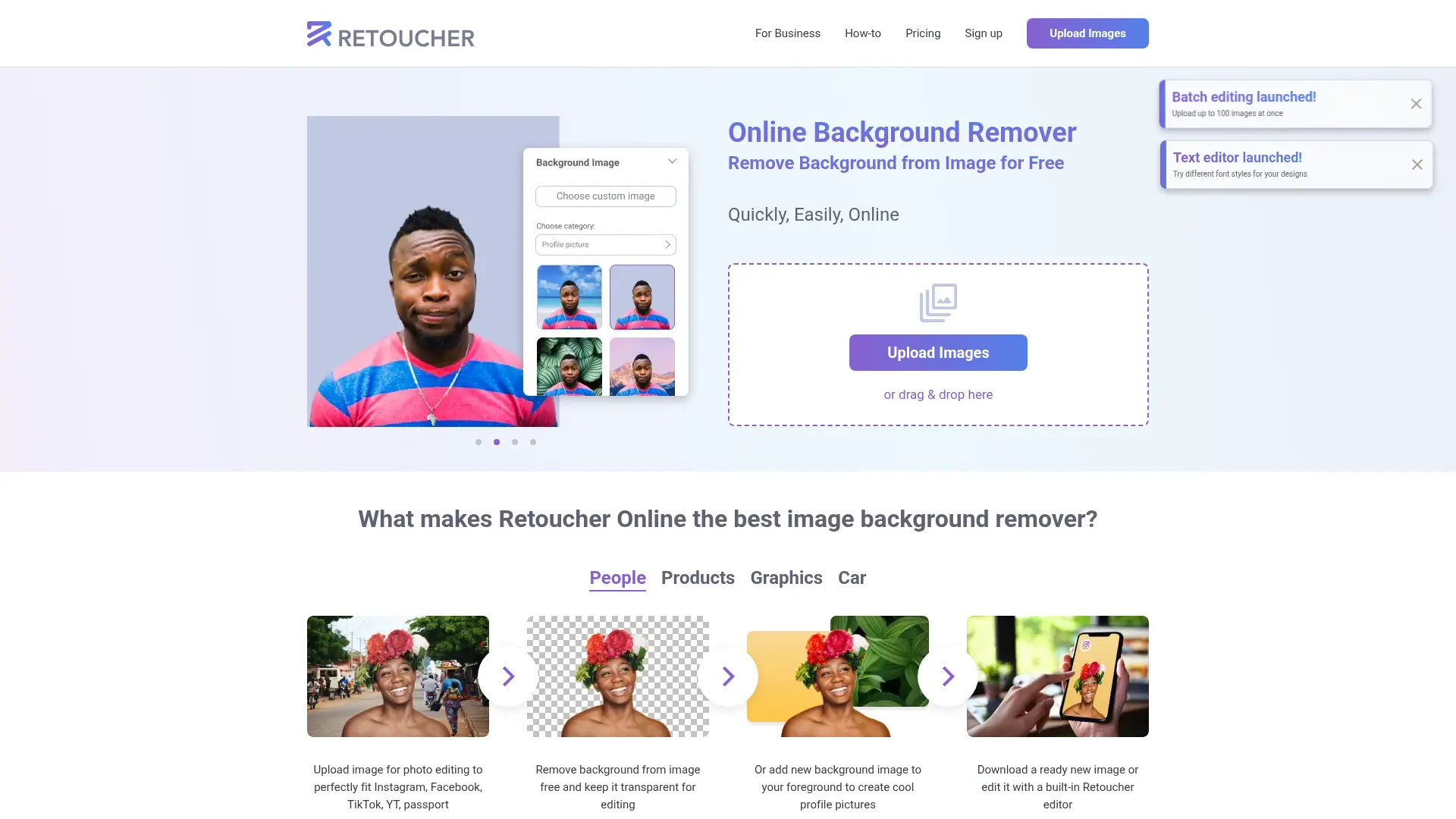

Retoucher Online
Remove image backgrounds, edit product photos, and create marketplace-ready visuals without Photoshop or design skills.
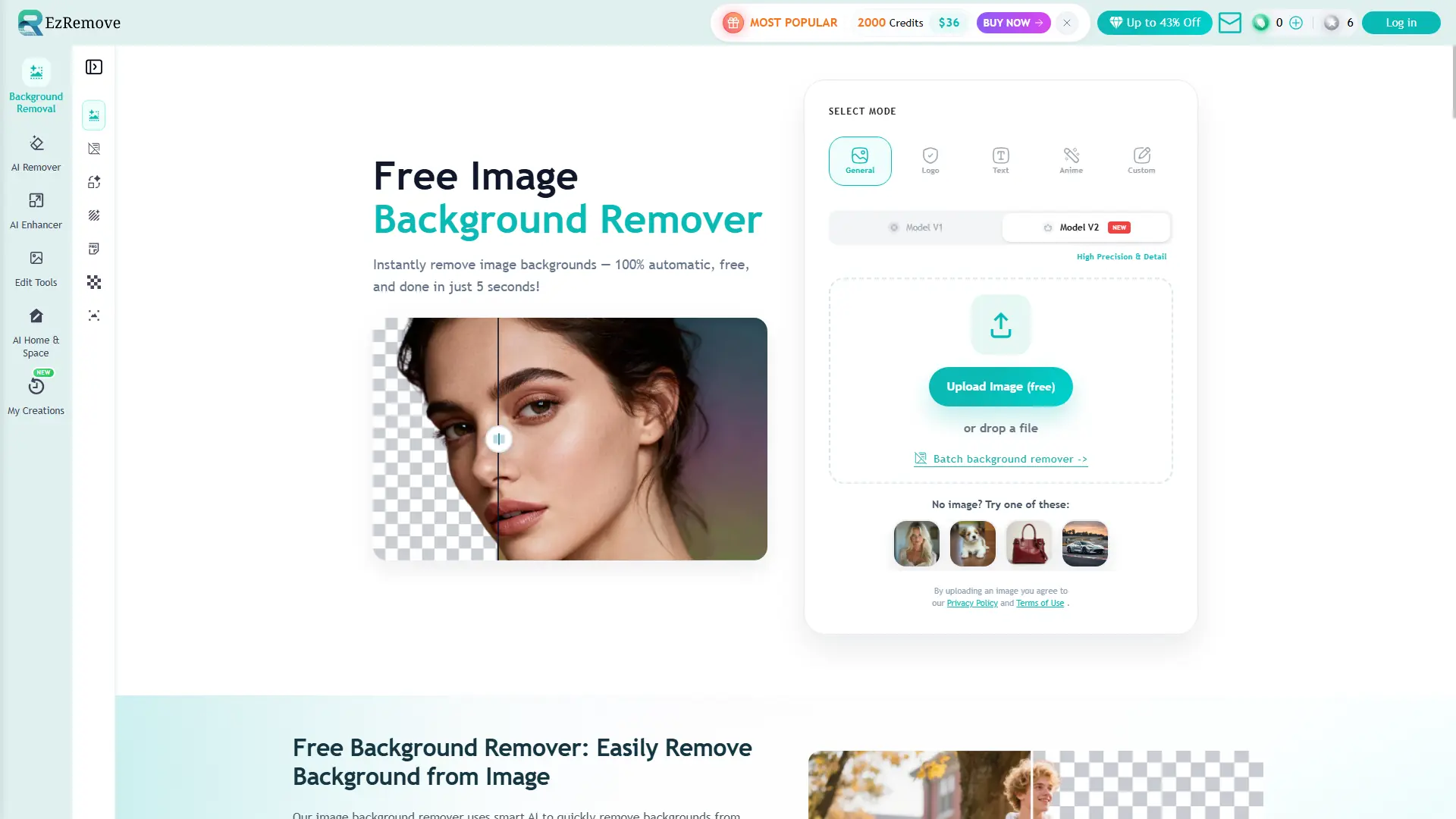

EzRemove AI
Instantly remove backgrounds and edit photos using natural language prompts. Achieve professional, high-definition results quickly to boost your creative productivity and workflow efficiency.
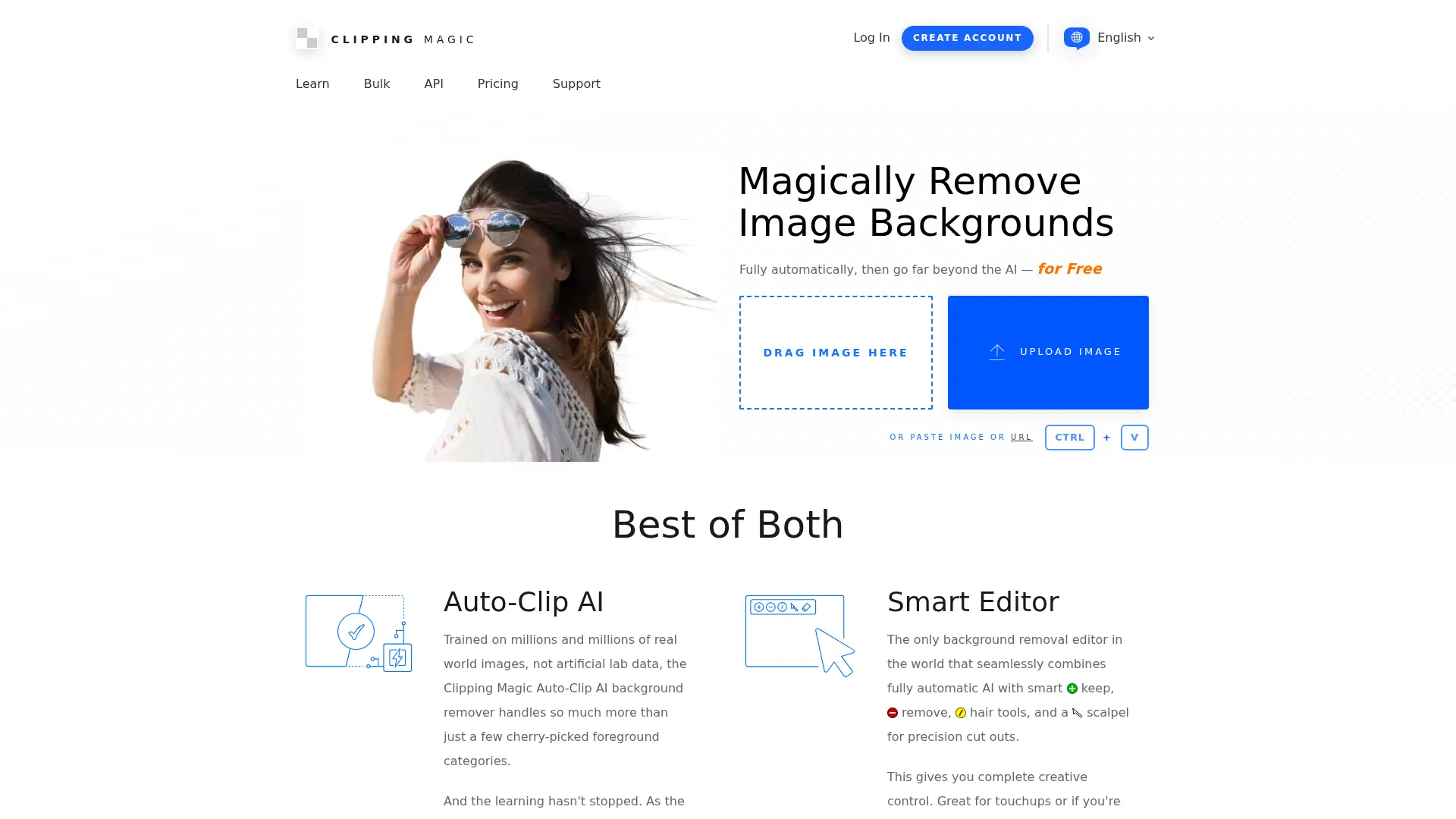

Clipping Magic
Remove image backgrounds automatically, refine difficult edges, and produce consistent product-ready visuals without complex desktop editing software.
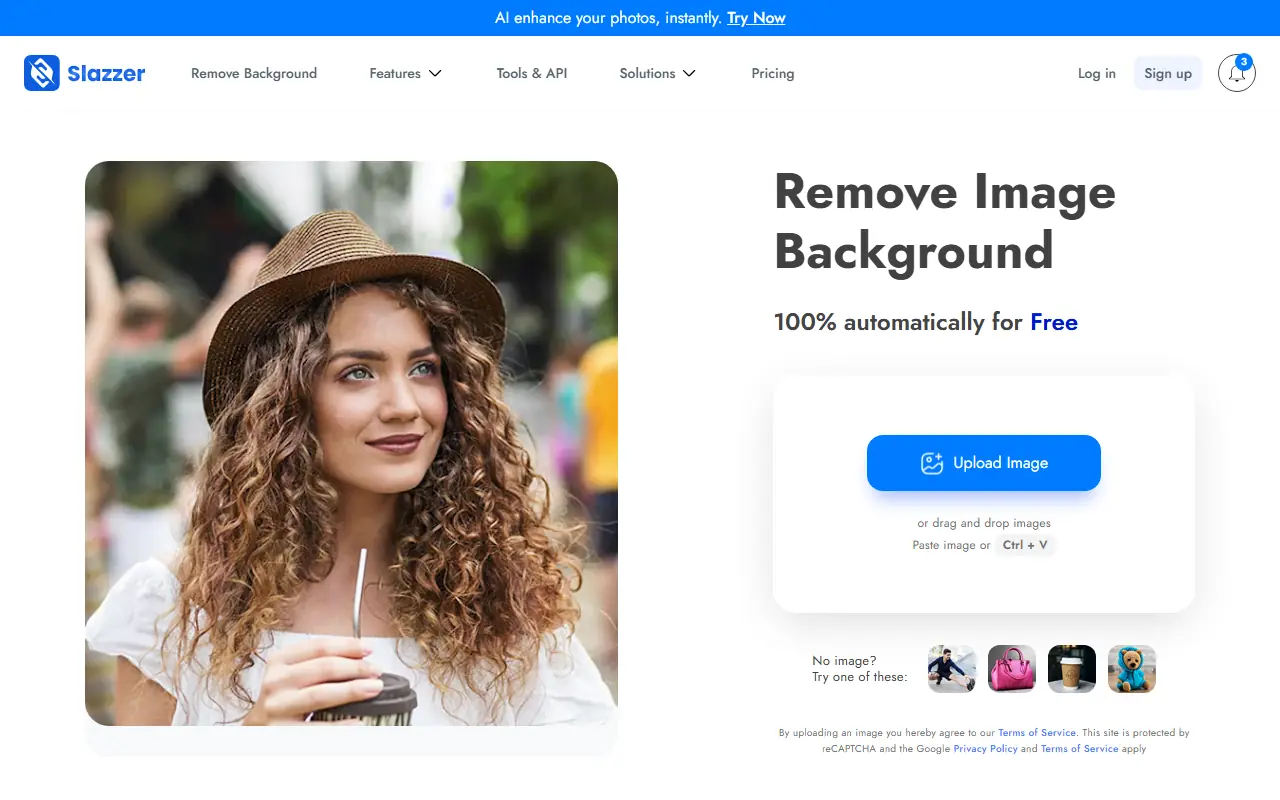

Slazzer
Slazzer is an AI-powered online platform that specializes in automatically removing backgrounds from images to simplify photo editing for users.
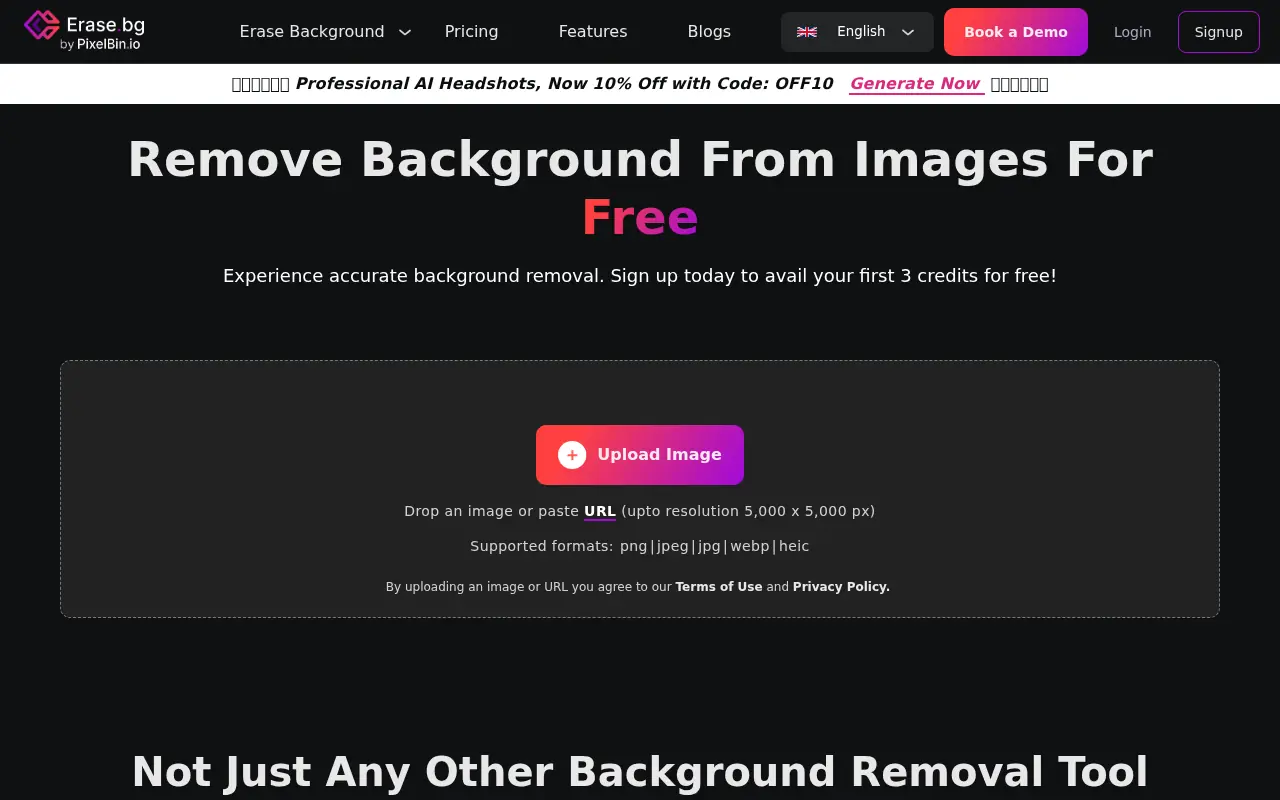

Erase.bg
Erase.bg is an AI-powered tool that removes image backgrounds quickly and offers editing features for professional results.
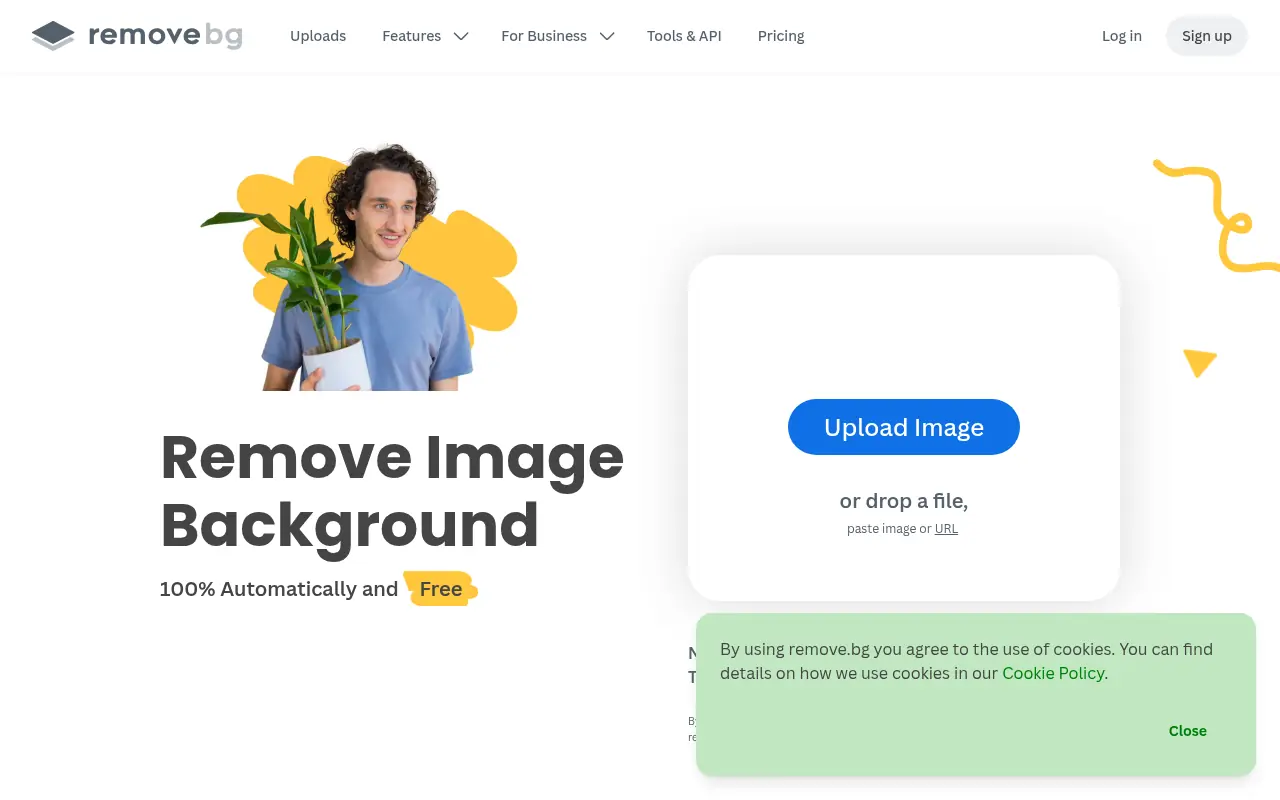

Remove.bg
Remove.bg is a tool for automatically removing backgrounds from images with ease.


Cutout.Pro
Cutout.Pro is an AI-powered platform for automated photo and video editing, specializing in background removal and visual content creation.


Removal.AI
Removal.AI is an AI-powered online tool that specializes in automatically removing backgrounds from images to create transparent or customized backdrops.