

OpenWorker
What is OpenWorker?
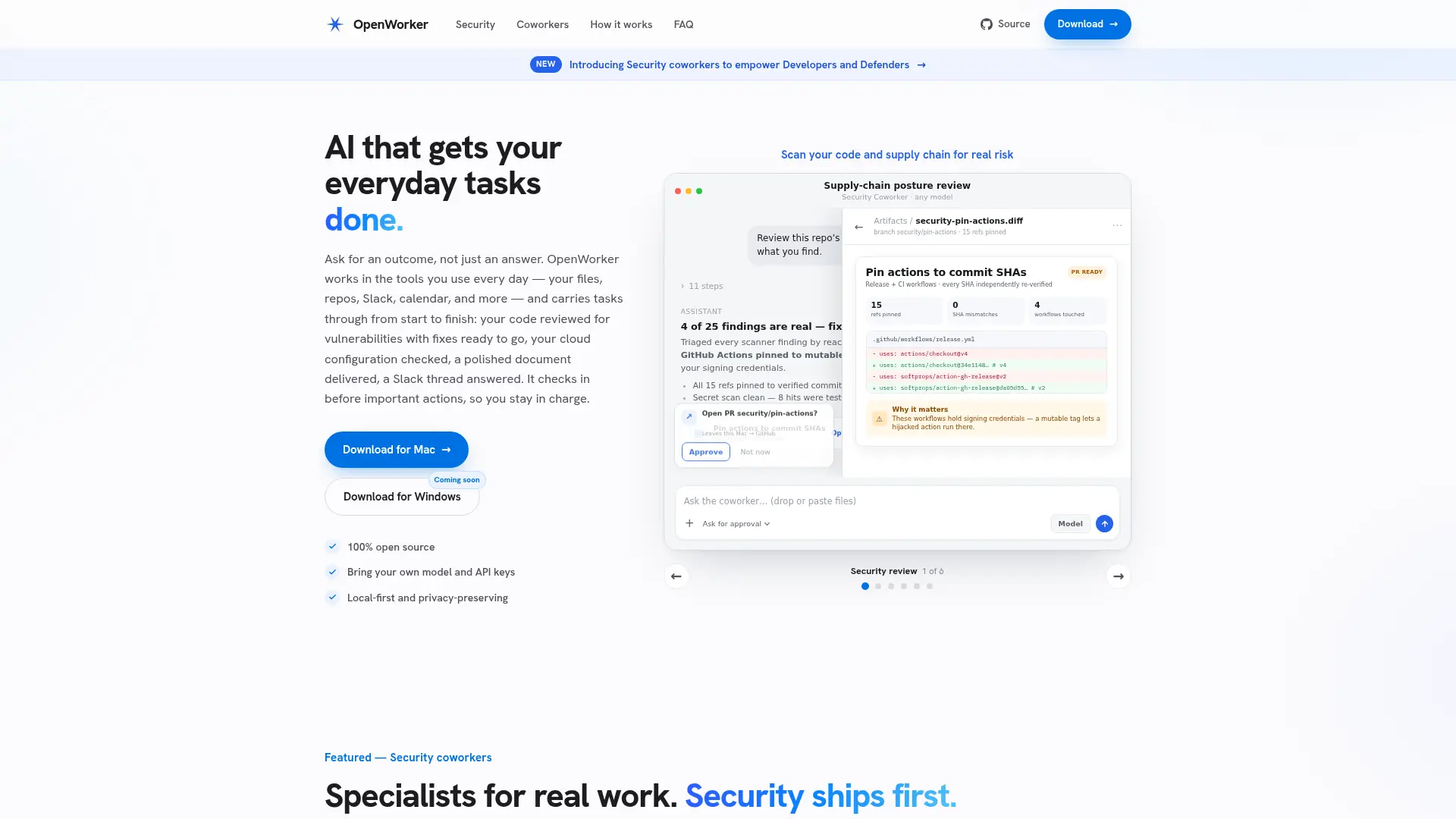
OpenWorker is an open-source desktop application for running AI coworkers. It connects a chosen model with local files, repositories, and supported business tools to carry out multi-step assignments. Specialized coworkers address security reviews, cloud configuration, dependencies, and general business work. Configurable permissions, approvals, and audit records help users supervise tool activity.
How to use OpenWorker?
- Install a supported OpenWorker build and configure a model provider or compatible local model.
- Connect the required tools and folders, then review permissions and approval settings.
- Choose or create a coworker, request an outcome, and inspect its actions and resulting files.
OpenWorker's Core Features
Desktop Coworkers: Execute multi-step assignments using local files and connected tools.
Model Choice: Configure supported external model providers or a compatible local model.
Tool Connections: Connect business services and extend available actions with MCP tools.
Document Outputs: Produce reports, briefs, documents, and spreadsheets from task materials.
Security Reviews: Run dedicated workflows for code, secrets, and dependency checks.
Cloud Posture Reviews: Inspect supported cloud configuration and prepare proposed fixes.
Task Triggers: Start recurring work through schedules and supported message or email triggers.
Action Oversight: Review tool activity with configurable permissions, approvals, and audit records.
Custom Coworkers: Define and share a coworker for a specific job.
OpenWorker's Use Cases
- #1
A developer requests a security review of a repository.
- #2
An infrastructure team reviews cloud configuration and proposed changes.
- #3
A maintainer investigates vulnerable dependencies and upgrade options.
- #4
A sales user prepares a customer brief from connected materials.
- #5
An operations team drafts an incident summary.
- #6
A team schedules recurring reports from available sources.
Frequently Asked Questions
Analytics of OpenWorker
Monthly Visits Trend: Apr 2026 - Oct 2026
Traffic Sources
Top Regions
| Region | Traffic Share |
|---|---|
| United States | 57.29% |
| Germany | 21.44% |
| India | 16.09% |
| Turkey | 3.41% |
| United Kingdom | 1.77% |
Top Keywords
| Keyword | Traffic | CPC |
|---|---|---|
| openworker | 4.6K | $2.85 |
| open worker | 650 | $1.33 |
| open worker ia | 130 | -- |
| andrew ng openworker | 80 | -- |
| anzahl parfum dupe käufer in deutschland | 290 | -- |
Alternative of OpenWorker
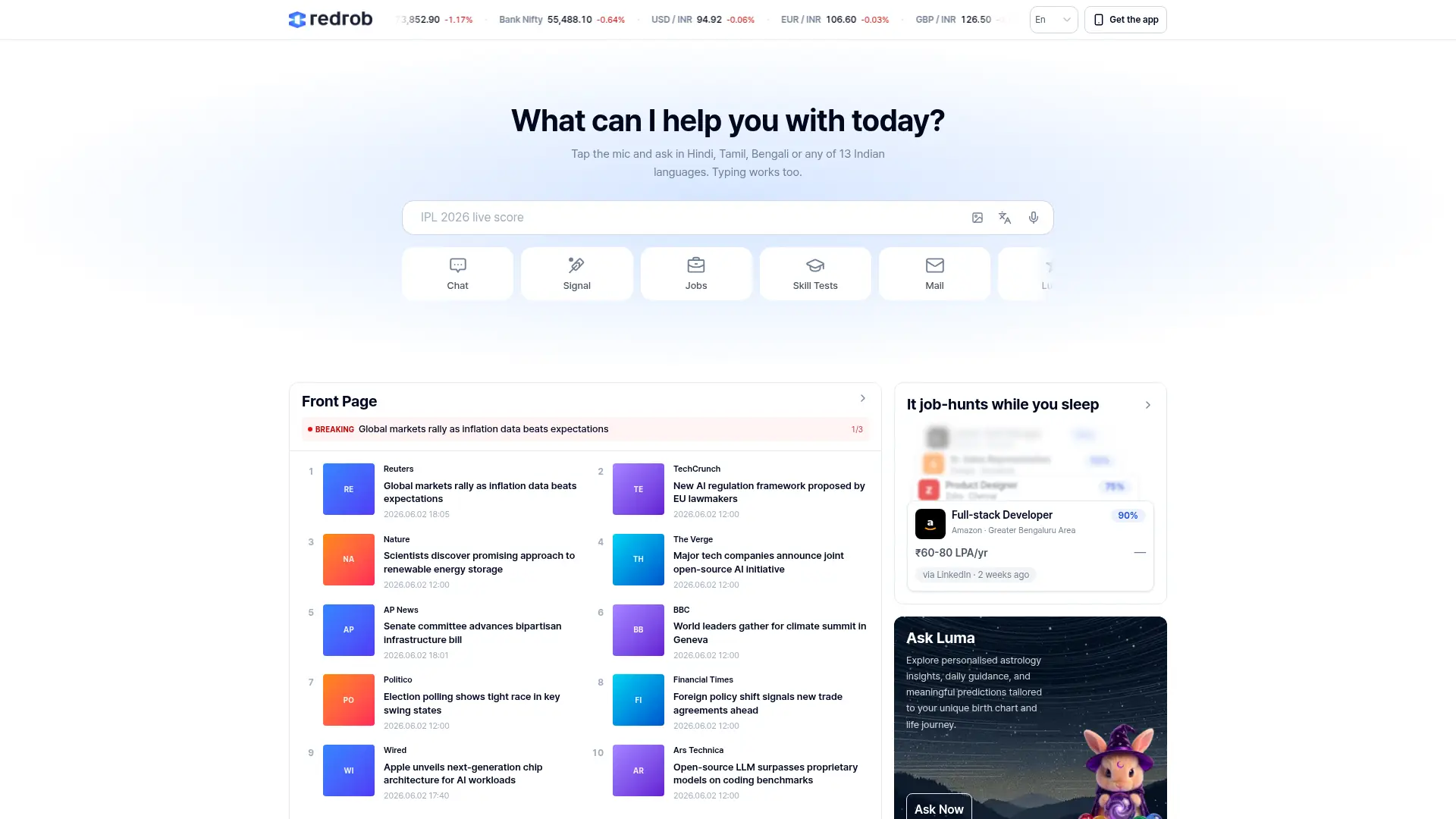

Redrob
Create professional documents and images with role-specific AI workflows, reusable Vault templates, and desktop privacy controls.


Loomy
Loomy is an AI work assistant that handles authorized local files, creates documents, analyzes spreadsheets, and executes tasks with configurable skills.


Jenova
Build, run, and connect AI agents that automate complex workflows without managing models, memory, databases, or tool infrastructure.
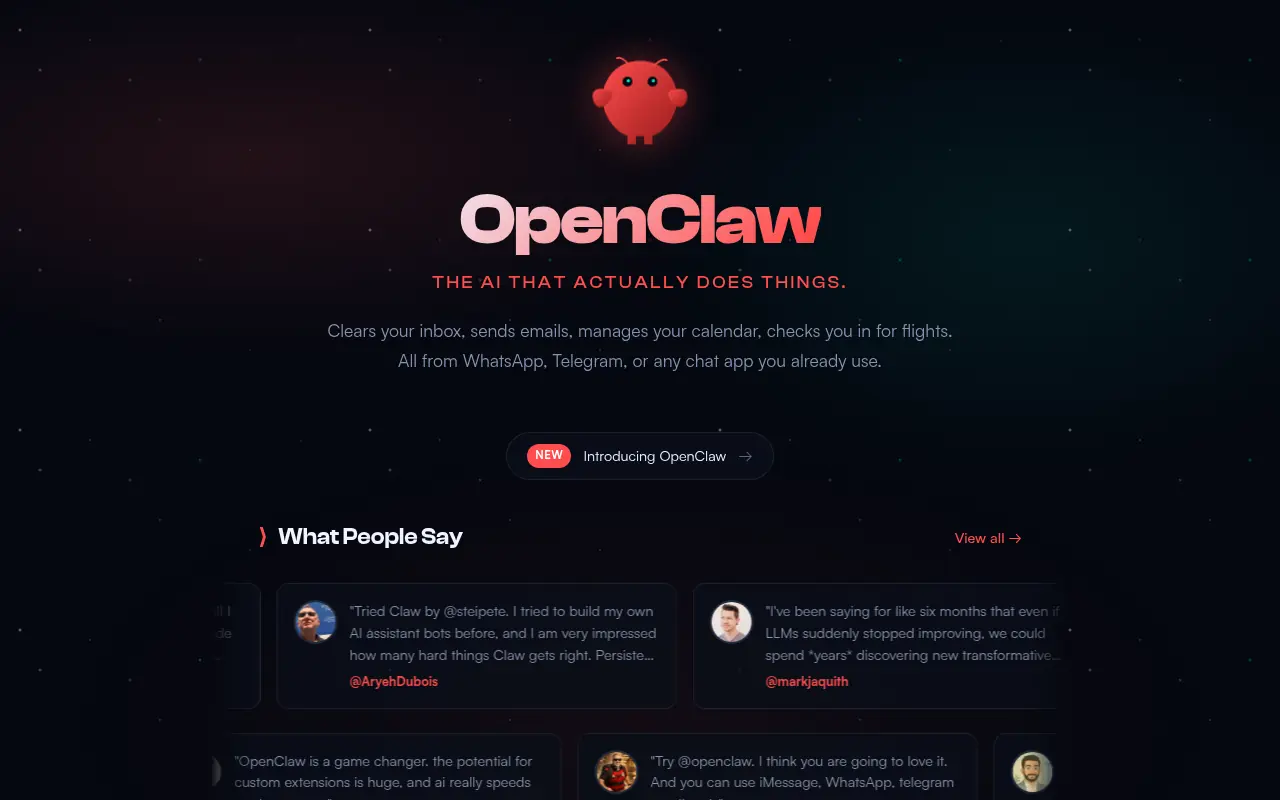

OpenClaw
An open-source, self-hosted personal AI assistant that runs locally and integrates with major messaging apps to execute complex tasks.


Multica
Coordinate human developers and AI coding agents in one workspace, with transparent task ownership, automated execution, and reusable team knowledge.


MindStudio
MindStudio is a visual no-code platform that lets anyone build, deploy, and scale custom AI agents and automated workflows in minutes.


Botmaker
Automate customer conversations and business processes with AI agents across messaging, email, and voice, while keeping people involved when needed.


Yellow.ai
Automate customer and employee service with enterprise AI agents that understand context, execute workflows, and support conversations across channels.