

Ollama
What is Ollama?
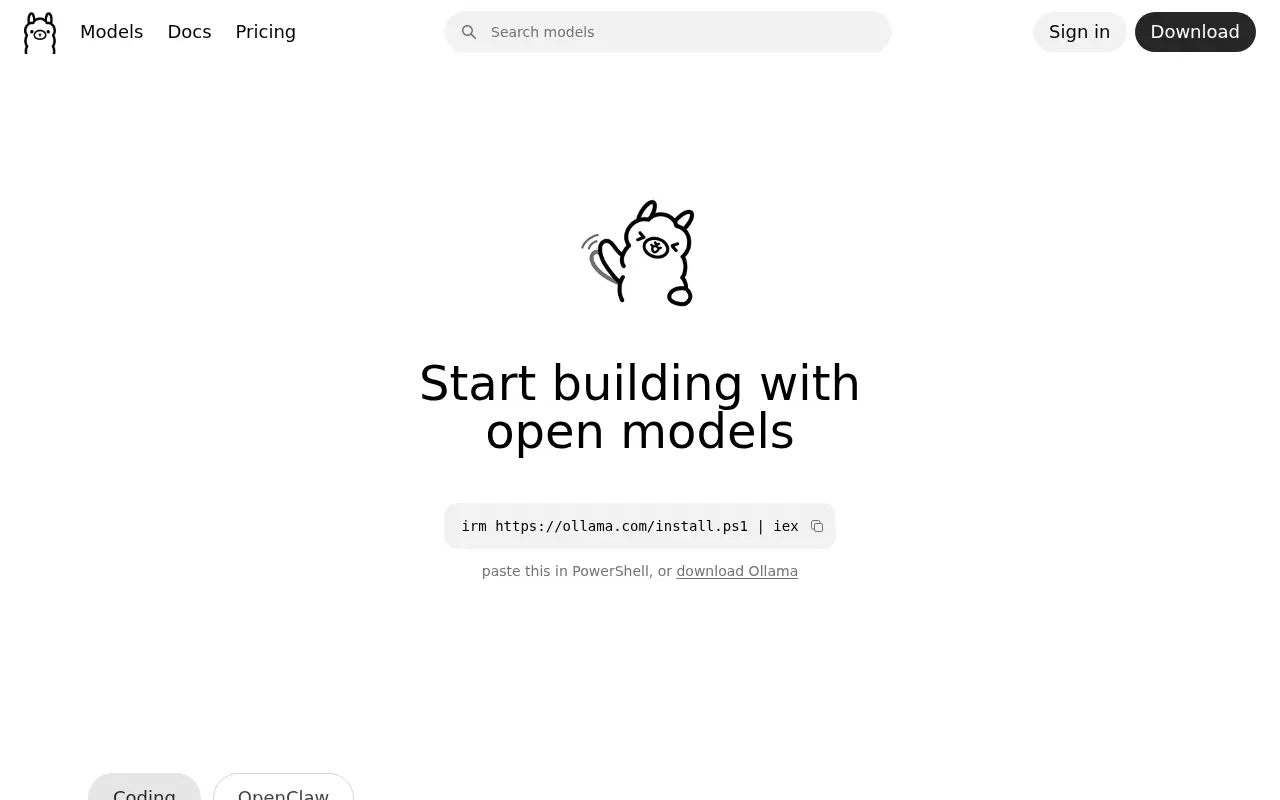
Ollama is a powerful open-source application designed to simplify the process of running large language models (LLMs) locally on personal computers and servers. Its primary mission is to democratize access to advanced AI by removing the complexities typically associated with configuring and deploying machine learning models. By offering a lightweight, user-friendly command-line interface, Ollama allows developers and enthusiasts to effortlessly download, run, and interact with popular open-weights models like Llama 3, Mistral, and Gemma. Furthermore, it empowers users to customize these models for specific tasks or domains and share their creations with the broader community. Ultimately, Ollama solves the problem of relying on expensive, cloud-based APIs by bringing robust AI capabilities directly to the user's local environment, ensuring data privacy and reducing latency.
How to use Ollama?
To use Ollama, start by downloading the appropriate installer for your operating system (macOS, Windows, or Linux) from the official website and completing the installation. Once installed, open your terminal or command prompt and run a simple command like `ollama run llama3` to automatically download and start interacting with a language model. You can then chat with the model directly in your terminal, integrate it into your own applications using Ollama's local REST API, or customize the model's behavior and system prompts by writing and building a Modelfile.
Ollama's Core Features
Allows seamless execution of large language models locally on macOS, Windows, and Linux systems.
Provides a comprehensive library of popular, pre-configured models such as Llama 3, Phi 3, and Mistral.
Includes a built-in REST API that makes it easy to integrate models into custom web or desktop applications.
Supports model customization through 'Modelfiles', enabling users to tweak system messages and run parameters.
Ensures complete data privacy since all model processing and data remain strictly on the user's local machine.
Offers a lightweight, fast installation process with minimal dependencies required to get started.
Facilitates the sharing and discovery of user-created custom models within the global Ollama community.
Ollama's Use Cases
- #1
Running open-source LLMs locally without needing an internet connection.
- #2
Building privacy-focused AI applications that process sensitive data entirely on-device.
- #3
Testing and experimenting with various language models to compare performance and capabilities.
- #4
Developing custom AI assistants with tailored system prompts using Ollama Modelfiles.
- #5
Integrating local AI text generation capabilities into coding projects via the built-in REST API.
- #6
Reducing or eliminating cloud API costs by offloading language tasks to local hardware.
Frequently Asked Questions
Analytics of Ollama
Monthly Visits Trend: Jun 2025 - Sep 2026
Traffic Sources
AI Channel Traffic Trends
Top Regions
| Region | Traffic Share |
|---|---|
| China | 19.64% |
| United States | 13.65% |
| India | 9.50% |
| Germany | 3.69% |
| Brazil | 3.45% |
Top Keywords
| Keyword | Traffic | CPC |
|---|---|---|
| ollama | 1.1M | $1.38 |
| ollama models | 80.6K | $1.86 |
| olama | 71.9K | $1.01 |
| ollama download | 60.6K | $1.92 |
| ollama cloud | 35.8K | $2.60 |
Alternative of Ollama

Groq
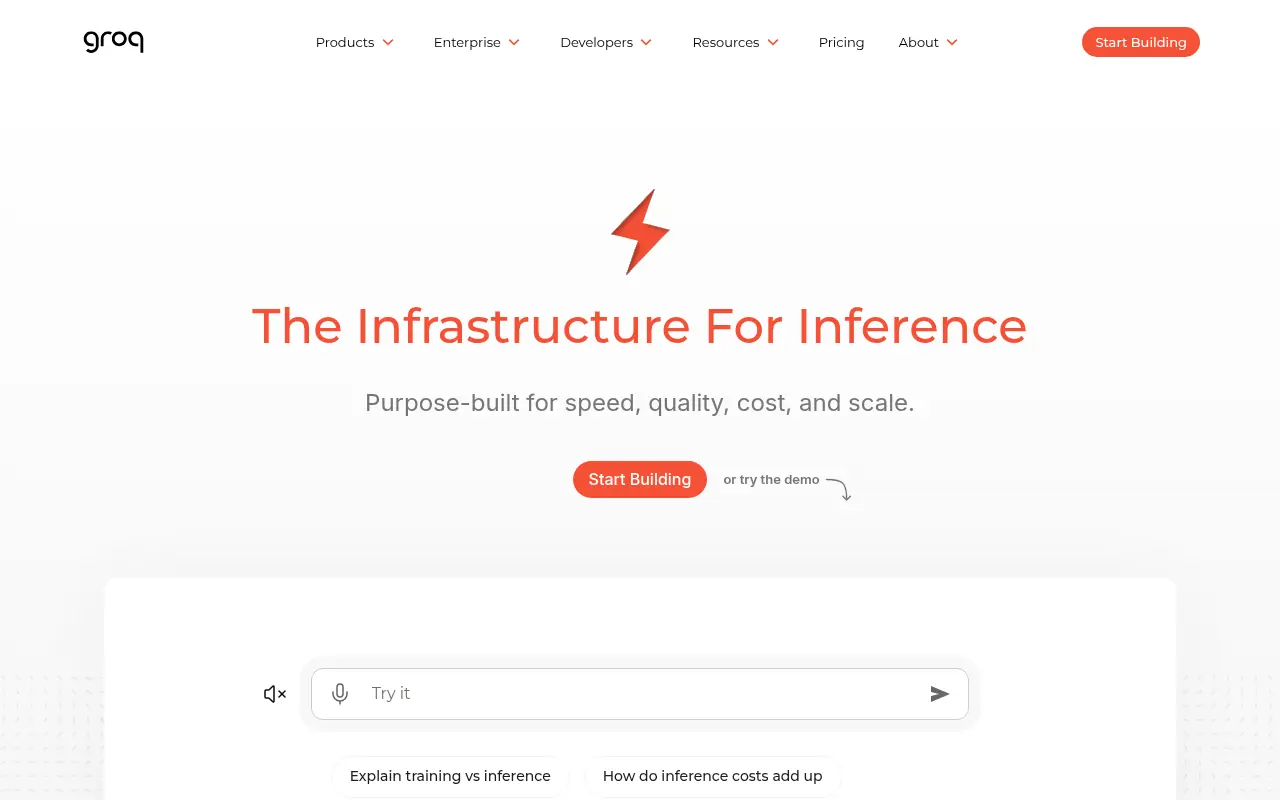
Groq is an AI infrastructure company that builds the LPU Inference Engine, delivering exceptionally fast compute and ultra-low latency for Large Language Models.


Mistral AI
Mistral AI provides open-source and commercial large language models (LLMs) and generative AI tools for enterprises, developers, and researchers, emphasizing customization, transparency, and high performance.

LM Studio
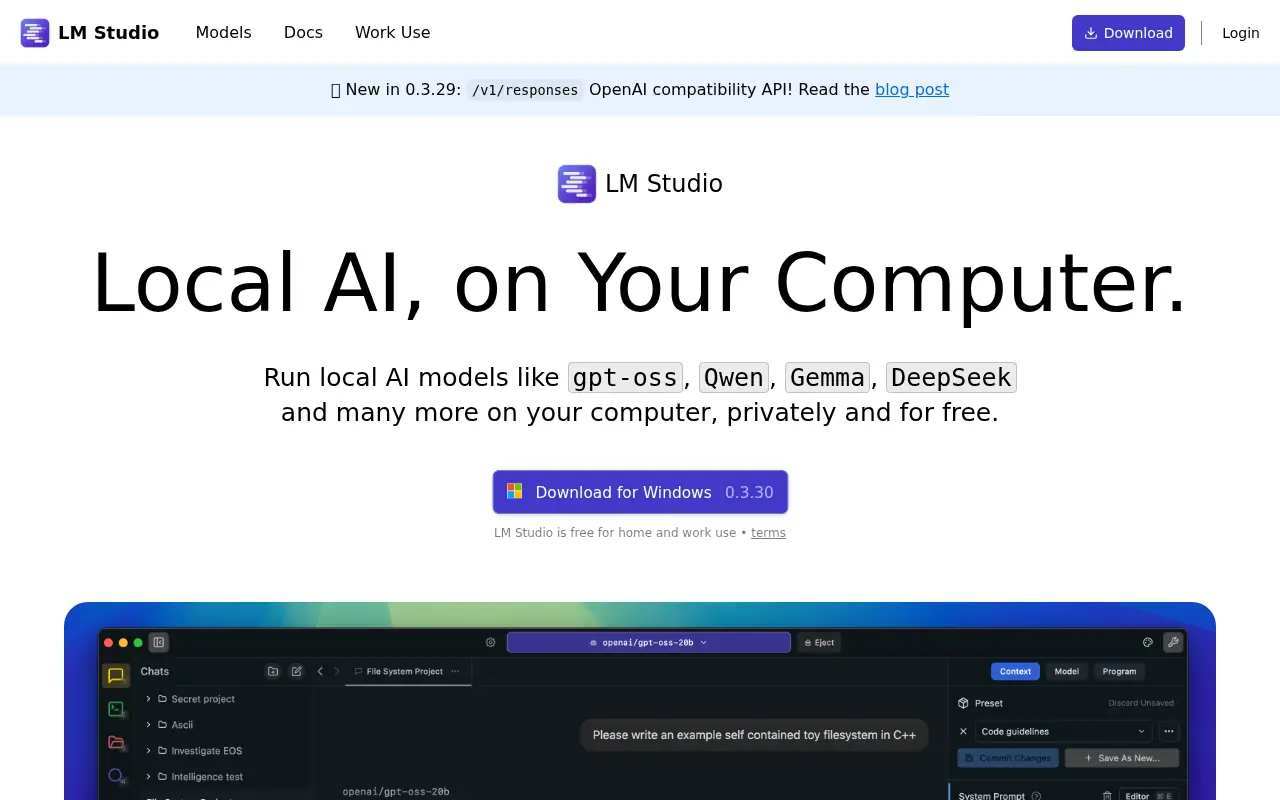
LM Studio enables users to discover, run, and interact with large language models entirely on their own computers, ensuring privacy and offline capability.

Arena AI
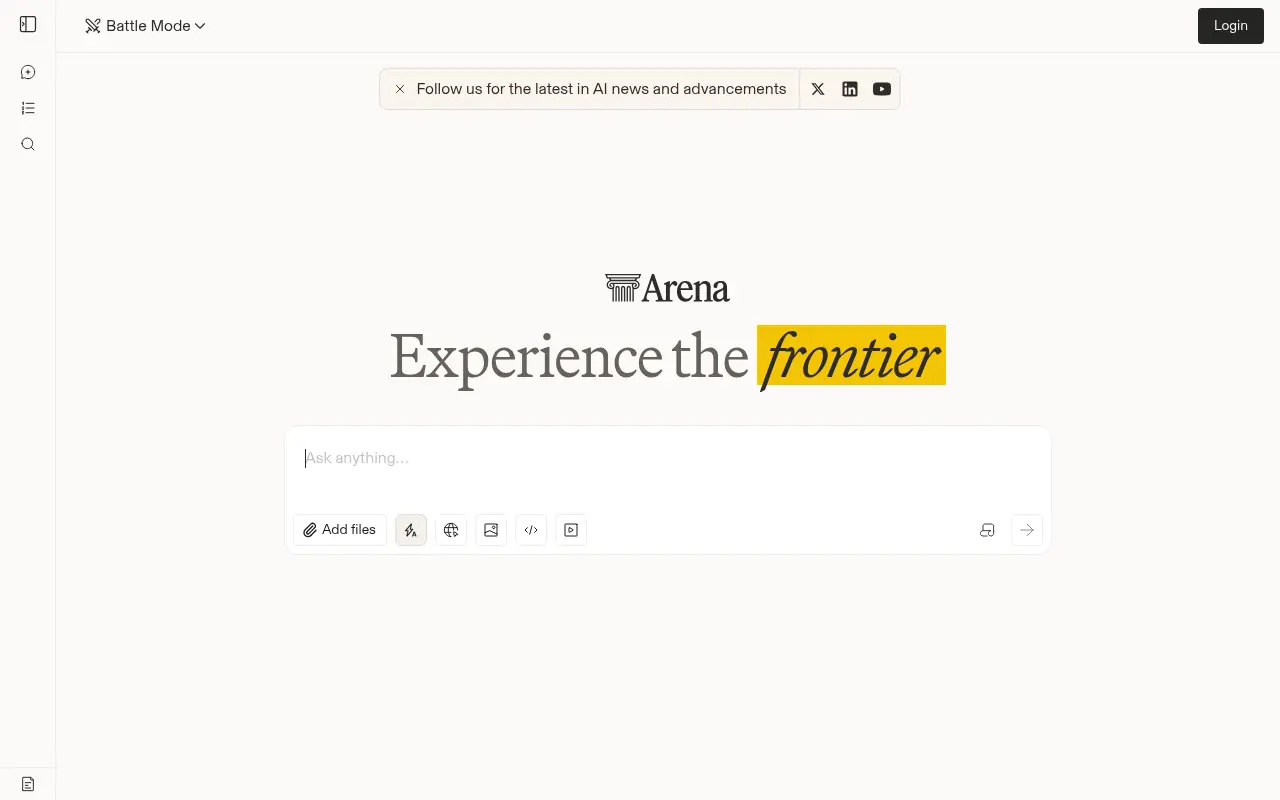
Arena AI is a community-driven benchmarking platform where users compare, test, and rank large language models through side-by-side blind evaluations.
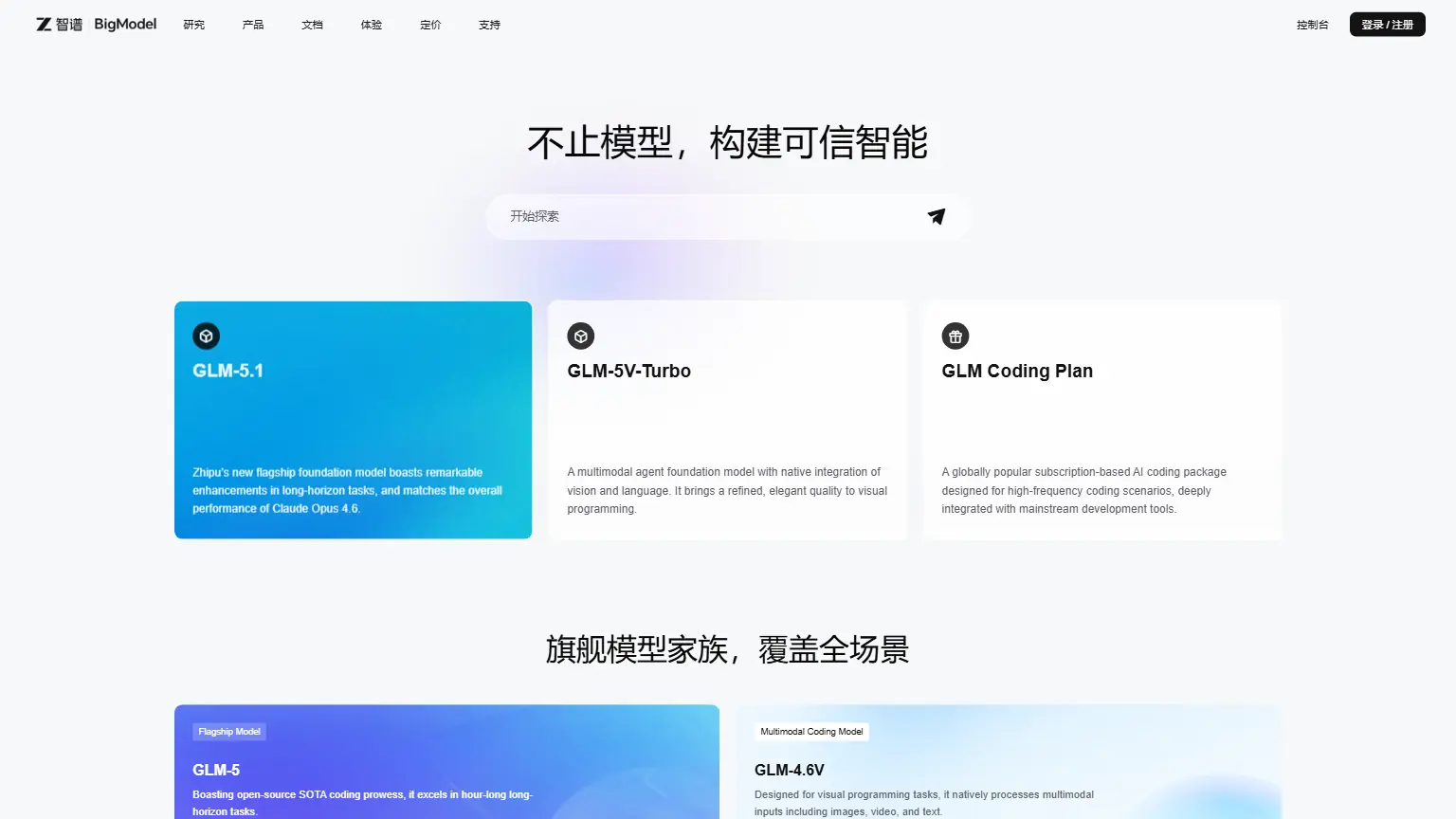

BigModel
Access Zhipu AI's GLM architecture to power advanced reasoning, complex code generation, and flawless text-to-image workflows through scalable API endpoints.
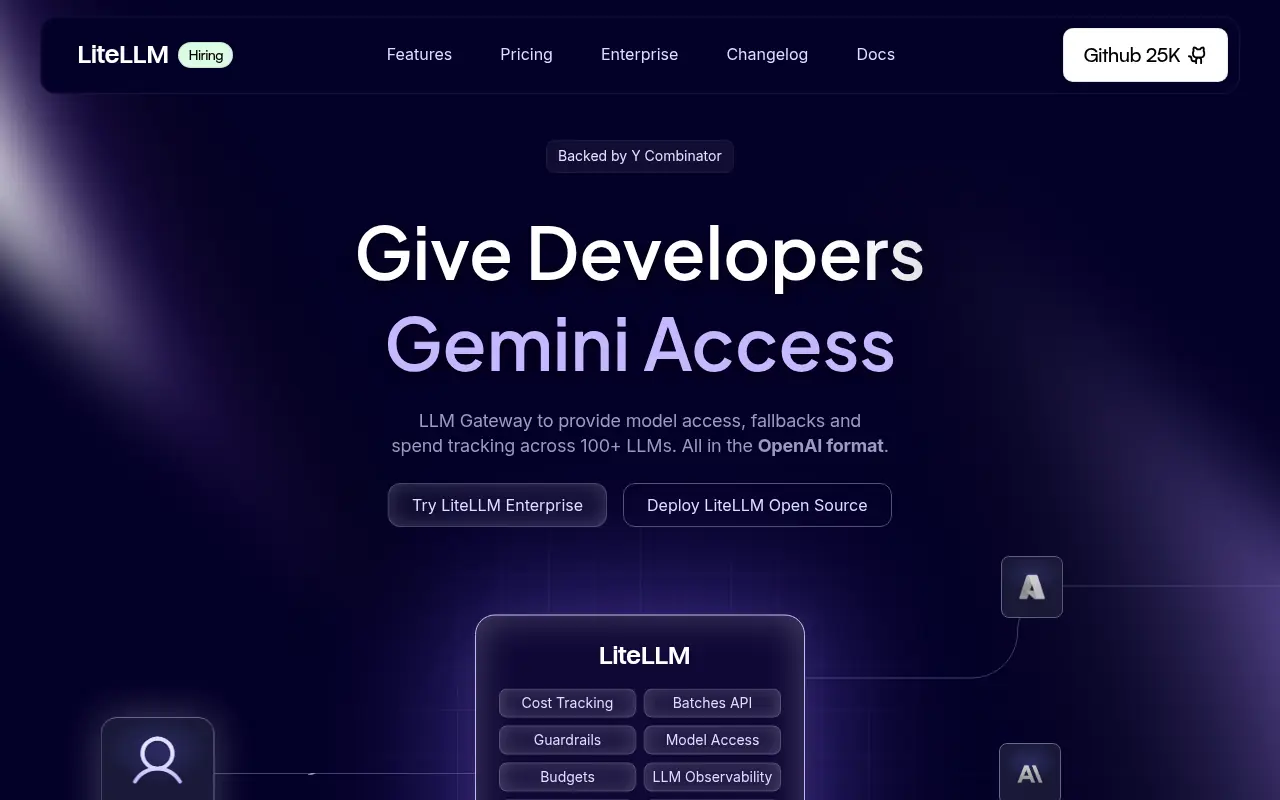

LiteLLM
LiteLLM is an open-source LLM gateway that simplifies access to over 100 large language models using a unified OpenAI-compatible API format.
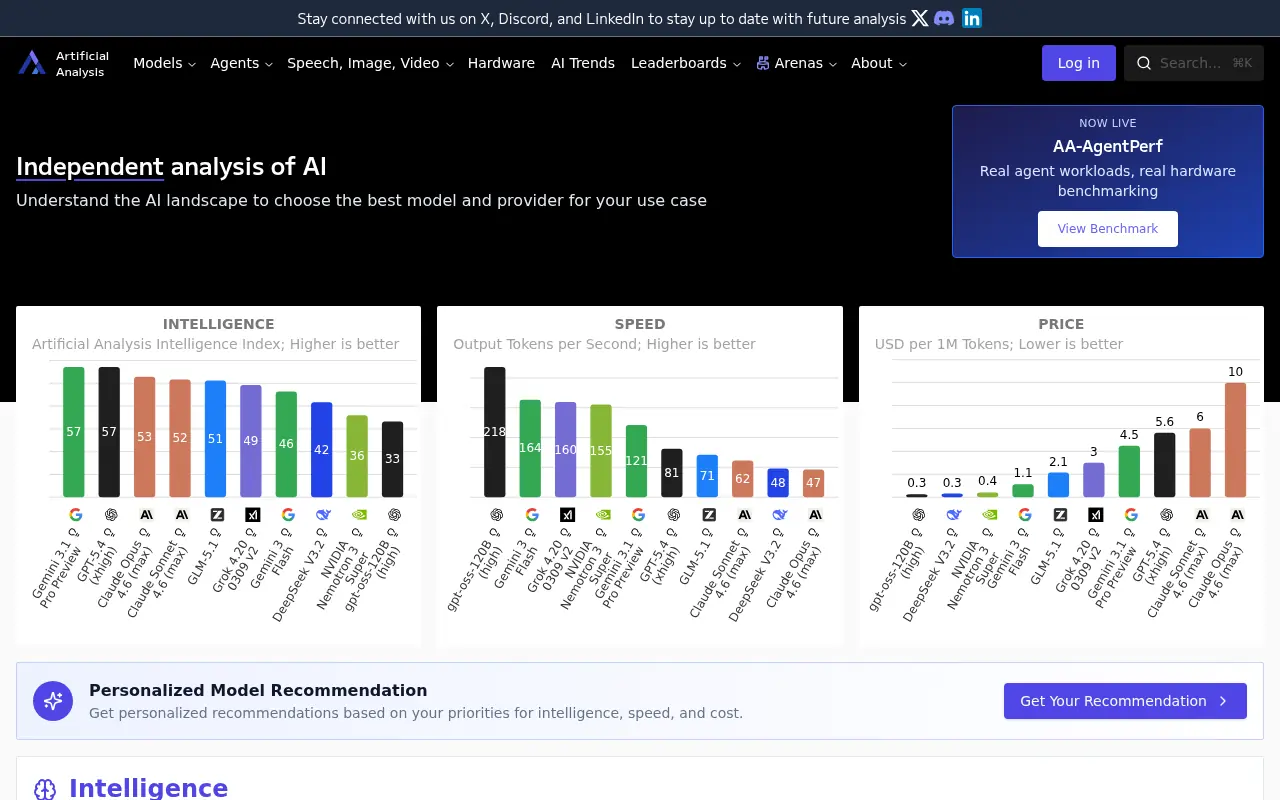

Artificial Analysis
An independent platform that provides in-depth benchmarking, performance evaluation, and price comparisons of AI models and API providers.
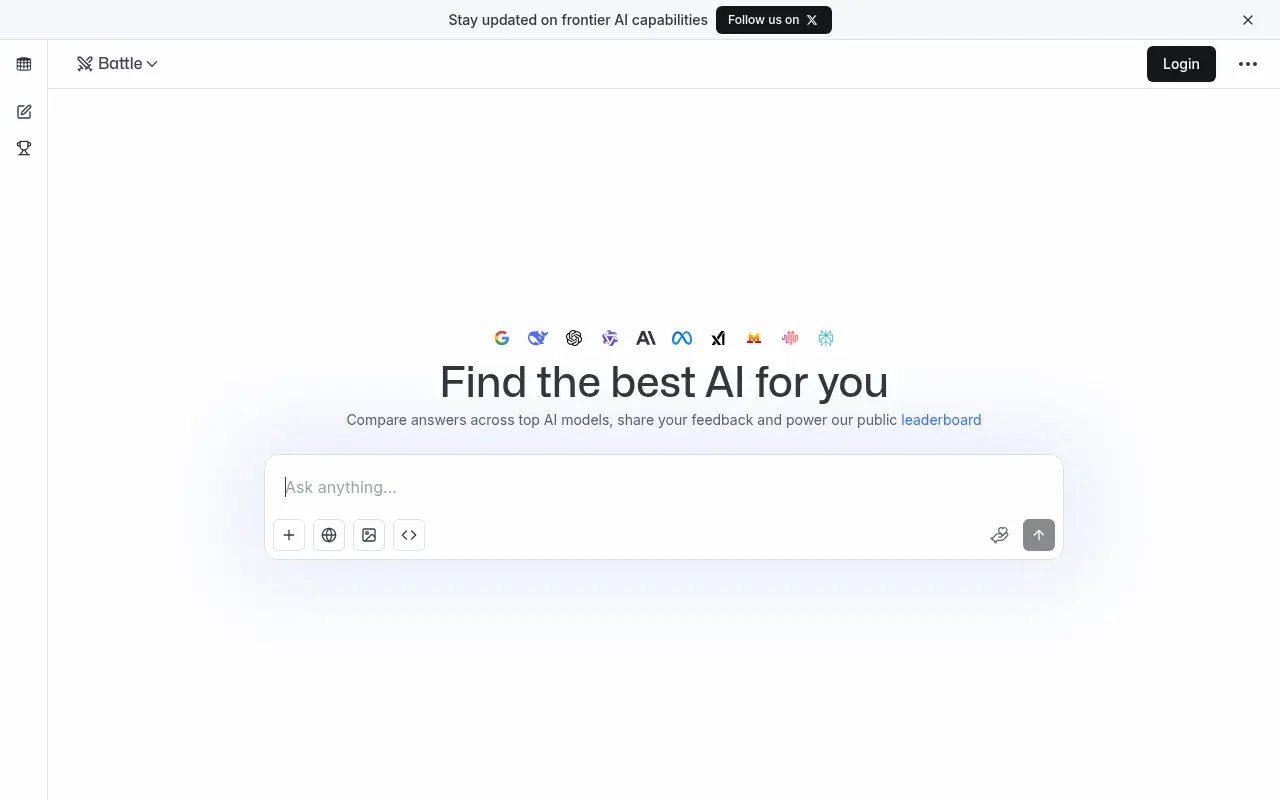

LMArena
LMArena is an open platform created by UC Berkeley researchers that allows users to compare large language models side-by-side through blind voting to build a community-driven leaderboard based on real-world human preferences.