

Linked Helper
What is Linked Helper?
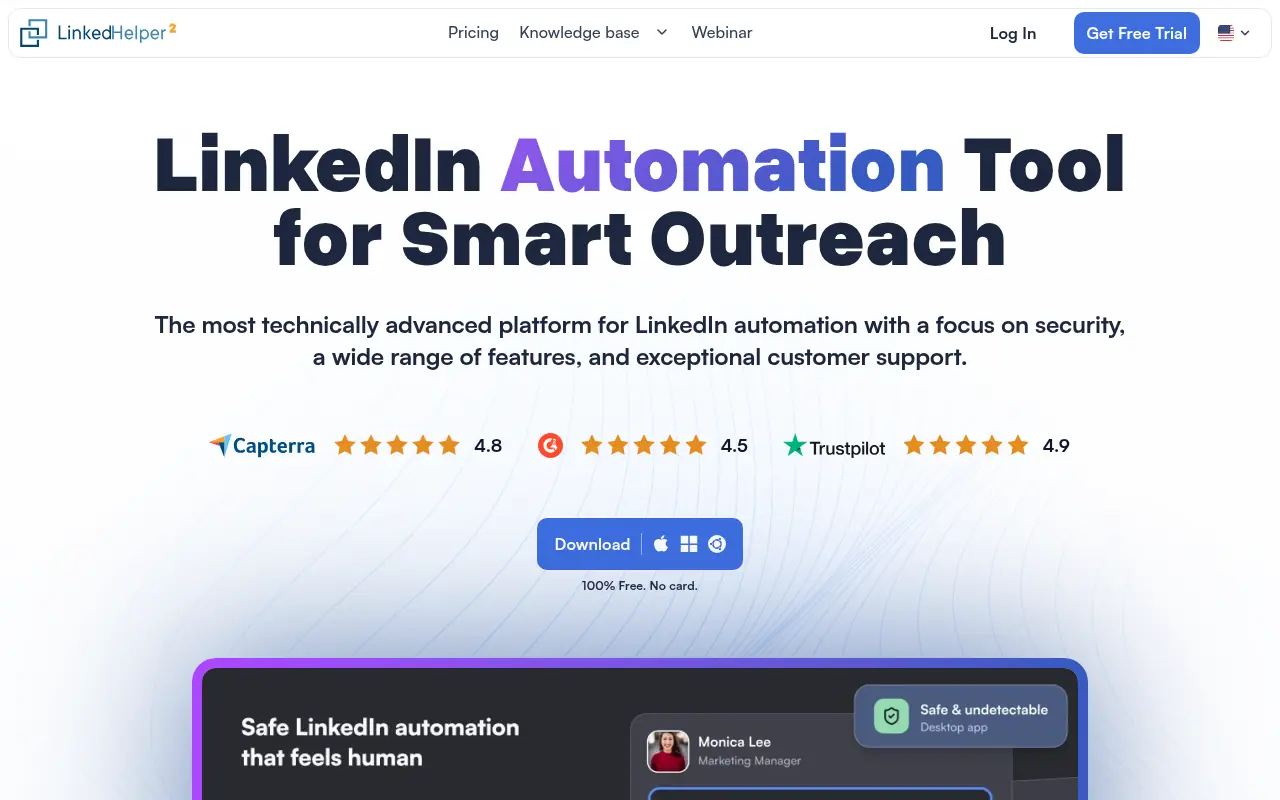
Linked Helper is a powerful desktop-based automation tool and CRM specifically designed to streamline LinkedIn outreach and lead generation. It acts as a smart virtual assistant that safely automates repetitive networking tasks, such as sending connection requests, personalized messages, and follow-ups. By mimicking actual human behavior—such as random delays, real typing, and actual mouse clicks—it ensures high account safety without relying on risky API calls. The platform features a built-in CRM that allows users to easily track campaigns, manage replies, and organize their sales funnel directly within the app. Ultimately, Linked Helper empowers sales teams, recruiters, and marketers to scale their social selling efforts, save countless hours of manual work, and seamlessly export enriched lead data to third-party CRMs.
How to use Linked Helper?
To effectively use Linked Helper, users must download and install the desktop application, then connect their LinkedIn, Sales Navigator, or Recruiter accounts. After importing a target audience via LinkedIn search results or a CSV file, users can build visual drip campaigns by arranging specific automated actions, such as visiting profiles, sending connection requests, and scheduling delayed follow-up messages. Before running the campaign, users customize their message templates using built-in variables and configure daily action limits to ensure their account remains safe and mimics human activity. Once the sequence is active, the software runs locally to engage with prospects, automatically pausing when a reply is detected so the user can manually take over the conversation and close the deal.
Linked Helper's Core Features
The smart campaign builder allows users to design multi-step drip sequences with advanced conditional logic.
A built-in CRM system organizes, tags, and tracks the status of leads directly within the application.
The platform mimics real human behavior through randomized delays and simulated typing to protect account safety.
Smart reply detection automatically pauses an outreach sequence the moment a prospect responds to a message.
The email finder tool enriches extracted LinkedIn profiles with verified professional email addresses.
Advanced custom variables enable hyper-personalized messaging by pulling specific profile data or importing CSV values.
Native integration and webhook support allow seamless data exporting to CRMs like Salesforce, HubSpot, and Pipedrive.
Bulk engagement features automate social selling tasks like liking posts, endorsing skills, and inviting users to events.
Linked Helper's Use Cases
- #1
Automating multi-step LinkedIn outreach sequences for B2B lead generation.
- #2
Sending personalized bulk connection requests to highly targeted LinkedIn search results.
- #3
Scraping and enriching LinkedIn profile data to find verified email addresses.
- #4
Automatically inviting 1st-degree connections to follow a company page or attend a LinkedIn event.
- #5
Exporting qualified leads and message histories directly into third-party CRMs like HubSpot or Salesforce.
- #6
Warming up a LinkedIn account safely through automated, human-like profile visits and post likes.
- #7
Auto-endorsing the skills of connections to foster relationship building and profile reciprocity.
Frequently Asked Questions
Analytics of Linked Helper
Monthly Visits Trend: Jun 2025 - Aug 2026
Traffic Sources
AI Channel Traffic Trends
Top Regions
| Region | Traffic Share |
|---|---|
| United States | 12.85% |
| India | 7.08% |
| Germany | 6.47% |
| United Kingdom | 6.23% |
| Australia | 3.27% |
Top Keywords
| Keyword | Traffic | CPC |
|---|---|---|
| 29.8M | $0.27 | |
| linkedin helper | 8.5K | $2.83 |
| linked helper | 5.9K | $11.87 |
| linked in | 1.7M | $0.27 |
| linkedhelper | 4.5K | $7.95 |
Alternative of Linked Helper

Snov.io
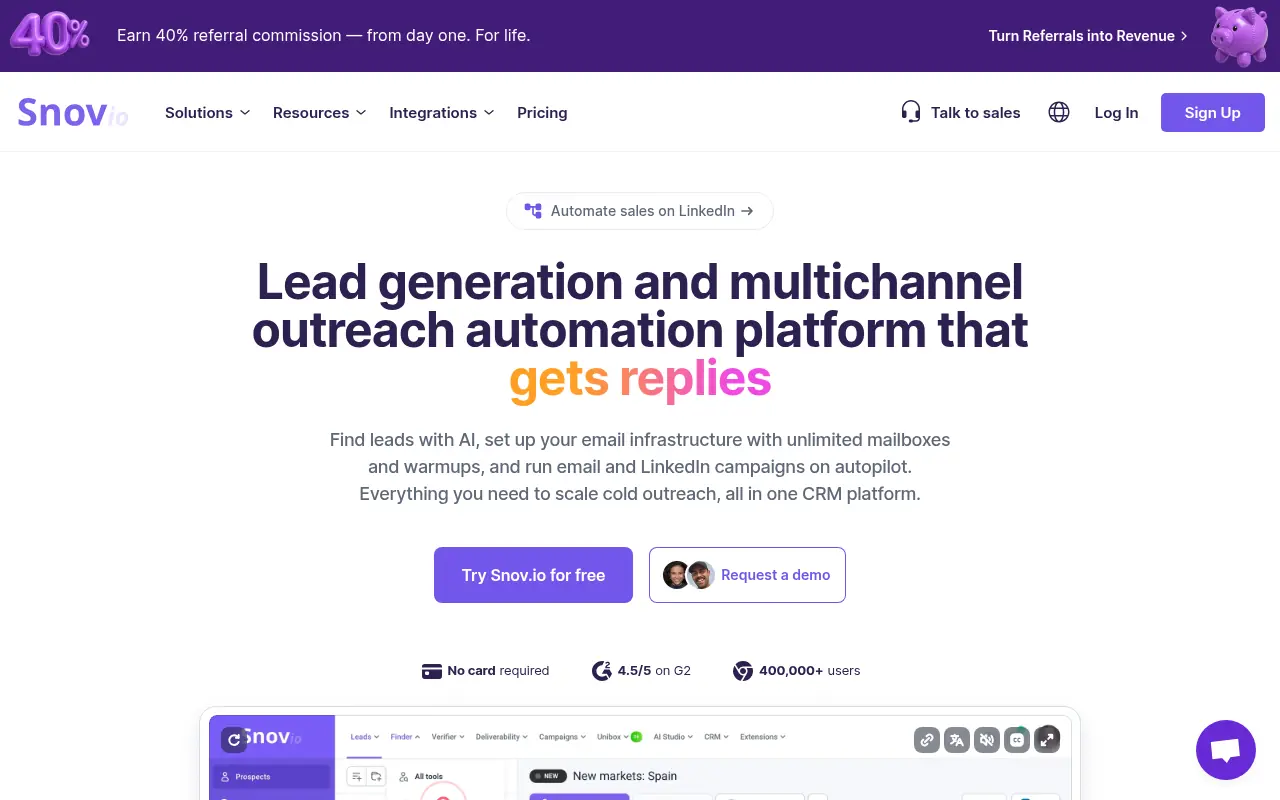
Snov.io is an all-in-one outreach automation platform that offers email finding, verification, automated drip campaigns, and CRM tools to streamline B2B lead generation.

Popl
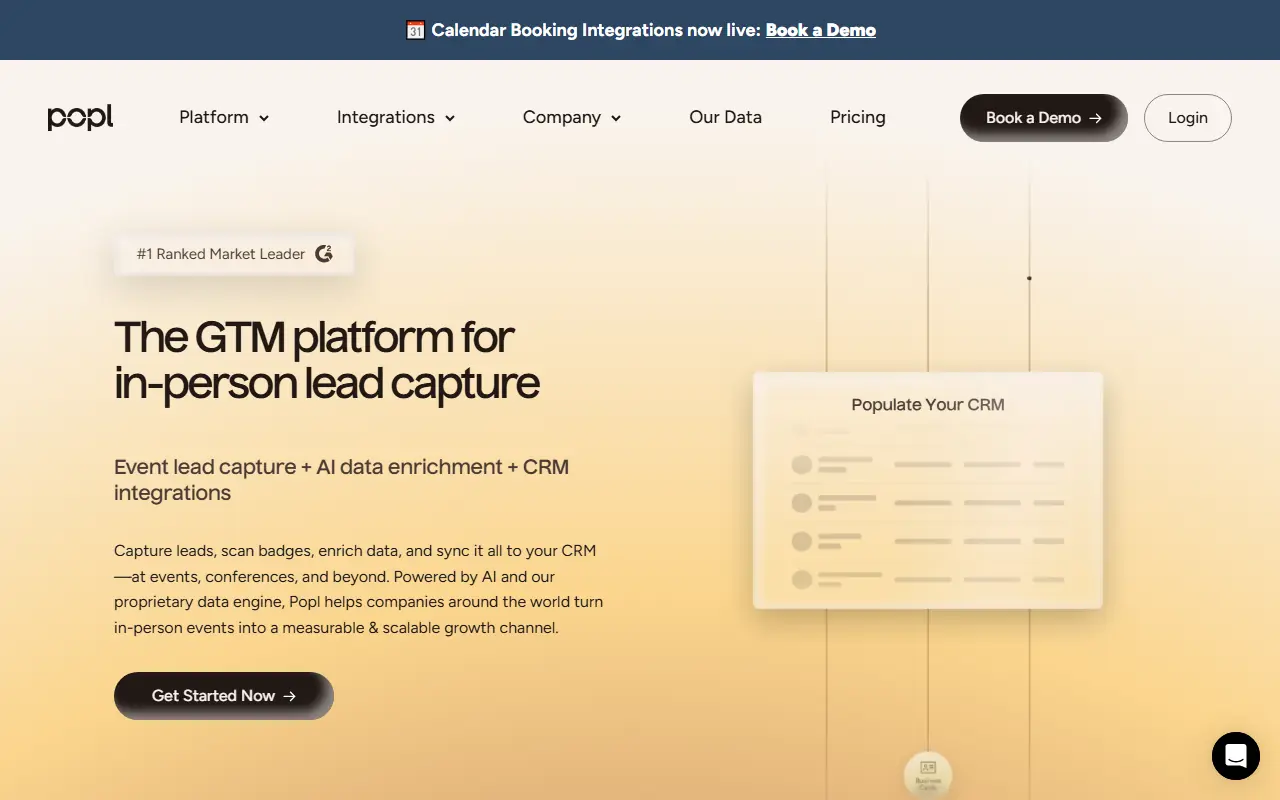
Popl provides AI-powered digital business cards and event lead capture solutions to seamlessly share contact information and instantly sync networking leads to your CRM.

Swan AI
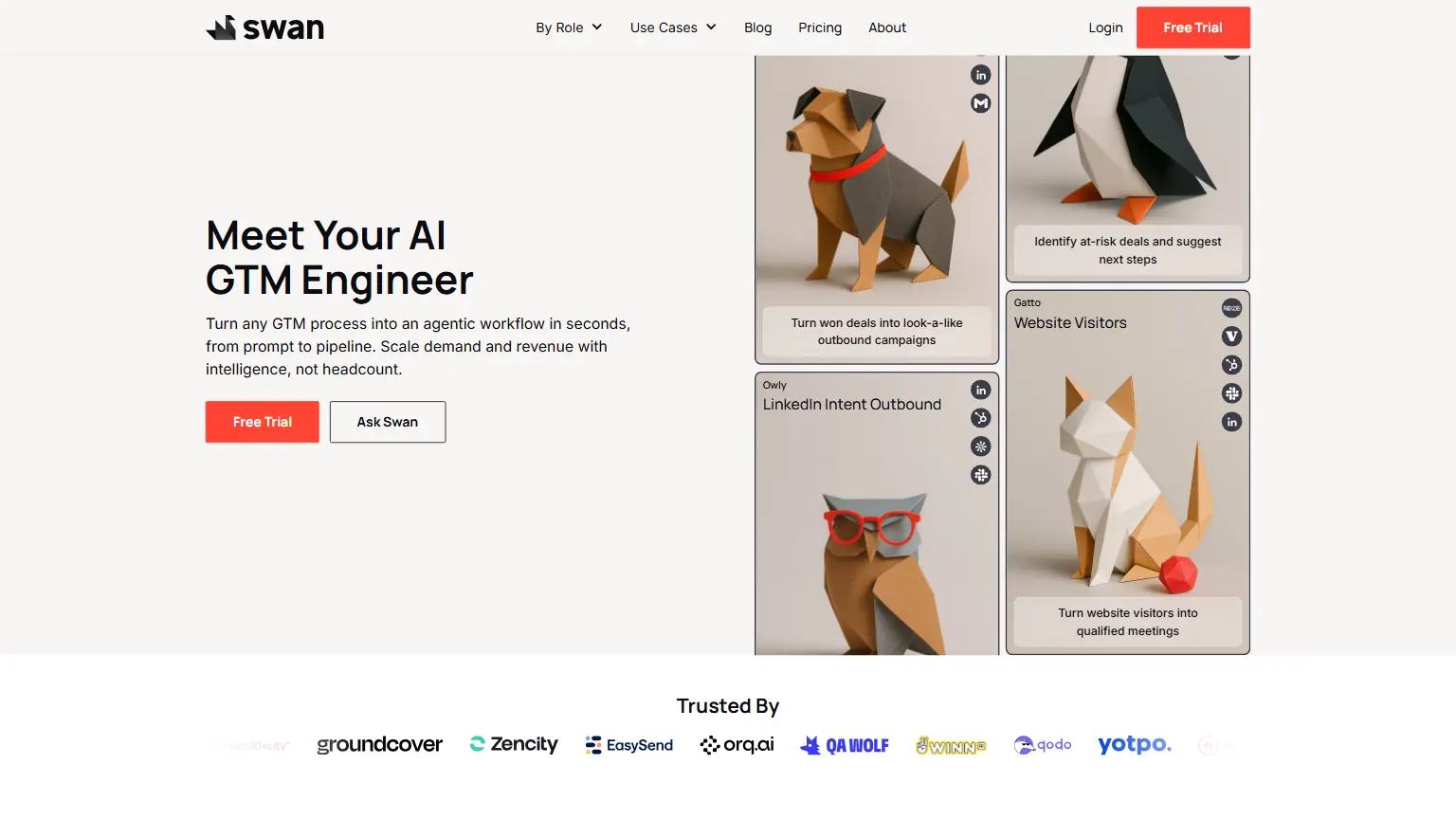
Swan AI is an autonomous Go-To-Market agent that deanonymizes website traffic, identifies buying committees, and automates personalized outbound outreach directly from Slack.
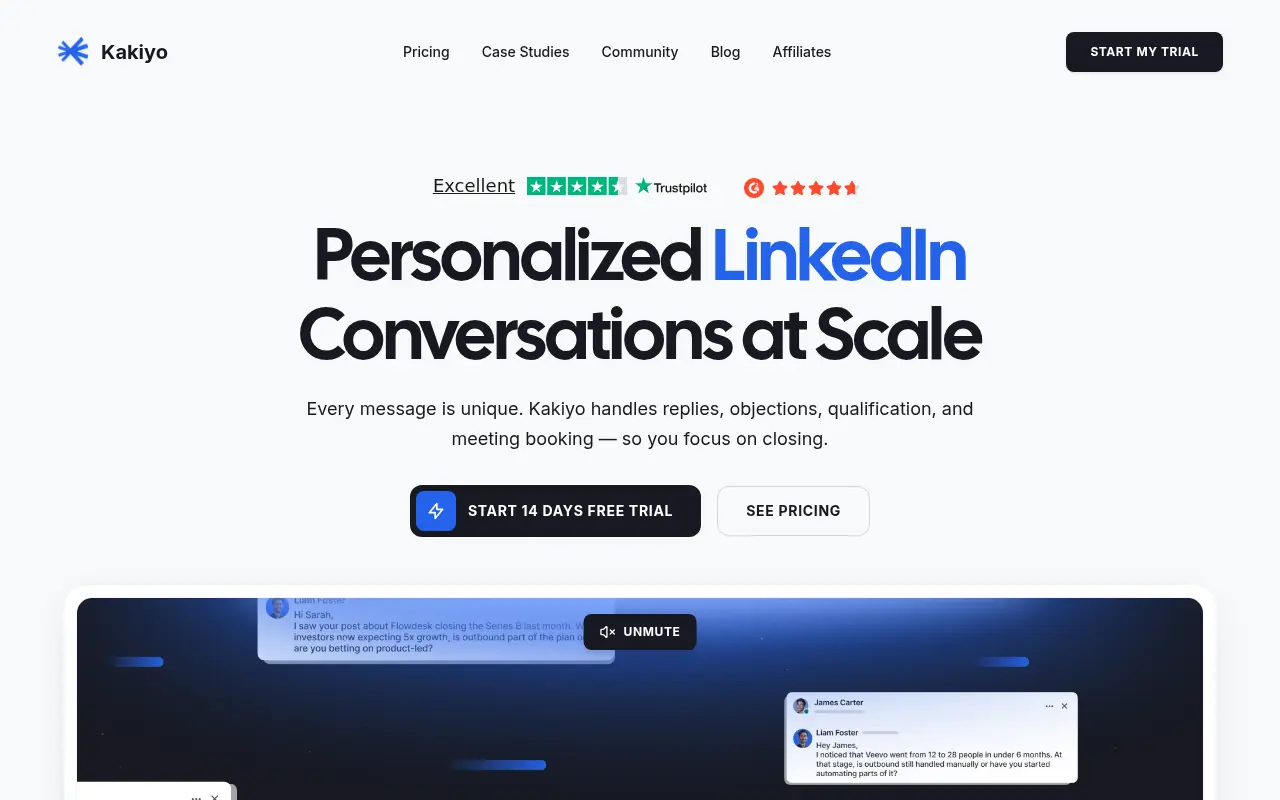

Kakiyo
Kakiyo is an AI-powered LinkedIn prospecting platform that conducts personalized, scalable outreach conversations and autonomously books meetings.
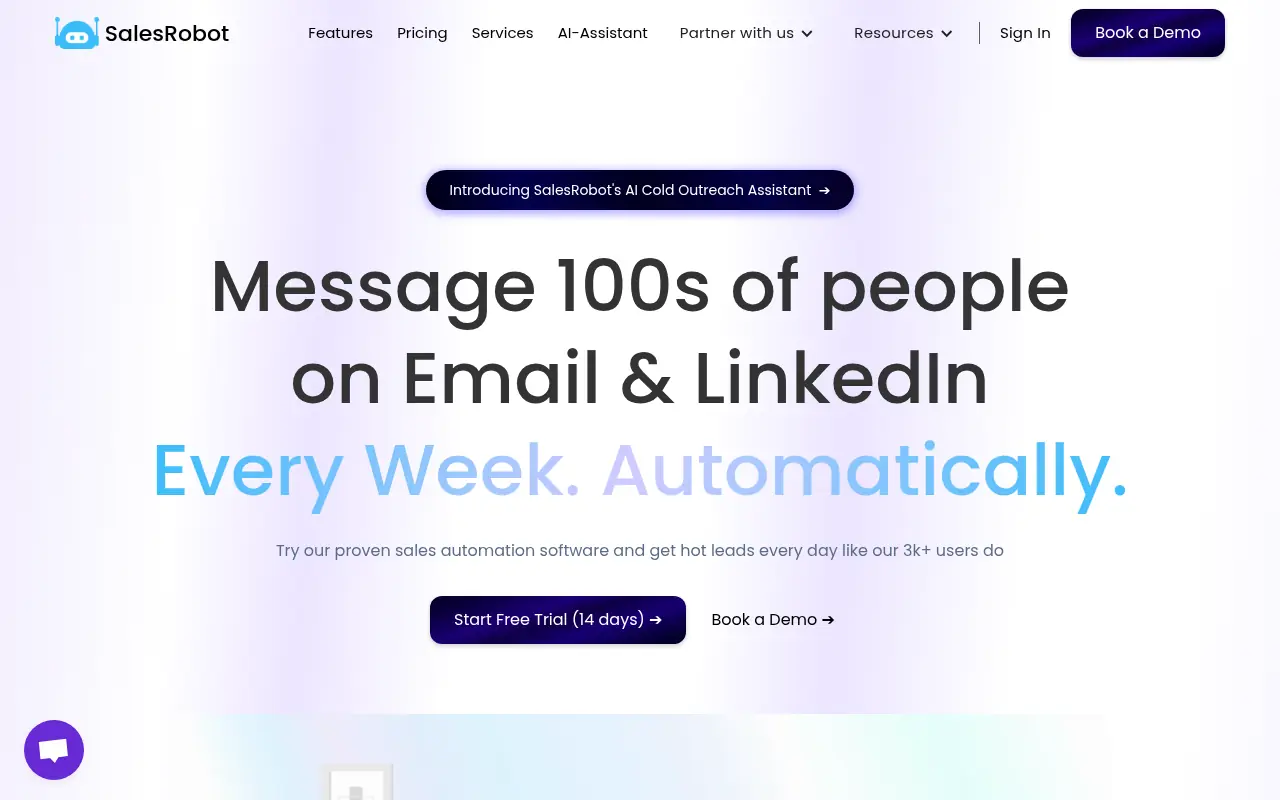

SalesRobot
SalesRobot is an AI-driven sales engagement tool that automates cold outreach on LinkedIn and email to help users generate B2B leads.
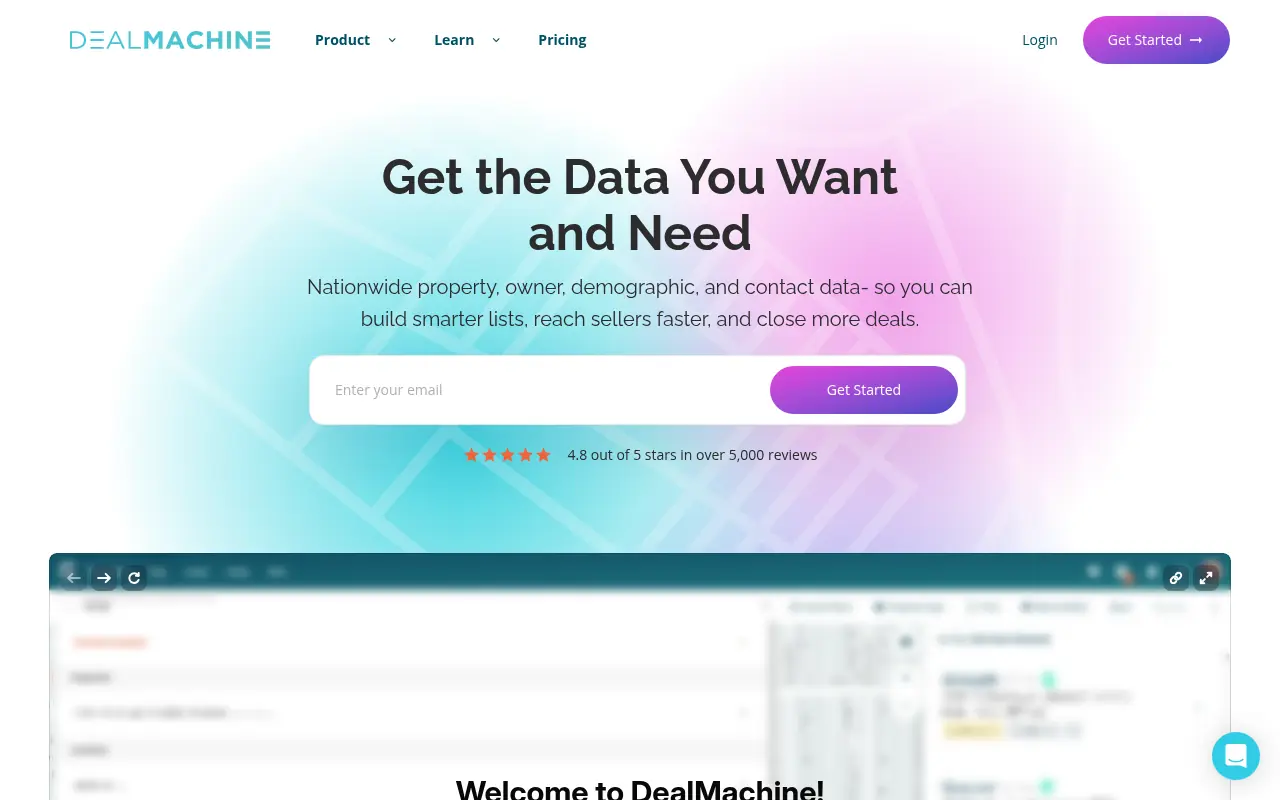

DealMachine
DealMachine is a real estate investing platform that empowers users to discover off-market deals, manage leads, and automate marketing through mobile and web tools.
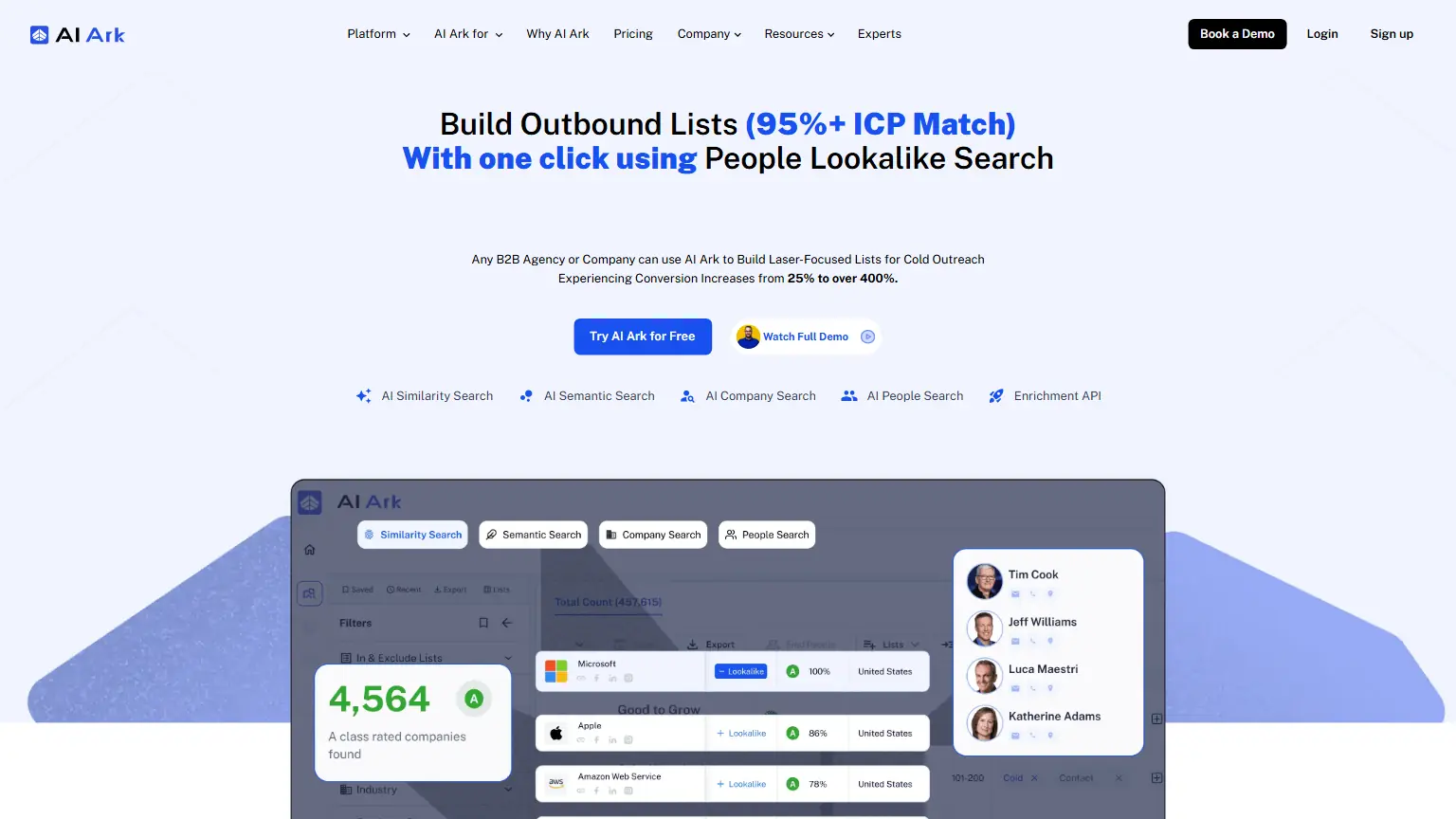

AI Ark
Accelerate your B2B outbound with AI Ark. Generate high-intent lead lists using AI-driven lookalike search and verified data to boost conversion rates instantly.
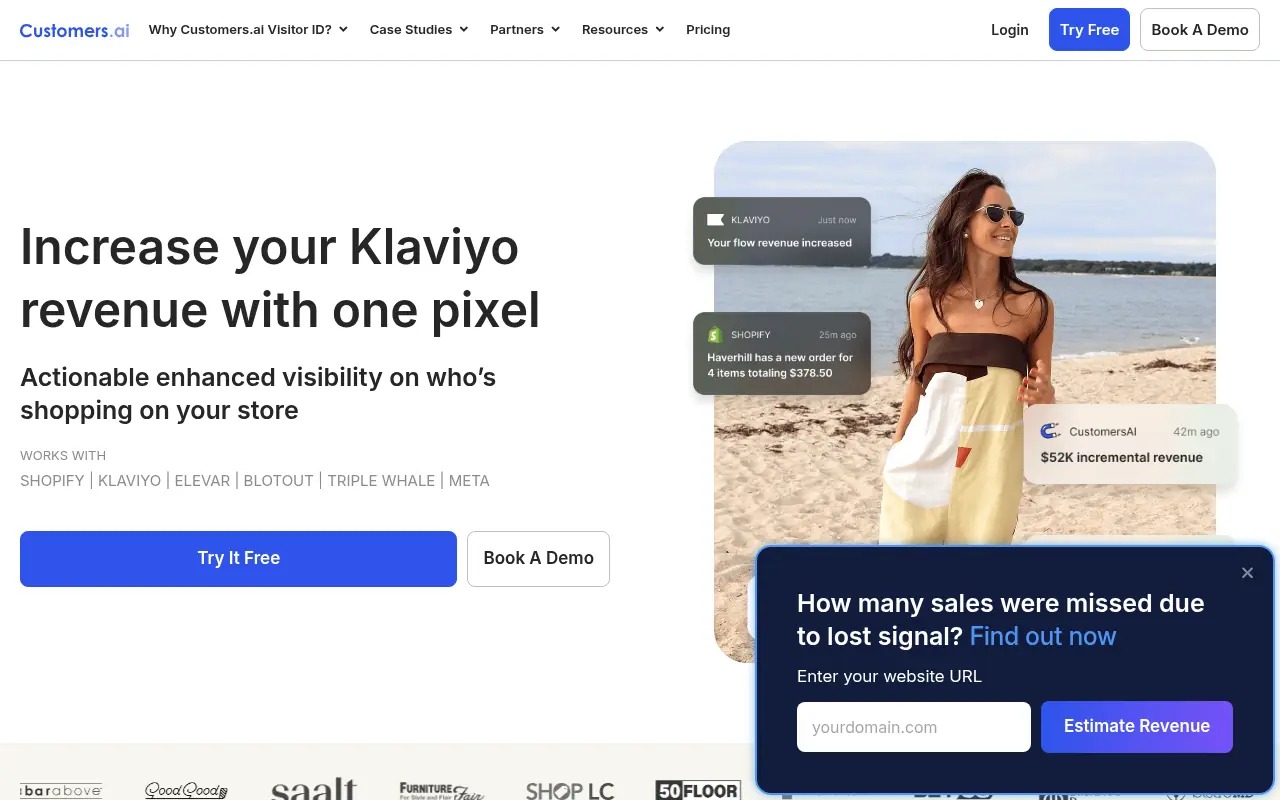

Customers.ai
Customers.ai is a website visitor identification and marketing automation platform that converts anonymous website visitors into identified leads for email and ad retargeting.