

Kira
What is Kira?
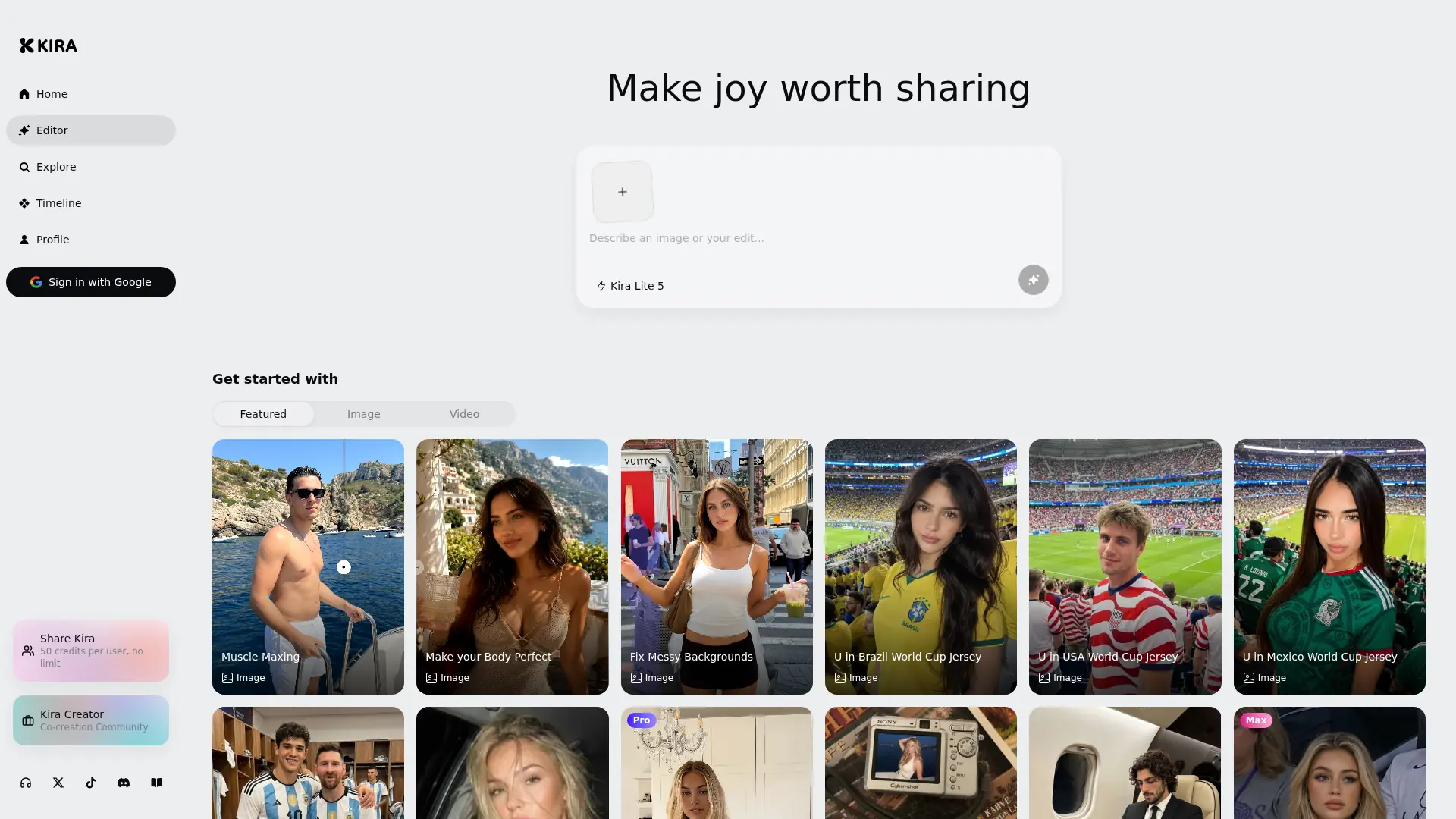
Kira is a conversational AI creative platform for generating and editing images, producing videos, and turning visual concepts into shareable content. Instead of requiring advanced prompt engineering or layer-based editing, it lets users describe an idea and request changes in natural language, which noticeably reduces friction for non-designers. Its workflow combines multiple generative models with threaded creation, reference media, inpainting, image expansion, motion transfer, and several quality modes. Recent releases have improved onboarding, generation history, editing consistency, video controls, and the community feed. The standout USP is its conversation-led workflow: users can move from initial concept to iterative image or video edits without switching between separate specialist tools, improving productivity and creative efficiency.
How to use Kira?
Create a Kira account and open a new creative thread or choose a guided use-case card. Describe the image you want, optionally upload a reference photo, and select an appropriate generation model or quality level. Review the result, then continue the conversation to replace objects, repair areas, expand the canvas, animate the image, or generate a polished variation for sharing.
Kira's Core Features
Conversational Image Generation: Describe a visual idea in everyday language and refine the output through follow-up instructions.
Natural-Language Image Editing: Replace, restyle, or adjust visual elements without manually selecting layers or learning complex editing software.
Inpainting: Repair unwanted areas or replace specific objects while blending the edited region into the surrounding image.
Image Expansion: Extend an image beyond its original boundaries to create wider compositions or alternative aspect ratios.
Reference-Based Creation: Upload an image or video to improve subject, composition, style, or motion consistency.
Video Generation: Convert creative instructions and reference media into short generated video sequences.
Video Editing and Expansion: Modify existing footage or extend clips within the same conversational workflow.
Motion Control: Transfer movement from a reference video to a person shown in a single photograph.
Multiple Quality Models: Choose Lite, Nova, or Ultra modes according to the desired balance of speed, credit efficiency, and output quality.
Threaded Creative History: Keep prompts, edits, generations, and previous results organized within reusable creative threads.
Guided Use-Case Cards: Start faster with practical examples that demonstrate available workflows and suggested next steps.
Creator Feed: Publish work, discover community creations, and explore popular visual styles and trends.
Kira's Use Cases
- #1
Generating campaign concepts and social media visuals for small marketing teams without dedicated graphic designers
- #2
Turning product photos into cleaner ecommerce images by repairing distracting or untidy backgrounds
- #3
Creating multiple character, wardrobe, pose, and environment variations during visual pre-production
- #4
Animating a person in a still photograph with movement transferred from a reference video
- #5
Expanding short video clips or reframing generated footage for different social media aspect ratios
- #6
Producing rapid storyboard frames and visual mood boards for filmmakers, agencies, and content creators
- #7
Iterating AI artwork through conversational feedback instead of repeatedly rewriting technical prompts
- #8
Creating shareable trend-based images and short videos for creator communities and social campaigns
Frequently Asked Questions
Analytics of Kira
Monthly Visits Trend: Jul 2025 - Aug 2026
Traffic Sources
AI Channel Traffic Trends
Top Regions
| Region | Traffic Share |
|---|---|
| United States | 13.81% |
| Brazil | 11.85% |
| Korea, Republic of | 6.82% |
| El Salvador | 5.52% |
| Netherlands | 5.42% |
Top Keywords
| Keyword | Traffic | CPC |
|---|---|---|
| kira ai | 16.8K | $3.69 |
| kira | 146.8K | $2.22 |
| kira art | 6.1K | $1.66 |
| kira.art | 1.1K | $1.77 |
| app.kira.art | 1.1K | -- |
Alternative of Kira

CapCut Dreamina
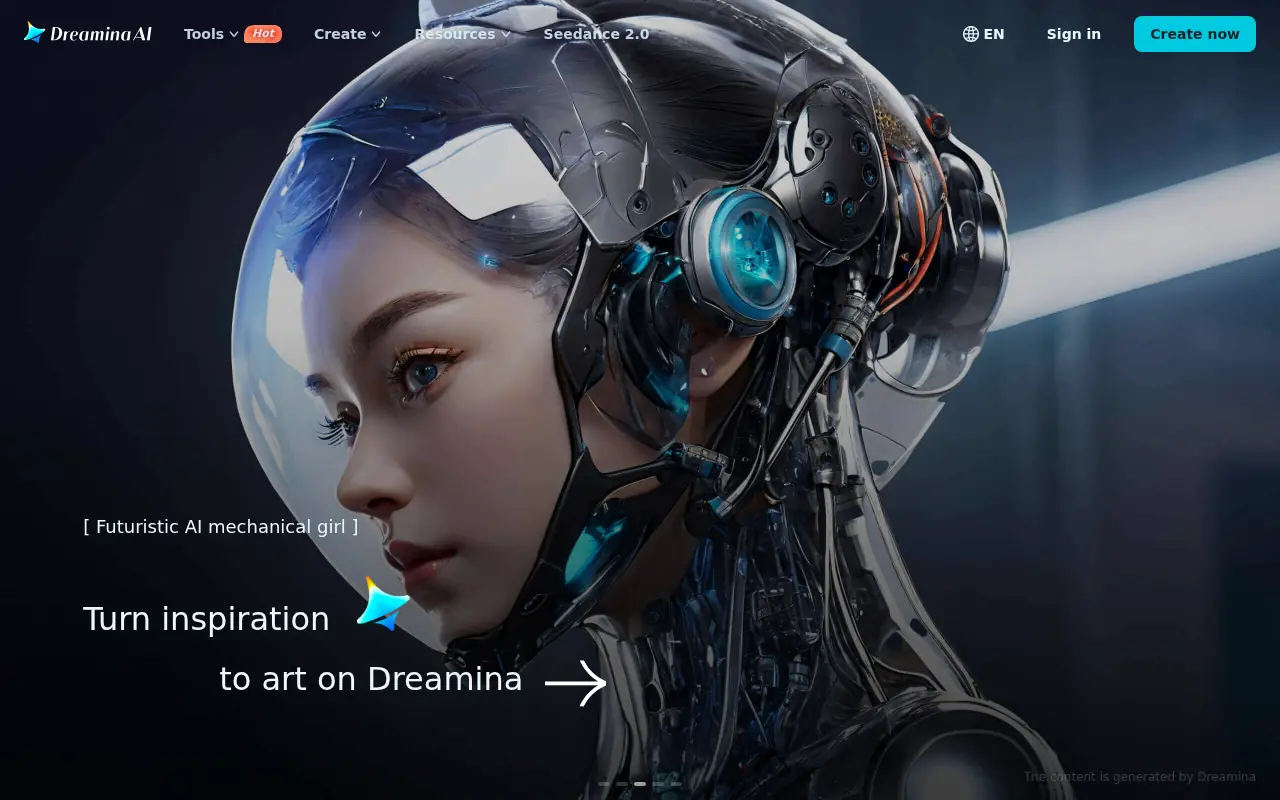
An all-in-one AI creative suite by CapCut that generates high-quality images and dynamic videos from text prompts and reference images.

FluxProWeb
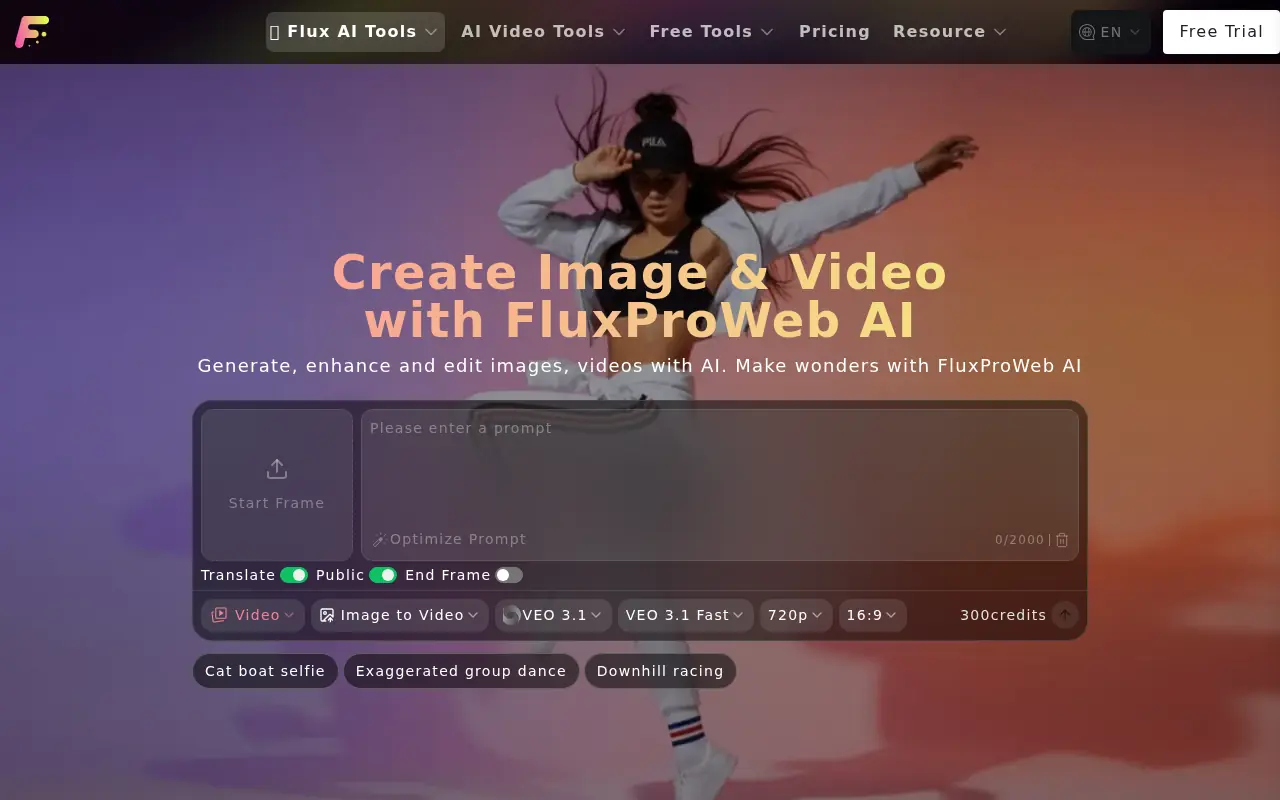
FluxProWeb is a comprehensive AI platform providing advanced text-to-image and video generation tools powered by top-tier models like Flux.1, Nano Banana, and Seedream.

BudgetPixel
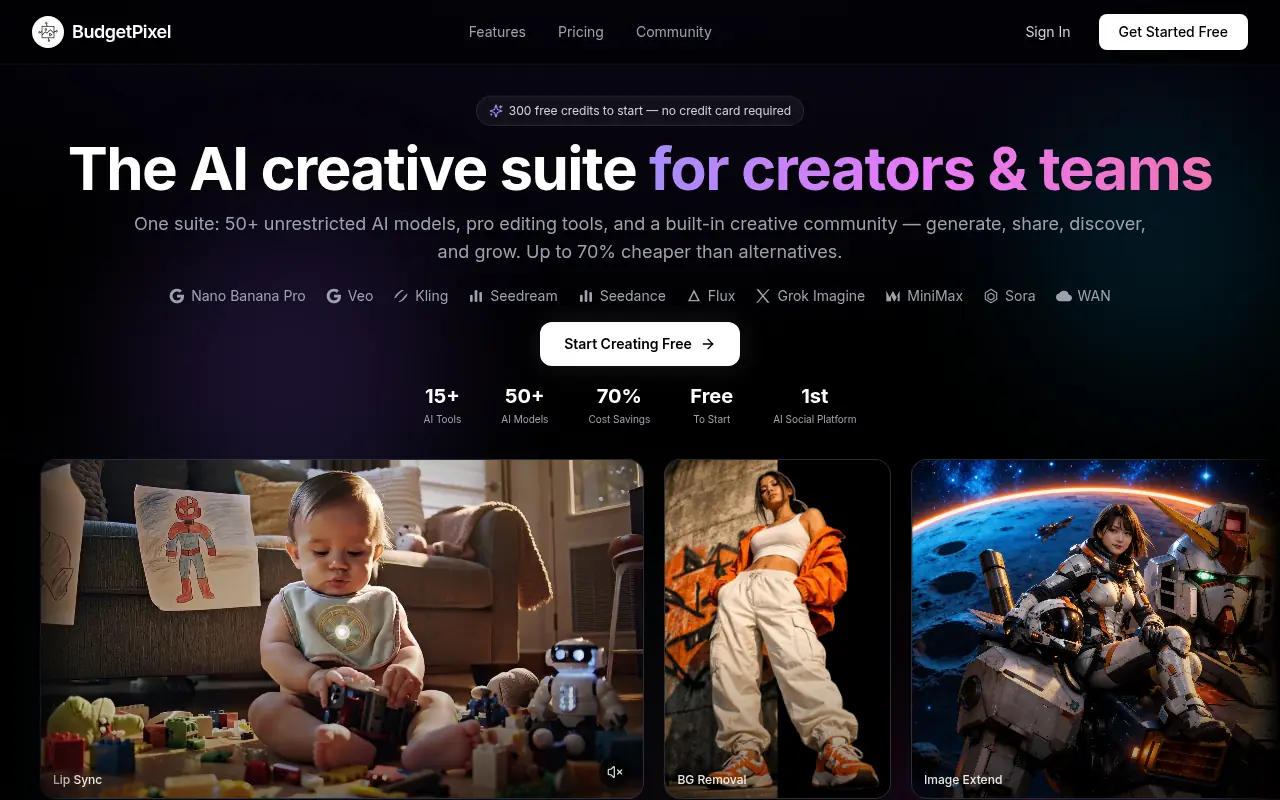
BudgetPixel is a comprehensive AI creative suite offering over 50 unrestricted AI models and professional tools for generating images, videos, and music at a fraction of the cost of enterprise alternatives.
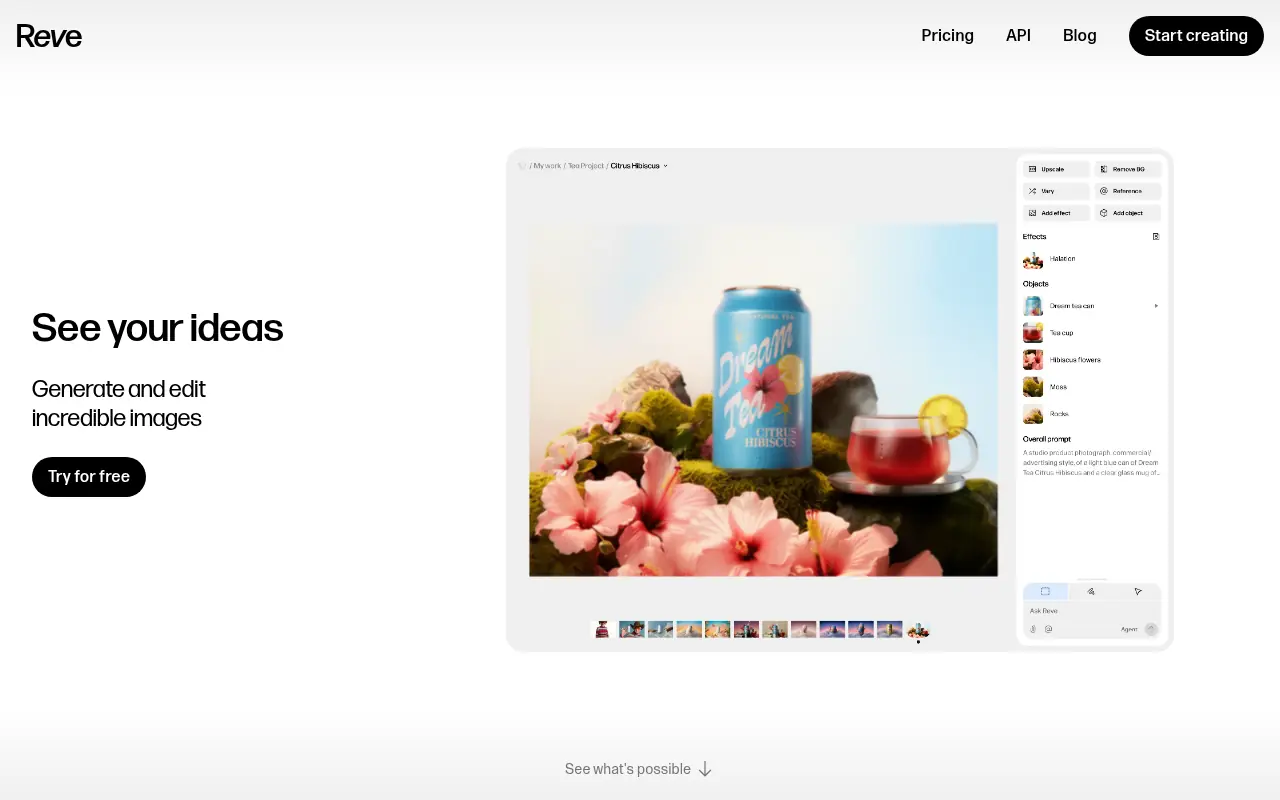

Reve AI
Reve is an advanced AI-powered image generation and editing platform that allows users to create high-resolution visuals and precise typography from text prompts.
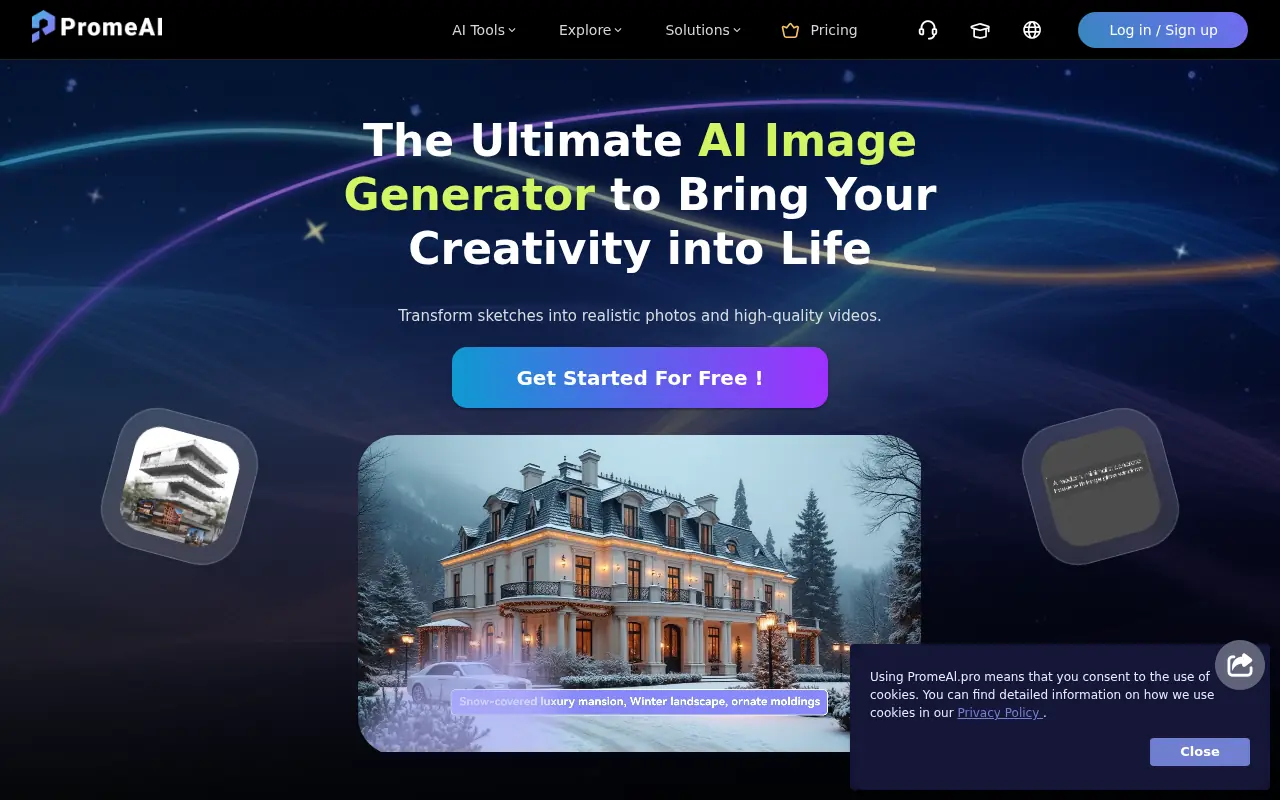

PromeAI
PromeAI is an AI-powered platform that enables users to generate, edit, and transform images and videos from sketches, photos, or text prompts.
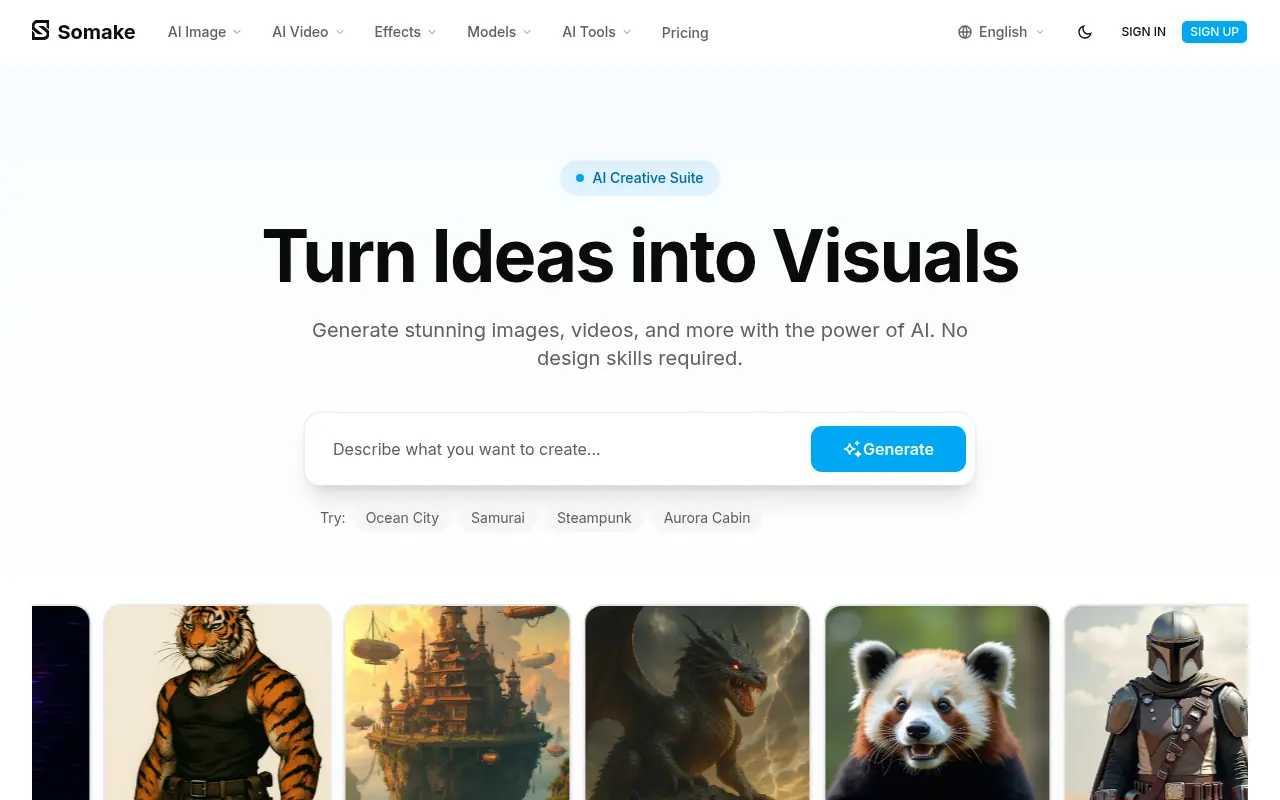

Somake AI
Somake is an AI-powered creative platform that allows users to effortlessly generate and edit high-quality images and videos from text prompts.
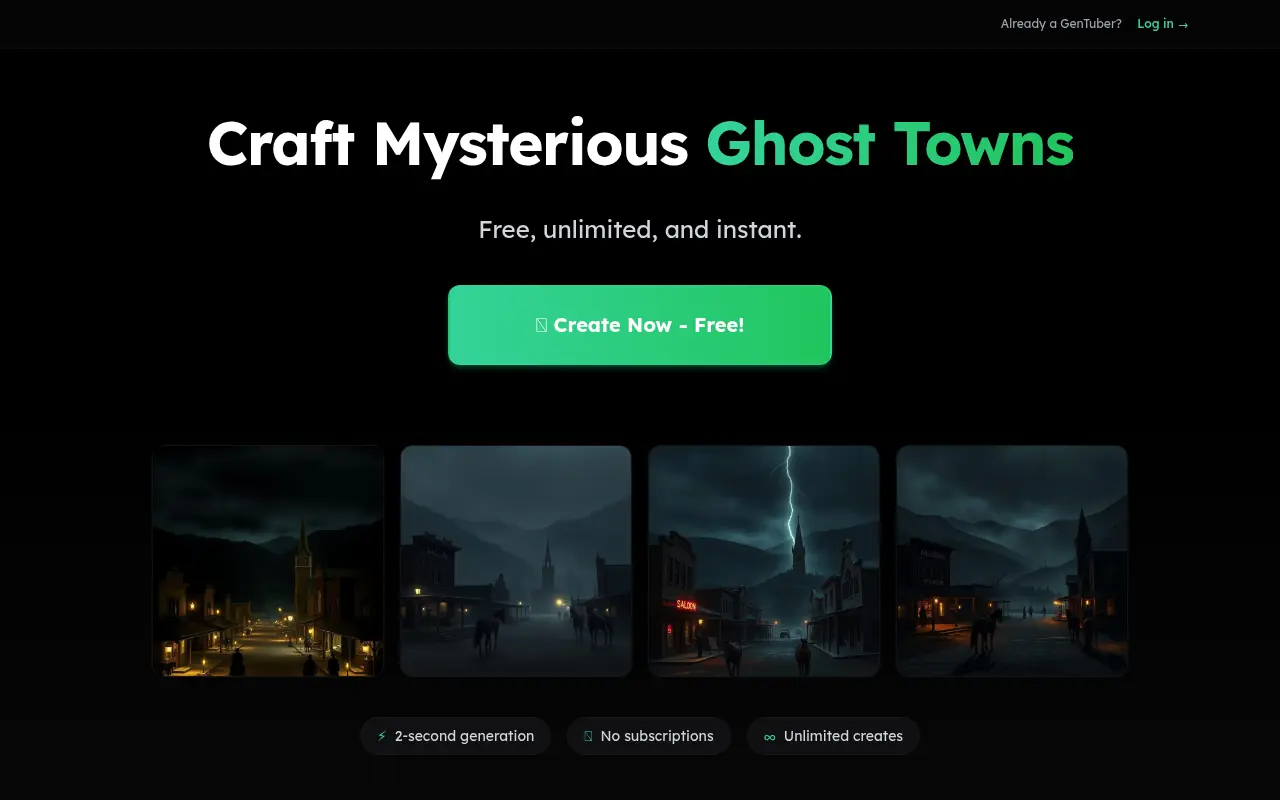

GenTube
GenTube is a lightning-fast, free AI platform that allows users to instantly generate and customize high-quality images and videos.
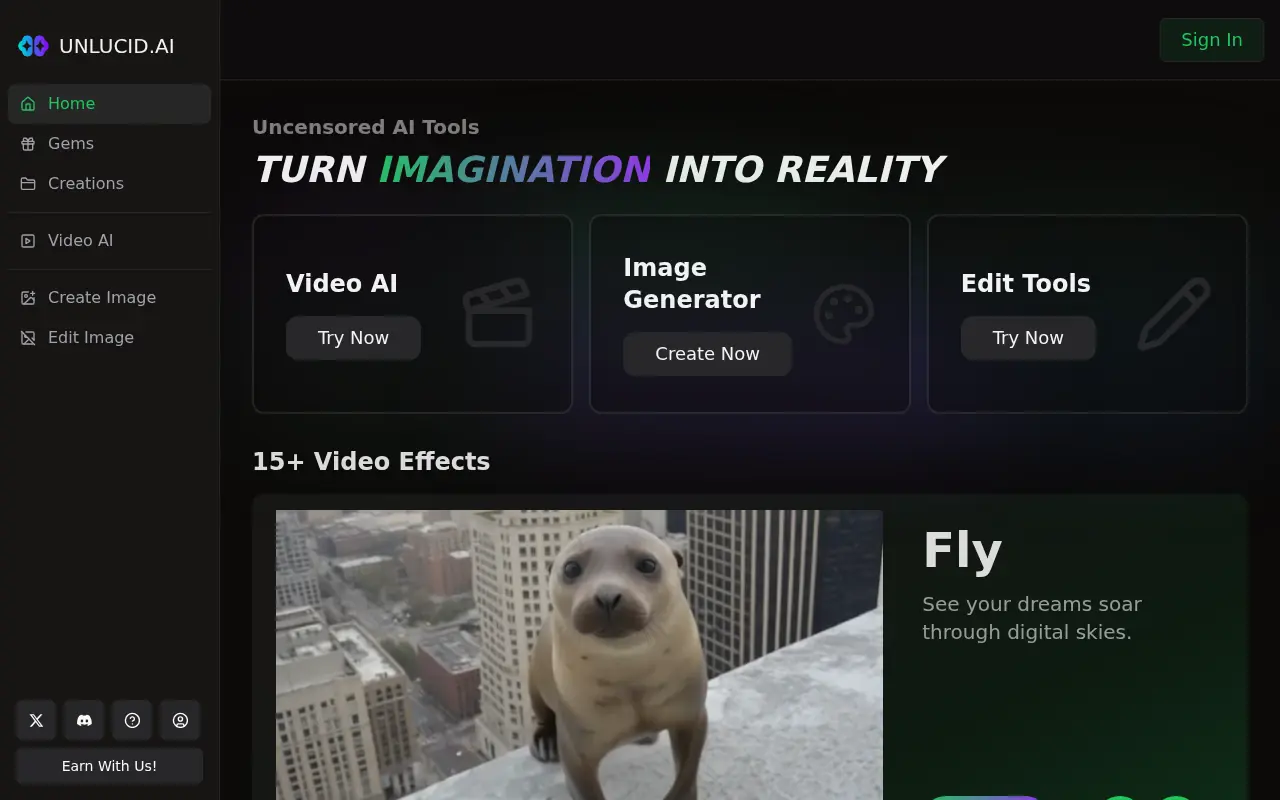

Unlucid AI
Unlucid AI provides free, uncensored AI tools for creating, editing, and animating images and videos to unleash user creativity.