

Jitter
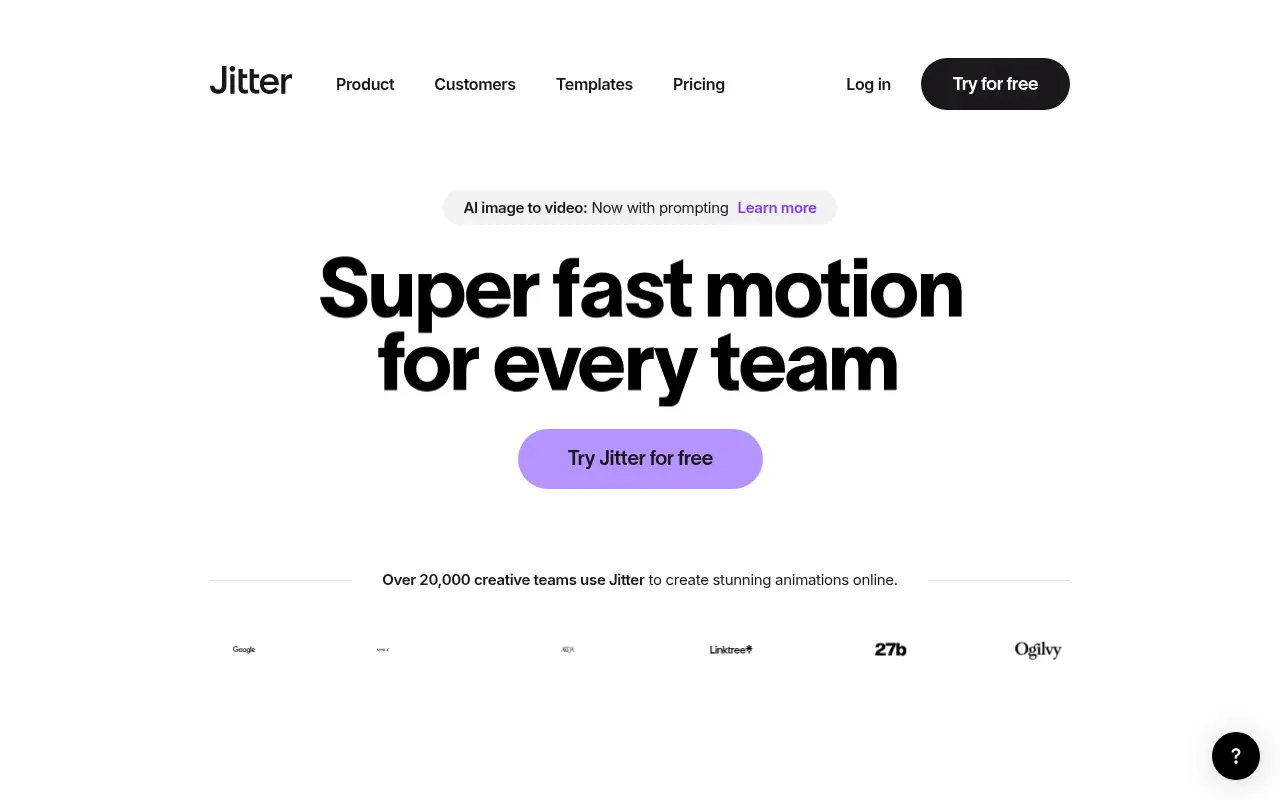
What is Jitter?
Jitter is an online animation and motion design tool often described as the 'Figma for motion design.' Its mission is to make motion design fast, accessible, and simple for everyone, regardless of their prior animation experience. Users can easily import designs directly from Figma or utilize hundreds of built-in customizable templates to create stunning motion graphics. It solves the problem of steep learning curves and slow rendering times traditionally associated with desktop animation software. By offering real-time team collaboration and lightning-fast browser-based rendering, Jitter empowers creators to instantly export high-quality formats like 4K video, GIFs, and Lottie files.
How to use Jitter?
To use Jitter effectively, start by creating a free account and either selecting a pre-made motion graphics template or importing your existing designs directly from Figma using the official one-click plugin. Once your assets are loaded onto the canvas, apply built-in animation presets to your layers to create movement without dealing with complicated keyframes. You can easily tweak timings on the intuitive timeline to perfect your sequence. Finally, preview your work in real-time and export the finished animation as a high-quality video, GIF, or Lottie file for use on your website, app, or social media channels.
Jitter's Core Features
Easily import your designs directly from Figma with a one-click plugin.
Animate effortlessly using intuitive action presets instead of complex keyframes.
Export your creations instantly as 4K video, GIFs, or lightweight Lottie files.
Work seamlessly with your team using real-time multiplayer collaboration and shared workspaces.
Manage multiple formats, versions, and sizes easily on an infinite canvas.
Accelerate your workflow with hundreds of customizable motion graphics templates.
Enjoy lightning-fast performance and rendering directly within your web browser.
Jitter's Use Cases
- #1
Animating UI mockups for app and website demonstrations.
- #2
Creating engaging motion graphics for social media campaigns.
- #3
Exporting lightweight Lottie animations for web development.
- #4
Designing animated logos and kinetic typography.
- #5
Collaborating on team-based marketing video assets.
Frequently Asked Questions
Analytics of Jitter
Monthly Visits Trend: Jun 2025 - Aug 2026
Traffic Sources
AI Channel Traffic Trends
Top Regions
| Region | Traffic Share |
|---|---|
| India | 14.39% |
| United States | 9.65% |
| Indonesia | 6.13% |
| United Kingdom | 4.05% |
| Germany | 3.63% |
Top Keywords
| Keyword | Traffic | CPC |
|---|---|---|
| jitter | 132.9K | $1.26 |
| jitter video | 19.7K | $0.36 |
| jitter ai | 3.8K | $0.34 |
| motion graphics templates | 7.7K | $0.28 |
| motion graphics | 63.8K | $0.93 |
Alternative of Jitter

LottieFiles
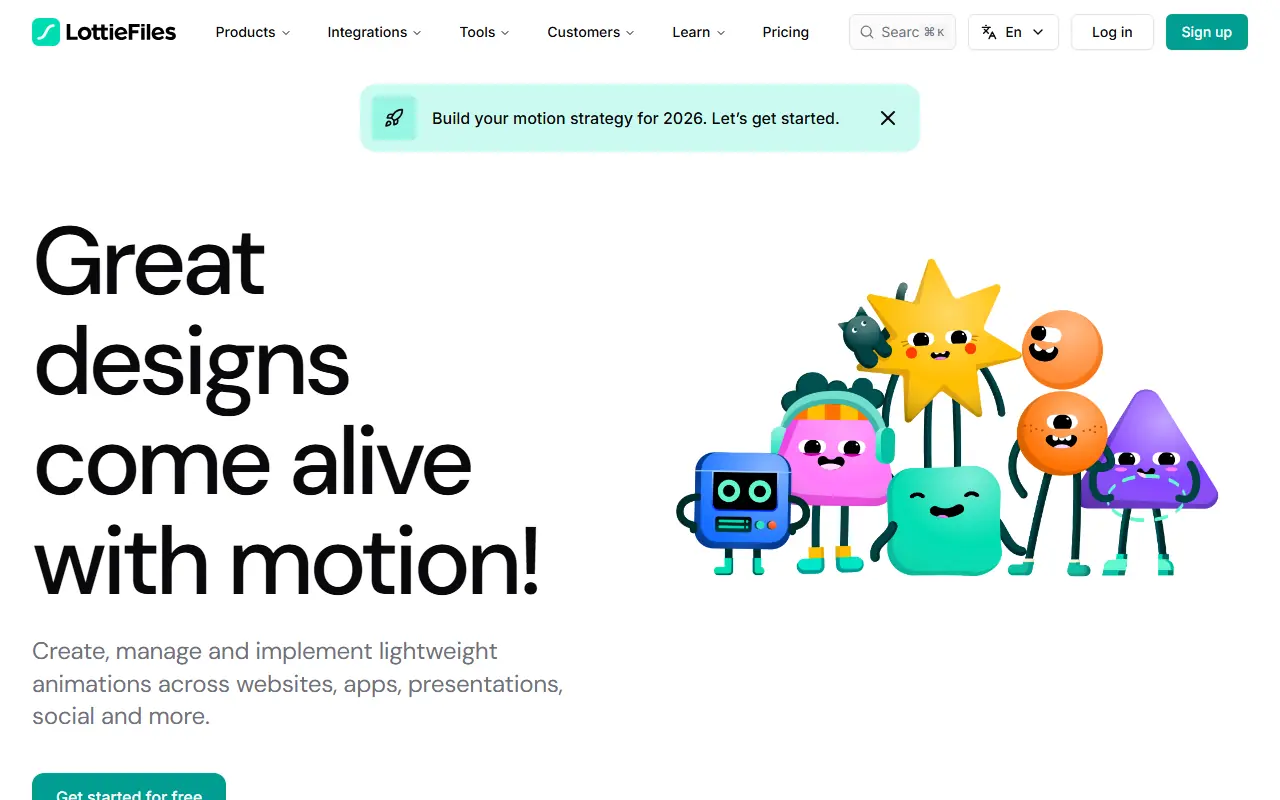
LottieFiles is a comprehensive platform for creating, testing, collaborating on, and implementing lightweight Lottie animations for digital products.

Swishy
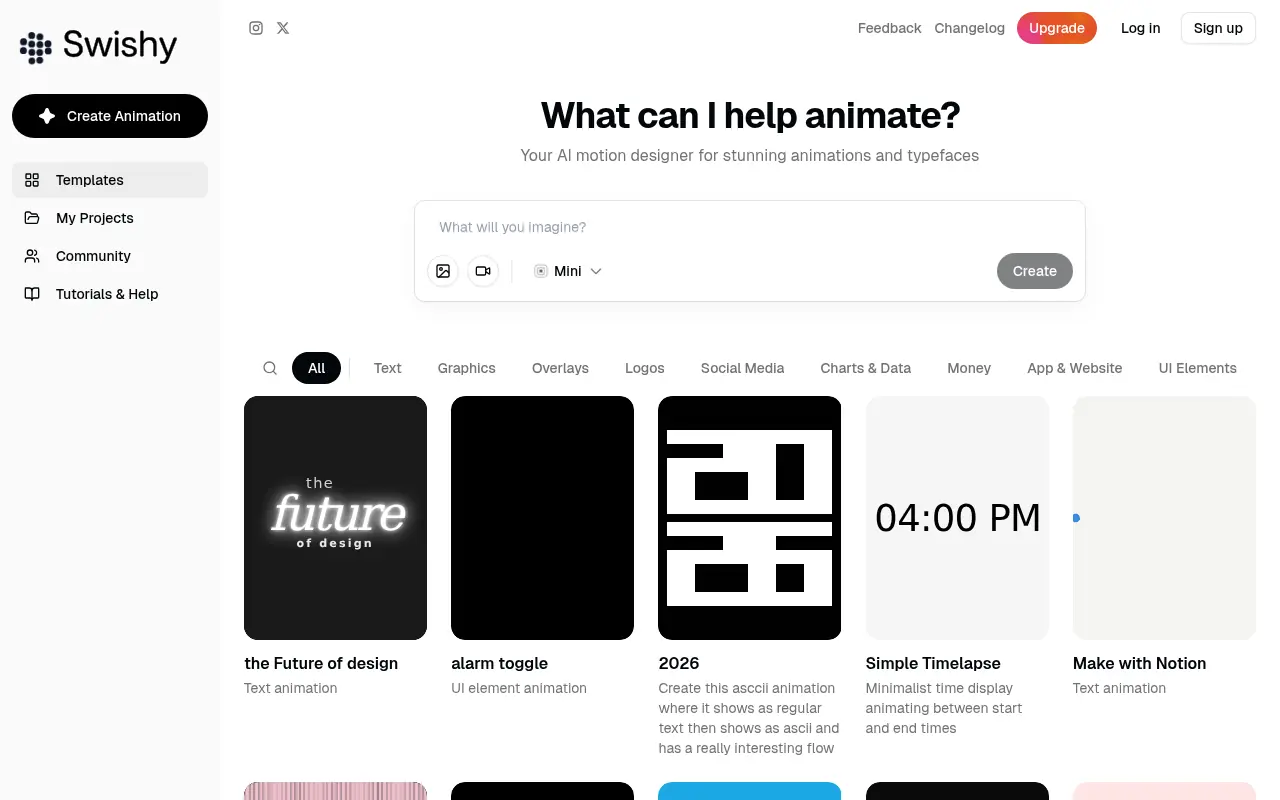
Swishy is an AI-powered motion design platform that enables users to effortlessly generate and customize professional motion graphics, kinetic typography, and animations.

Viggle AI
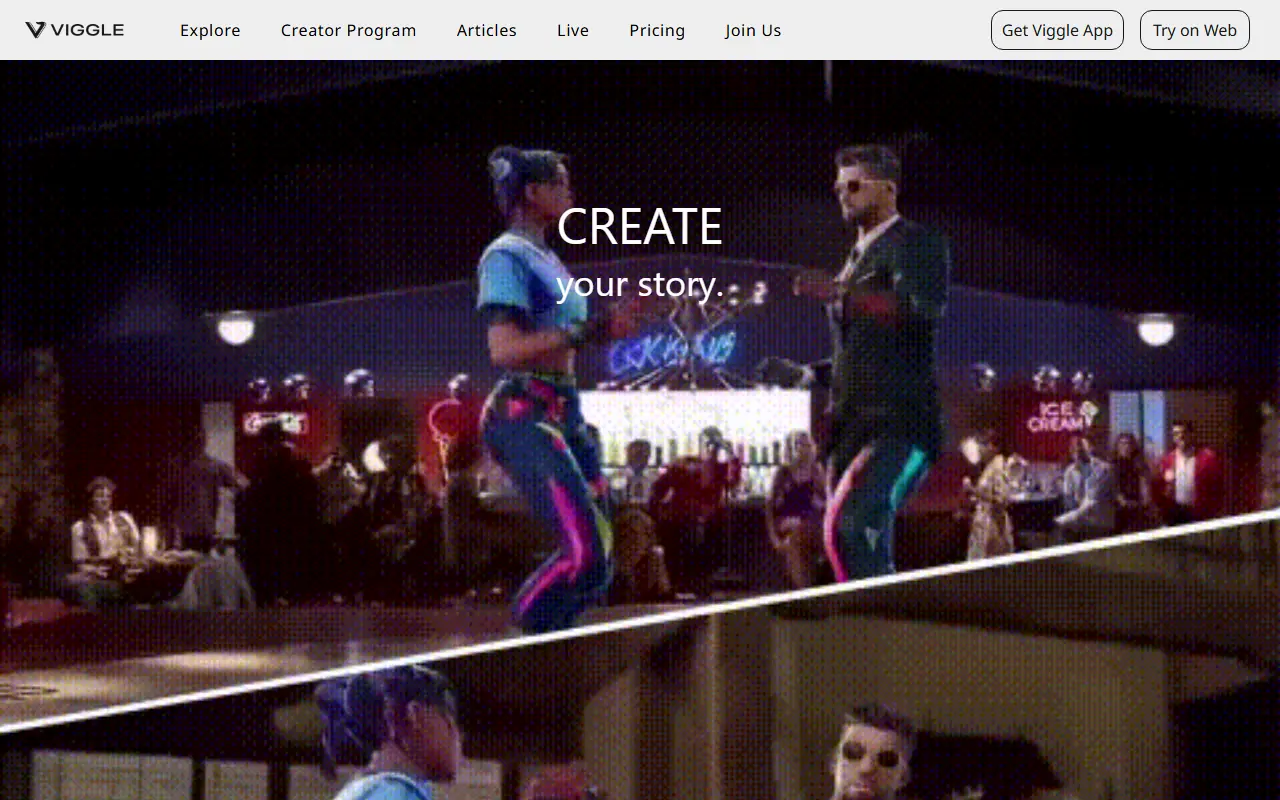
Viggle AI is an AI-powered platform for creating and editing animated videos from text prompts or images.
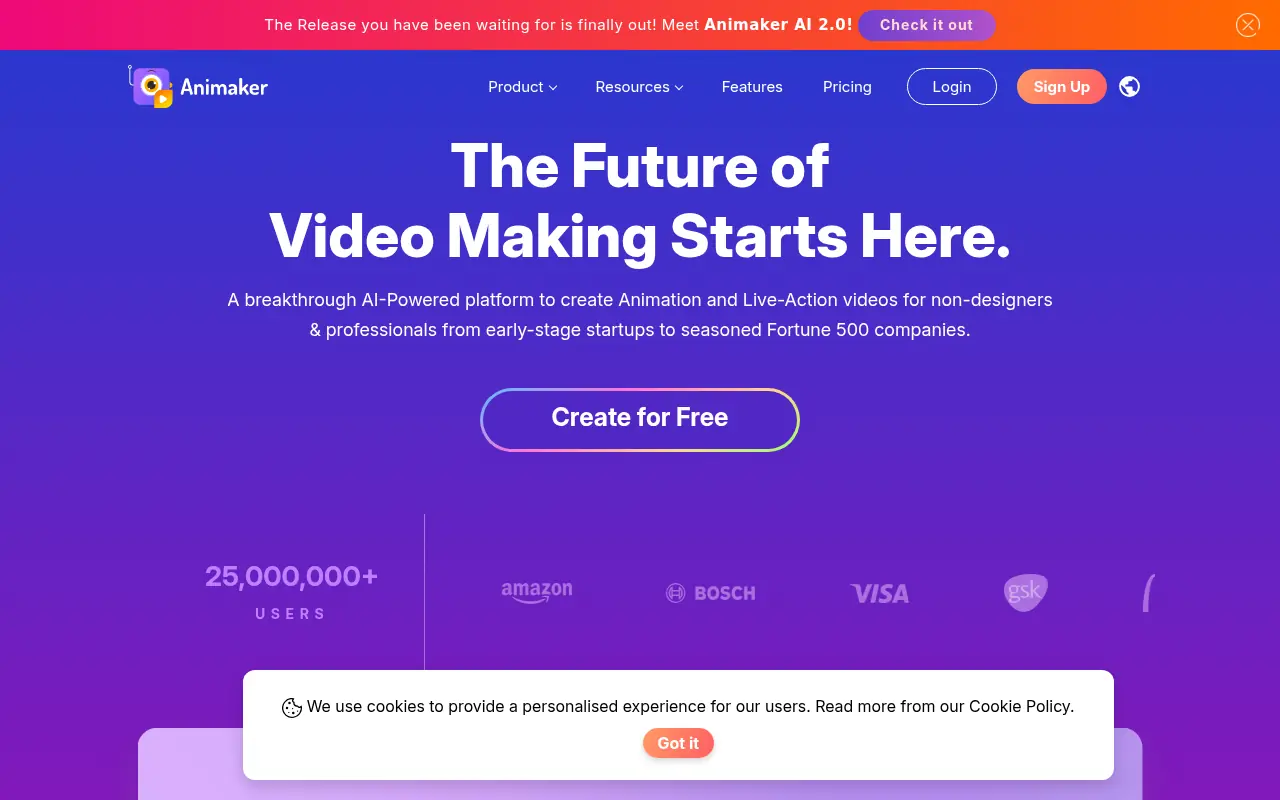

Animaker
Animaker is a cloud-based platform for creating animated videos and presentations with easy-to-use templates and AI-powered tools.
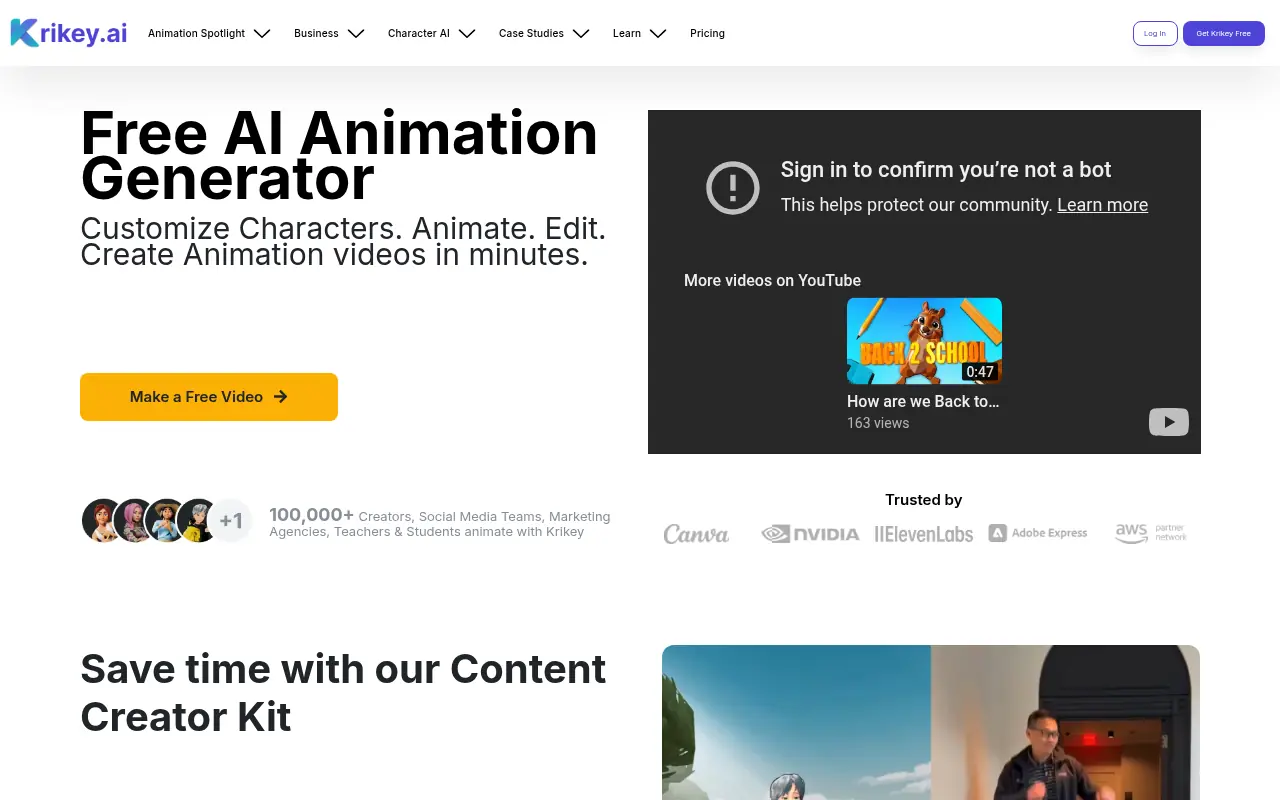

Krikey AI
Krikey AI is an innovative platform that harnesses artificial intelligence to simplify the creation of 3D animations, custom avatars, and AI-generated videos for creators and businesses.
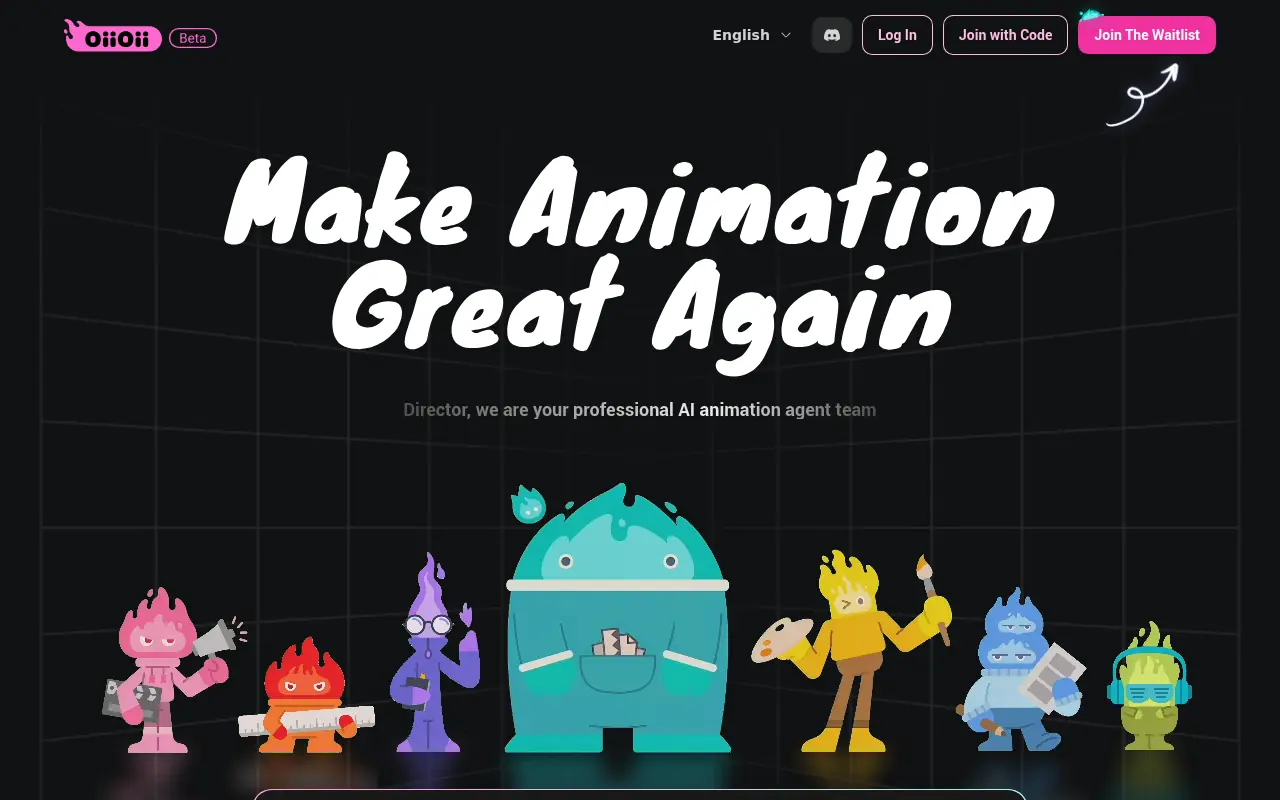

OiiOii
A multi-agent AI animation platform that functions as a virtual production studio to create narrative videos with consistent characters.
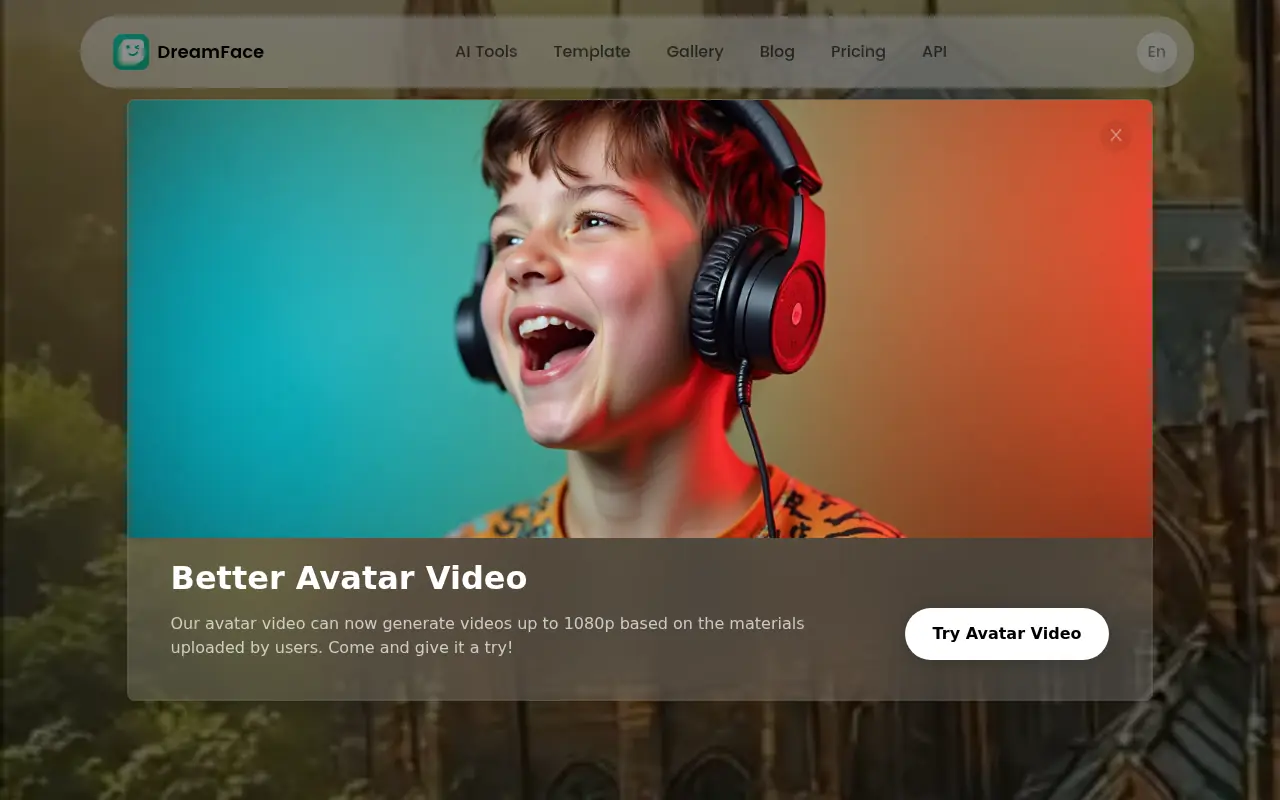

DreamFace
DreamFace is an AI-powered app that transforms photos into animated videos, avatars, and enhanced images with one-click simplicity.

DeepMotion
DeepMotion provides AI-powered motion capture and 3D animation tools to create lifelike digital human movements for various industries.