

HackerAI

What is HackerAI?
HackerAI is an AI agent for penetration testing and security work. It combines conversational AI with terminal execution, browser automation, file analysis, and security-focused tools. Security professionals, developers, and ethical hackers can use it to investigate vulnerabilities, test authorized systems, and automate parts of their workflow. Cloud tasks run in isolated E2B sandboxes, while a local execution mode can connect the agent to a trusted computer. HackerAI offers a Free plan alongside paid Pro, Pro+, and Ultra subscriptions, but the service remains in beta and should be used with appropriate data and authorization controls.
How to use HackerAI?
1. Create or access a HackerAI account through the web app or desktop application. 2. Start a task by describing an authorized security assessment, uploading relevant files, or selecting a cloud or local execution environment. 3. Review the agent's findings, terminal output, screenshots, and recommendations, then use the results to investigate or remediate the identified issue.
HackerAI's Core Features
AI Security Agent: Describe authorized security tasks conversationally and receive investigation support tailored to penetration testing workflows.
Terminal Sandbox: Run commands in an isolated Linux environment with persistent file storage for repeatable security work.
Browser Automation: Interact with web pages and capture screenshots to support dynamic application testing.
File Analysis: Upload supported documents, data files, and images for contextual analysis within security tasks.
Local Execution: Connect the agent to a trusted computer so it can run commands and access local testing assets.
Multiple AI Models: Select from available HackerAI model options and supported third-party providers for different task requirements.
Custom Security Tools: Use built-in security capabilities such as port scanning, subdomain discovery, and vulnerability assessment.
MCP Integration: Connect HackerAI's security toolkit to compatible AI platforms such as Claude through a remote MCP service.
Usage Controls: Monitor included usage, purchase extra credits, and configure spending limits on paid plans.
Account Security: Enable TOTP multi-factor authentication, revoke sessions, and delete tasks or sandboxes from account controls.
HackerAI's Use Cases
- #1
Security teams investigating vulnerabilities across authorized web applications
- #2
Penetration testers using an AI agent to run terminal-based reconnaissance tasks
- #3
Developers reviewing scan results and validating security fixes
- #4
Ethical hackers analyzing vulnerability reports, logs, and assessment files
- #5
Researchers automating browser interactions during permitted web security testing
- #6
Security consultants connecting HackerAI to local tools and testing assets
- #7
Teams using cloud sandboxes for repeatable command-line security workflows
Frequently Asked Questions
Alternative of HackerAI
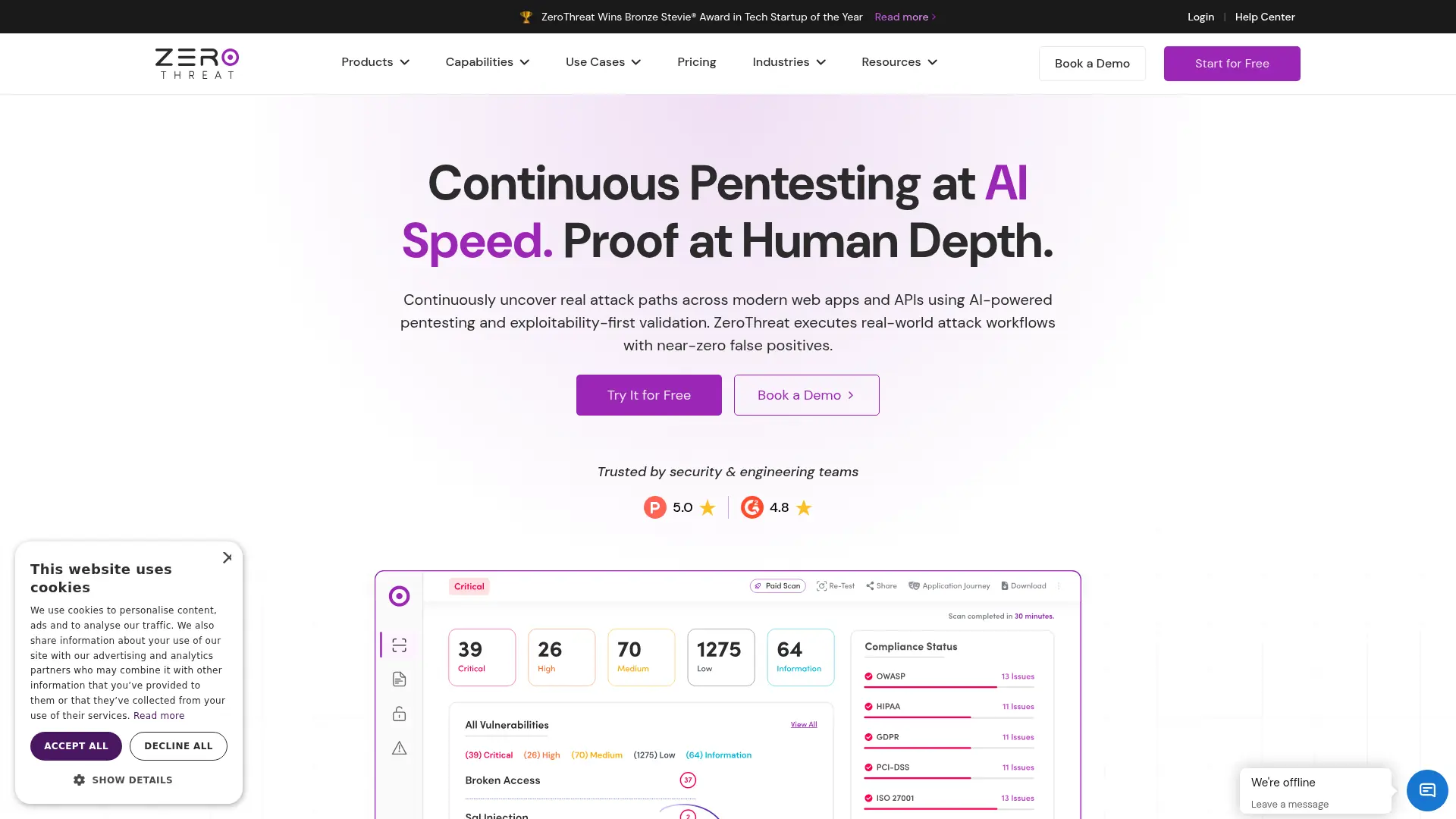

ZeroThreat
Automate attacker-style security testing for web applications and APIs, validating real exploit paths while reducing manual pentesting effort.


Darktrace
Adaptive AI detects and interrupts novel cyberattacks across email, cloud, network, identity, endpoint, and operational technology environments.

Strix
Find exploitable security issues across applications, code, and infrastructure, then review validated findings and proposed fixes.


Aikido Security
Aikido Security is an all-in-one DevSecOps platform that centralizes code, container, and cloud security while eliminating false positives to improve developer user experience.


Snyk
Snyk is a cybersecurity platform that helps organizations ensure the security of their applications and infrastructure.


Kaspersky
Kaspersky is a global cybersecurity company offering advanced antivirus, internet security, and privacy solutions for consumers and businesses.

Cyera
AI-native data security for discovering, classifying, governing, and protecting sensitive information across cloud, SaaS, on-premises, and AI environments.


Serus
Automatically find, monitor, and remove exposed personal data across the open web, data brokers, and dark web.