

GitKraken
What is GitKraken?
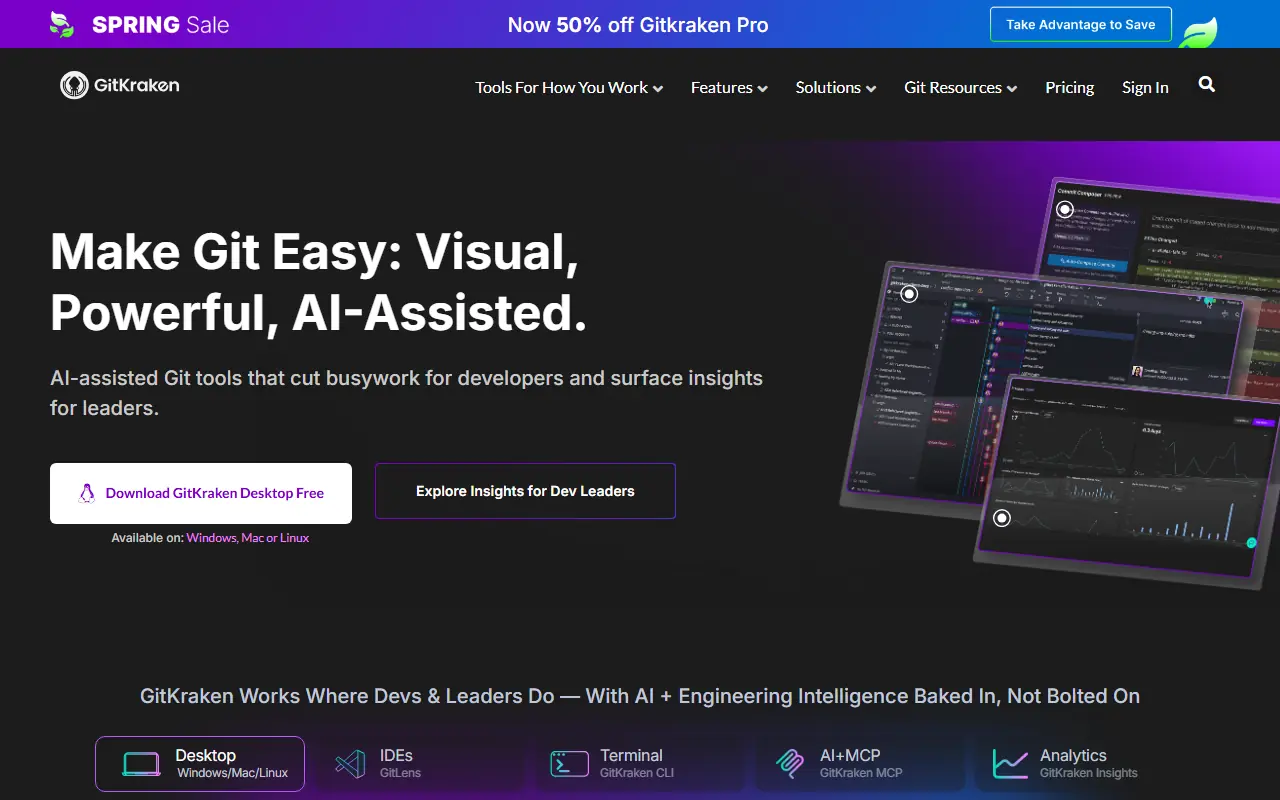
GitKraken is a comprehensive suite of developer tools designed to simplify and enhance the experience of using Git for version control. Its flagship product is a visually appealing and highly intuitive Git GUI that allows developers to see their repository history, branches, and merges in a beautiful graph format. The company's mission is to make Git more accessible, collaborative, and efficient for software development teams of all sizes. By removing the complexity of command-line operations and offering seamless integrations with major platforms like GitHub, GitLab, and Bitbucket, GitKraken solves the common problem of version control confusion. Additionally, it integrates AI capabilities to assist developers with routine tasks like generating commit messages and explaining complex code changes.
How to use GitKraken?
To get started with GitKraken, download and install the Git GUI client from their website, then authenticate it with your preferred code hosting service like GitHub, GitLab, or Bitbucket. Once connected, you can clone existing repositories or initialize new ones directly within the graphical interface. Use the central visual commit graph to drag and drop branches for easy merging or rebasing, seamlessly resolve merge conflicts using the built-in merge tool, and utilize integrated AI features to automatically draft clear commit messages before pushing your changes to the remote repository.
GitKraken's Core Features
The powerful visual commit graph helps developers easily track branch history and repository changes.
Built-in merge conflict resolution tools provide an interactive interface to solve code conflicts quickly.
Seamless integrations with GitHub, GitLab, Bitbucket, and Azure DevOps streamline remote repository management.
GitKraken AI automatically generates descriptive commit messages based on your staged code changes.
The workspace feature allows teams to group multiple repositories and monitor their overall status in a single view.
A built-in interactive rebase tool enables developers to cleanly rewrite commit history with simple drag-and-drop actions.
The GitLens integration brings powerful Git blame and history insights directly into Visual Studio Code.
Cross-platform support ensures a consistent user experience across Windows, macOS, and Linux environments.
GitKraken's Use Cases
- #1
Visualizing complex Git repository histories and intricate branch structures.
- #2
Resolving code merge conflicts using an integrated, interactive graphical interface.
- #3
Managing multiple remote repositories across platforms like GitHub, GitLab, and Bitbucket from one hub.
- #4
Generating automated, AI-driven commit messages and pull request summaries to save time.
- #5
Streamlining the code review process natively within VS Code using the GitLens extension.
- #6
Onboarding junior developers to Git concepts through a highly intuitive visual workflow.
Frequently Asked Questions
Analytics of GitKraken
Monthly Visits Trend: Jun 2025 - Sep 2026
Traffic Sources
AI Channel Traffic Trends
Top Regions
| Region | Traffic Share |
|---|---|
| United States | 18.29% |
| India | 7.28% |
| China | 4.65% |
| Vietnam | 3.71% |
| France | 3.43% |
Top Keywords
| Keyword | Traffic | CPC |
|---|---|---|
| gitkraken | 29.1K | $2.92 |
| github desktop | 282.6K | $2.25 |
| github | 10.1M | $1.62 |
| gitlens | 7.6K | $3.06 |
| git kraken | 2.7K | $2.02 |
Alternative of GitKraken

CircleCI
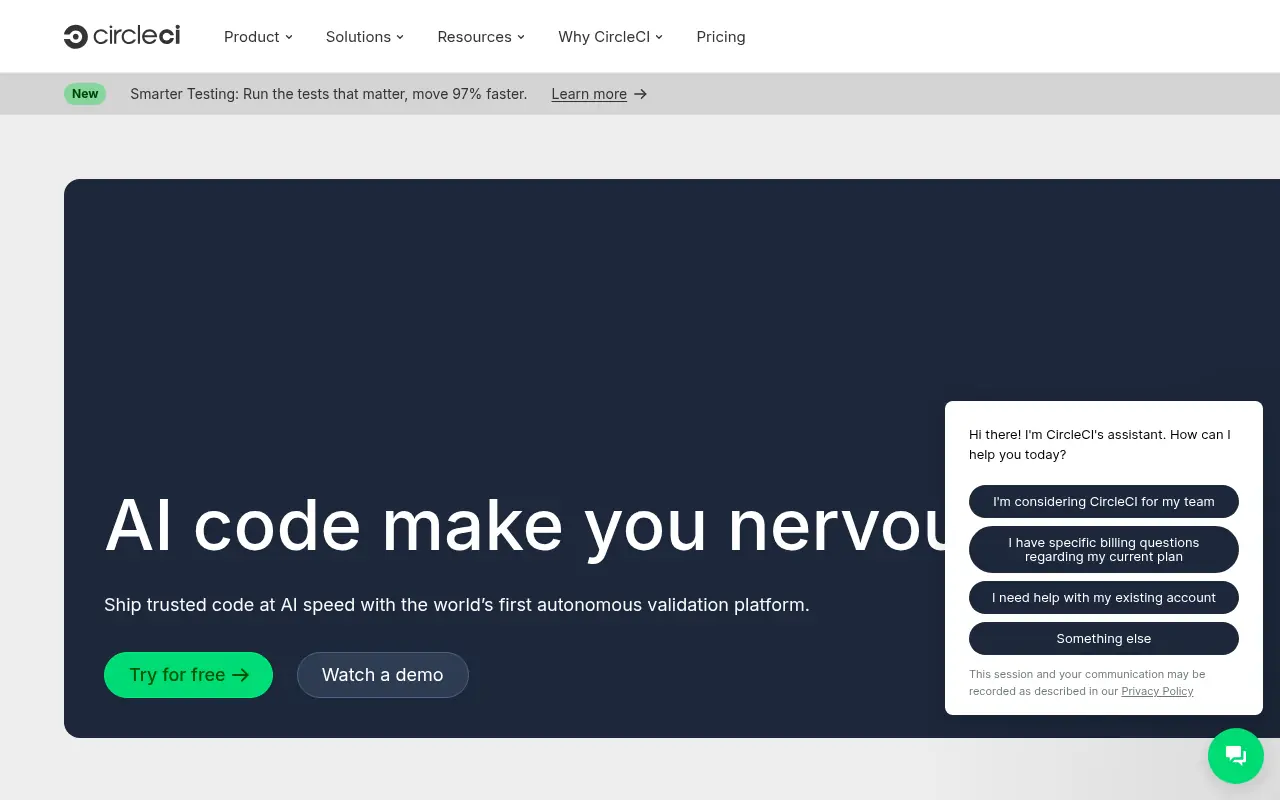
CircleCI is a leading continuous integration and continuous delivery (CI/CD) platform that automates the software development process from code building to deployment.

Code Wiki
Code Wiki by Google is an AI-powered platform that turns public code repositories into continuously updated, living documentation with interactive diagrams and repository-aware chat.

JetBrains
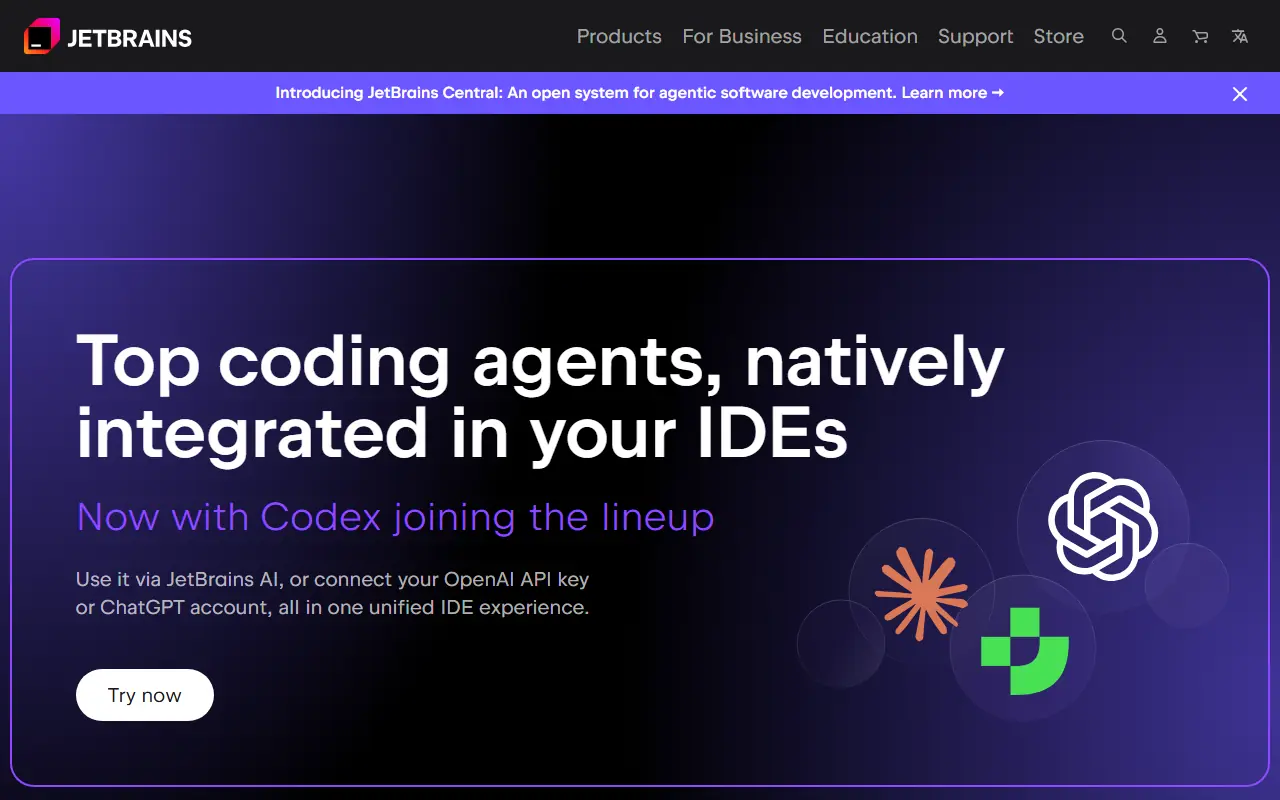
JetBrains provides intelligent, professional software development tools and IDEs designed to enhance developer productivity and team collaboration.
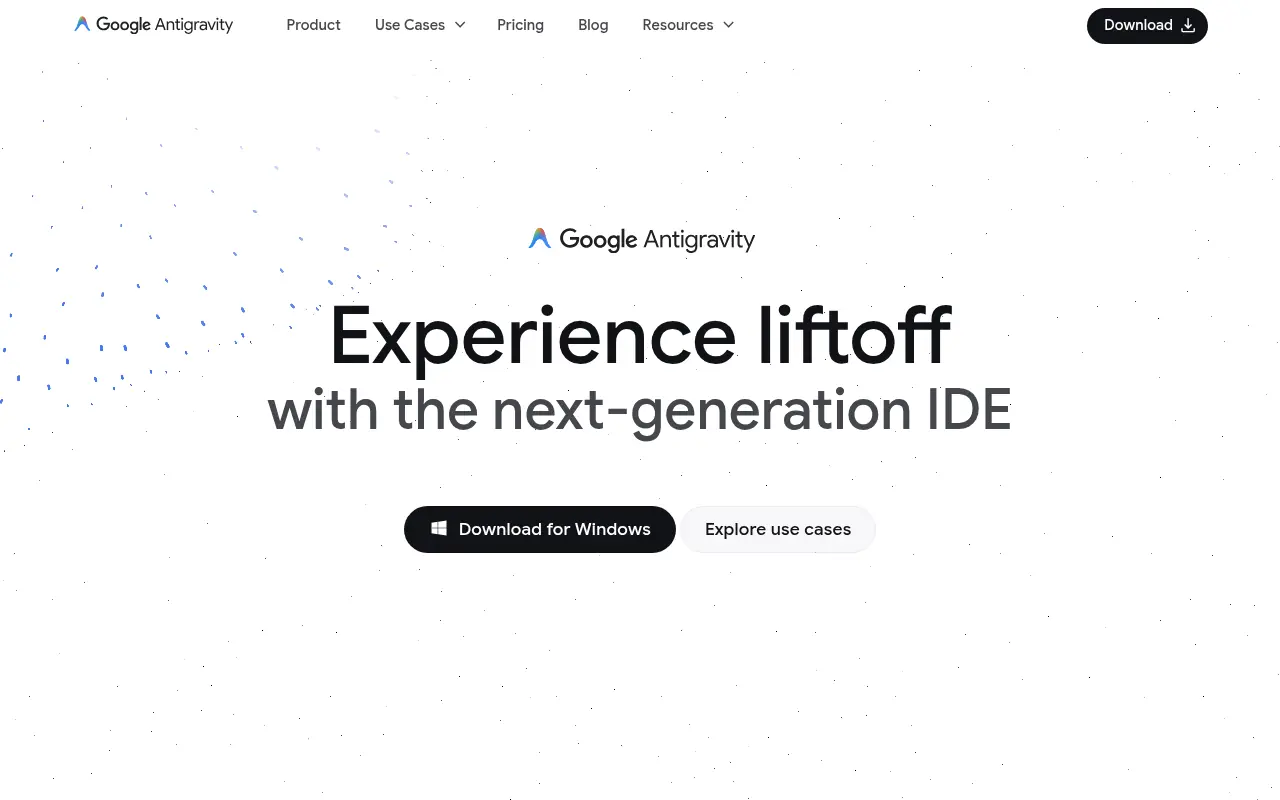

Google Antigravity
Google Antigravity is an agentic development platform that enables developers to build software using autonomous AI agents powered by Gemini 3 Pro.
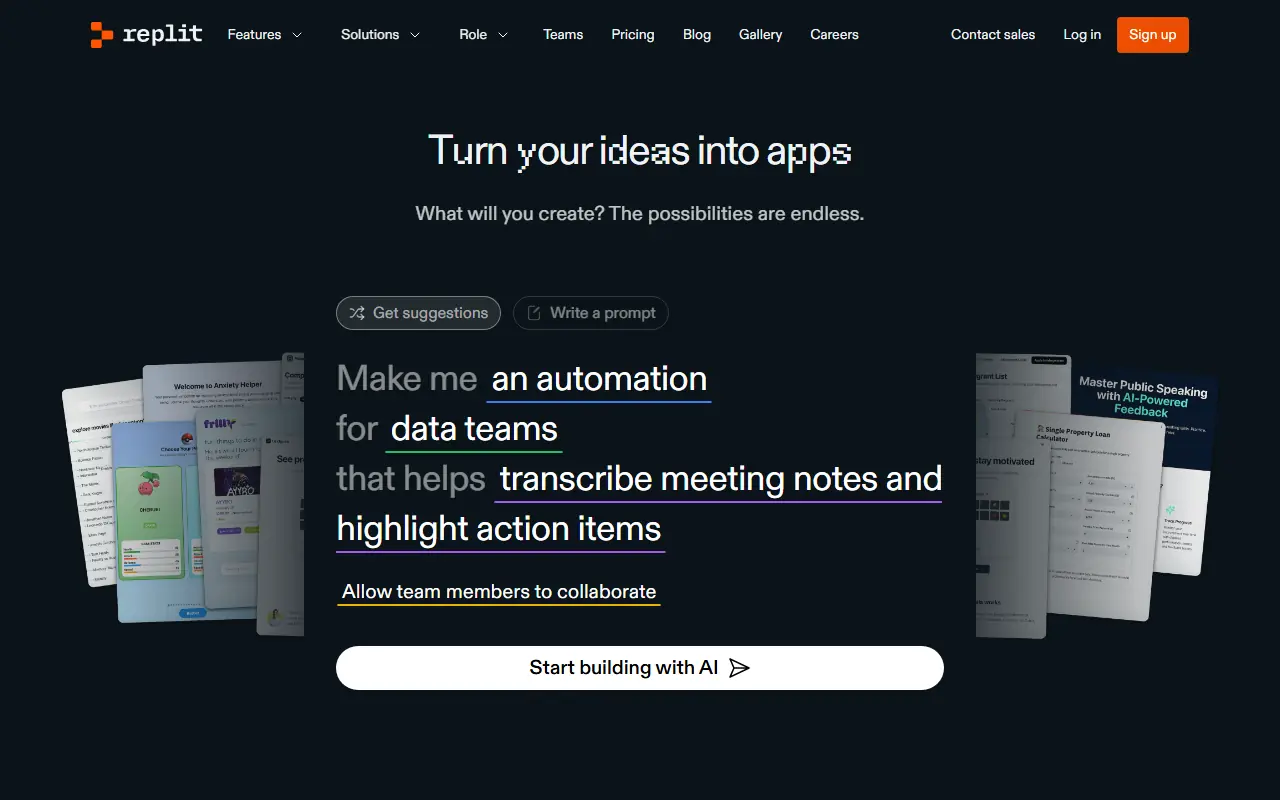

Replit
Replit is an AI-powered online platform for coding, collaborating, and deploying software in various programming languages directly from the browser.
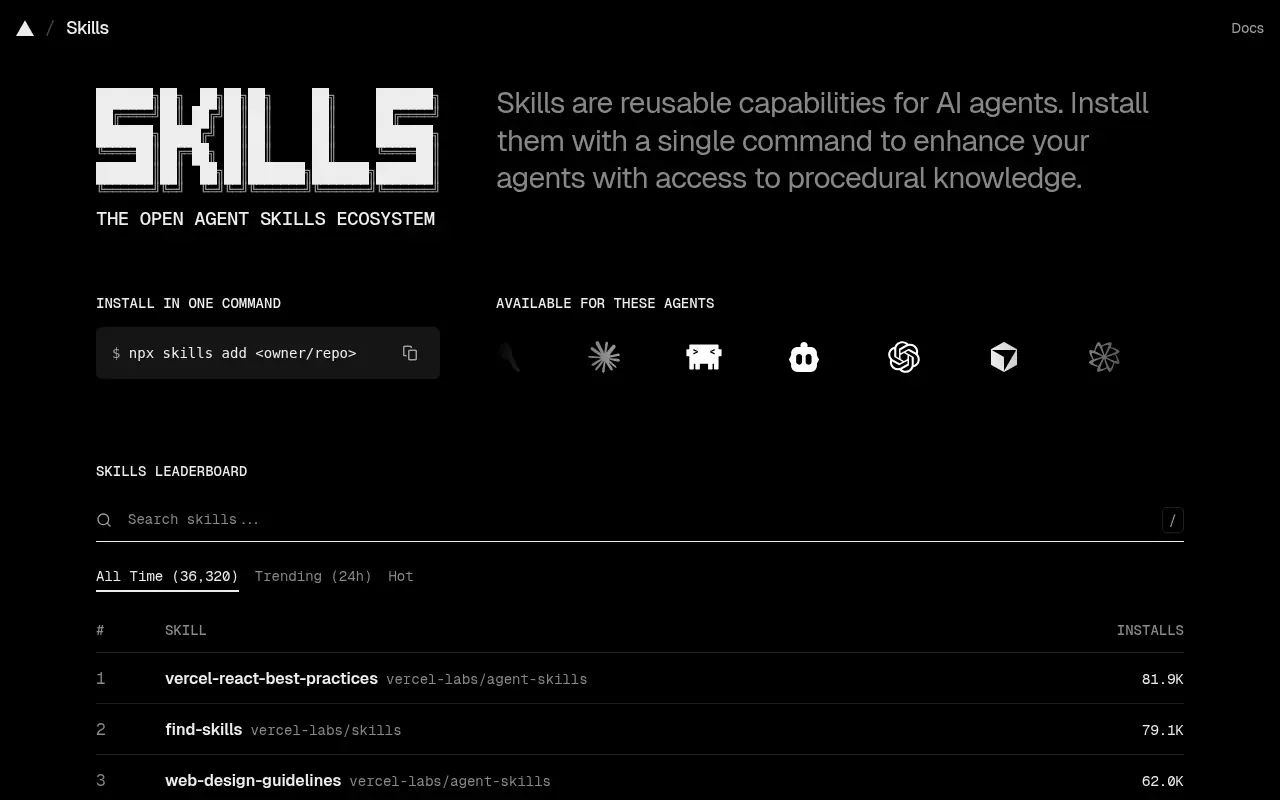

Skills.sh
An open directory and package manager for discovering and installing reusable capabilities, known as 'skills', for AI agents.
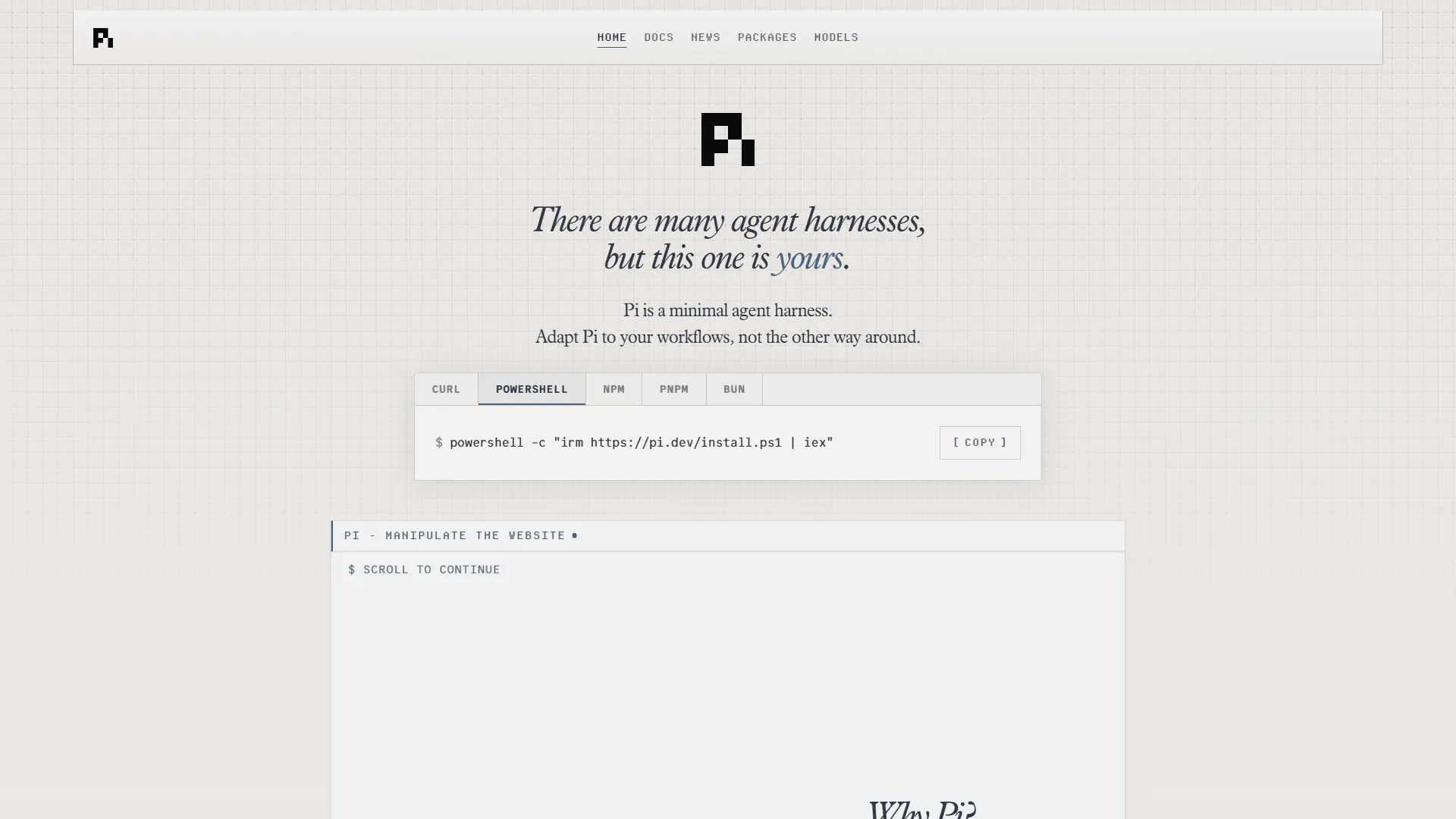

Pi
Pi is a highly secure, terminal-first AI coding agent designed for custom workflows, local orchestration, and strict data compliance without a SaaS backend.

Pulumi
Pulumi is a cloud engineering platform that enables teams to define, deploy, and manage cloud infrastructure using familiar programming languages and modern software practices.