

Evernote
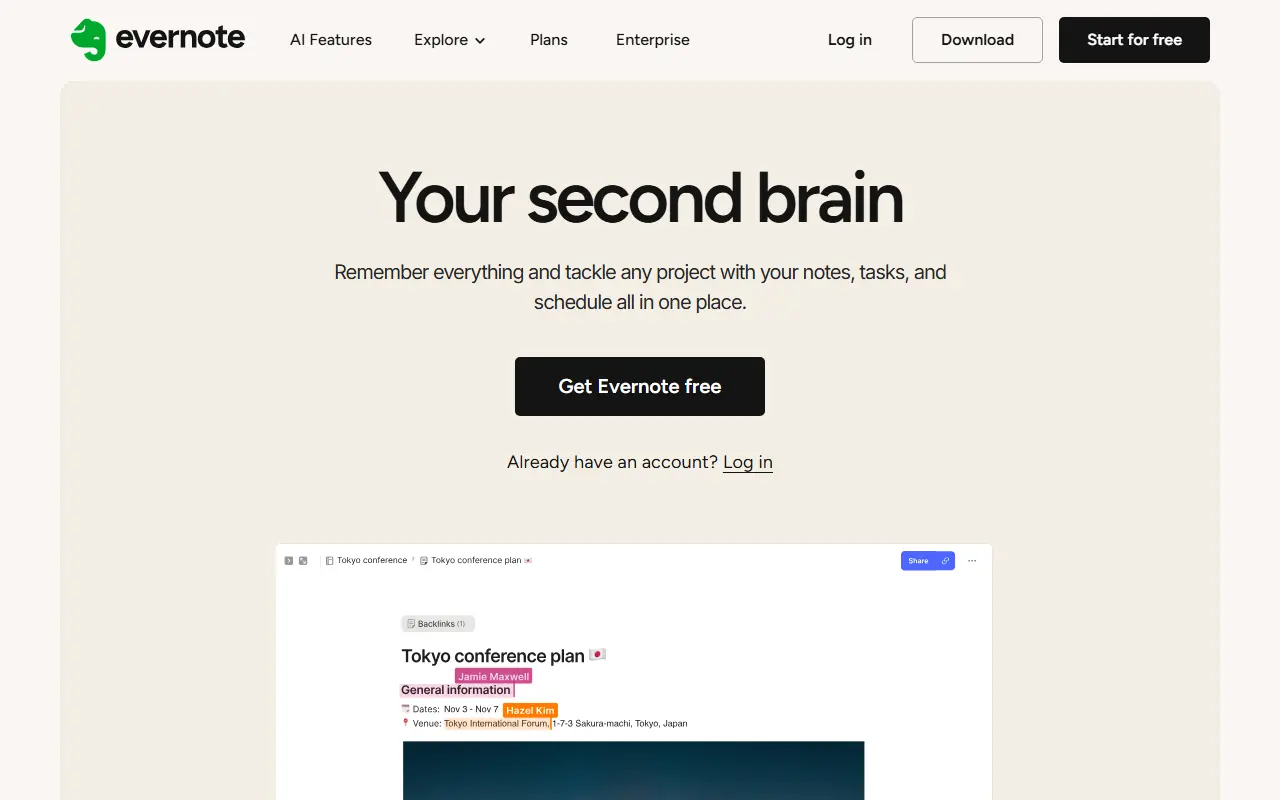
What is Evernote?
Evernote is a robust digital workspace designed to act as a 'second brain' for personal and professional organization. It enables users to capture ideas, meeting notes, web clippings, and tasks in one centralized location. The platform organizes information through a system of notes, notebooks, and tags, making it highly searchable and accessible across multiple devices. Following its acquisition by Bending Spoons, Evernote has increasingly integrated AI-powered tools such as AI Assistant, Semantic Search, and automated transcription to enhance productivity. Its core mission is to help individuals and teams remember everything and accomplish anything by keeping their digital lives neatly organized.
How to use Evernote?
To use Evernote effectively, start by creating an account and downloading the app across your devices to ensure seamless synchronization. Begin organizing your digital workspace by creating notebooks for broad categories (e.g., 'Work', 'Personal') and adding individual notes within them, utilizing text, audio, images, or attached files. Enhance your workflow by installing the Evernote Web Clipper browser extension to save web pages directly into your account, and use tags to easily retrieve specific topics later. You can also connect your Google or Outlook calendar to link notes to specific meetings, and leverage new AI features like AI Edit or Semantic Search to quickly clean up, summarize, or find your stored information.
Evernote's Core Features
Create detailed notes incorporating text, images, audio, and file attachments.
Organize content systematically using a hierarchy of notebooks and tags.
Sync data seamlessly across mobile devices, desktop environments, and the web app.
Save full web pages, articles, or screen captures directly using the browser Web Clipper.
Search text across all notes, including handwritten text recognized inside scanned images and PDFs.
Manage to-dos alongside your notes with built-in task tracking and customizable reminders.
Connect Google and Outlook calendars to instantly link note documents to scheduled meetings.
Utilize AI-powered Semantic Search to find related notes based on contextual meaning rather than exact keywords.
Automatically transcribe audio recordings and summarize meetings using built-in AI tools.
Use AI Edit capabilities to quickly clean up, format, summarize, and translate your text.
Evernote's Use Cases
- #1
Capturing meeting notes and organizing them by project or client.
- #2
Clipping web articles, recipes, and research materials for later reading.
- #3
Scanning physical documents and receipts to maintain a paperless filing system.
- #4
Managing daily tasks and to-do lists with integrated reminders.
- #5
Drafting blog posts, essays, or creative writing projects.
- #6
Recording audio notes and using AI transcription for lectures or interviews.
- #7
Collaborating with team members by sharing workspaces and notebooks.
- #8
Building a personal 'second brain' for long-term knowledge management.
Frequently Asked Questions
Analytics of Evernote
Monthly Visits Trend: Jun 2025 - Aug 2026
Traffic Sources
AI Channel Traffic Trends
Top Regions
| Region | Traffic Share |
|---|---|
| United States | 27.87% |
| Japan | 10.59% |
| Brazil | 8.68% |
| India | 6.26% |
| Korea, Republic of | 4.16% |
Top Keywords
| Keyword | Traffic | CPC |
|---|---|---|
| evernote | 308.4K | $1.43 |
| transcrever audio | 146.9K | $0.11 |
| エバーノート | 13.5K | $2.02 |
| voice to text | 97.0K | $0.83 |
| notes | 1.6M | $0.43 |
Alternative of Evernote
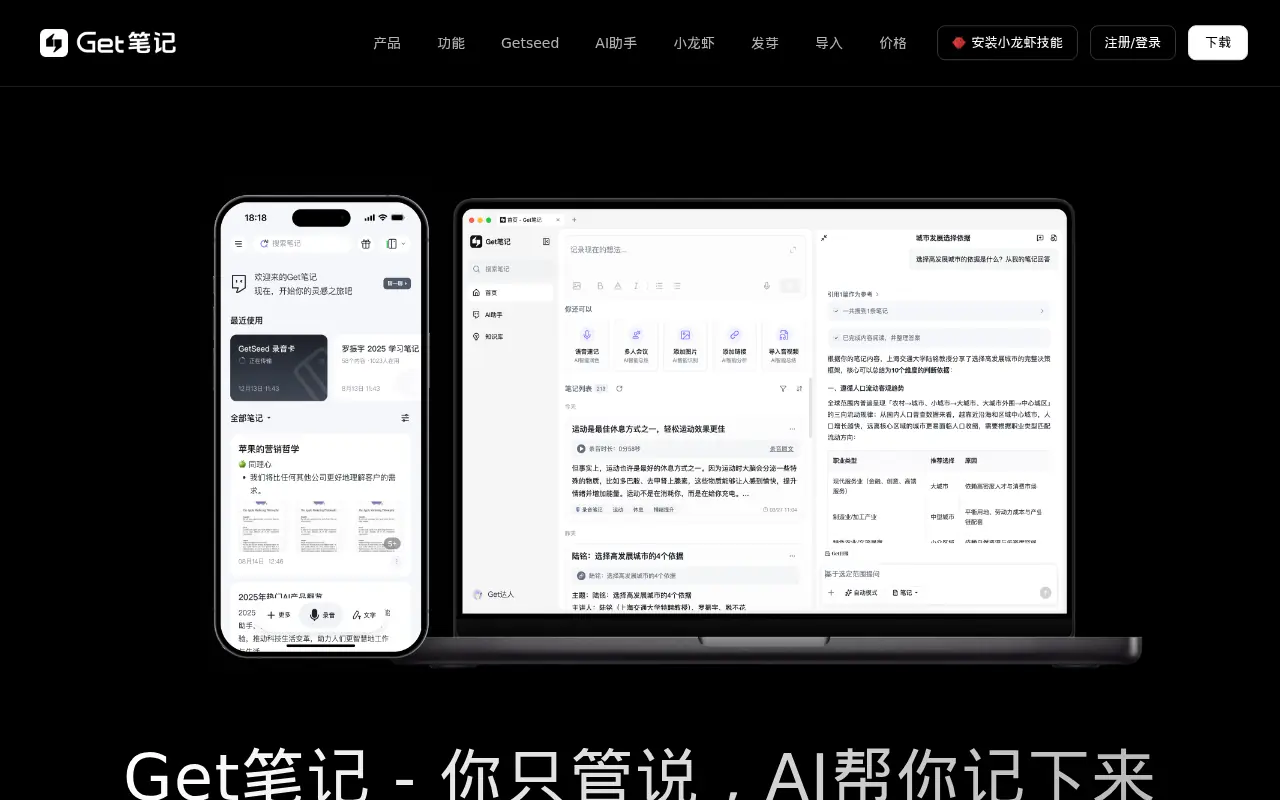

Get笔记
Get笔记 is an AI-powered note-taking and knowledge management application that records, transcribes, and organizes voice, text, images, and web content.
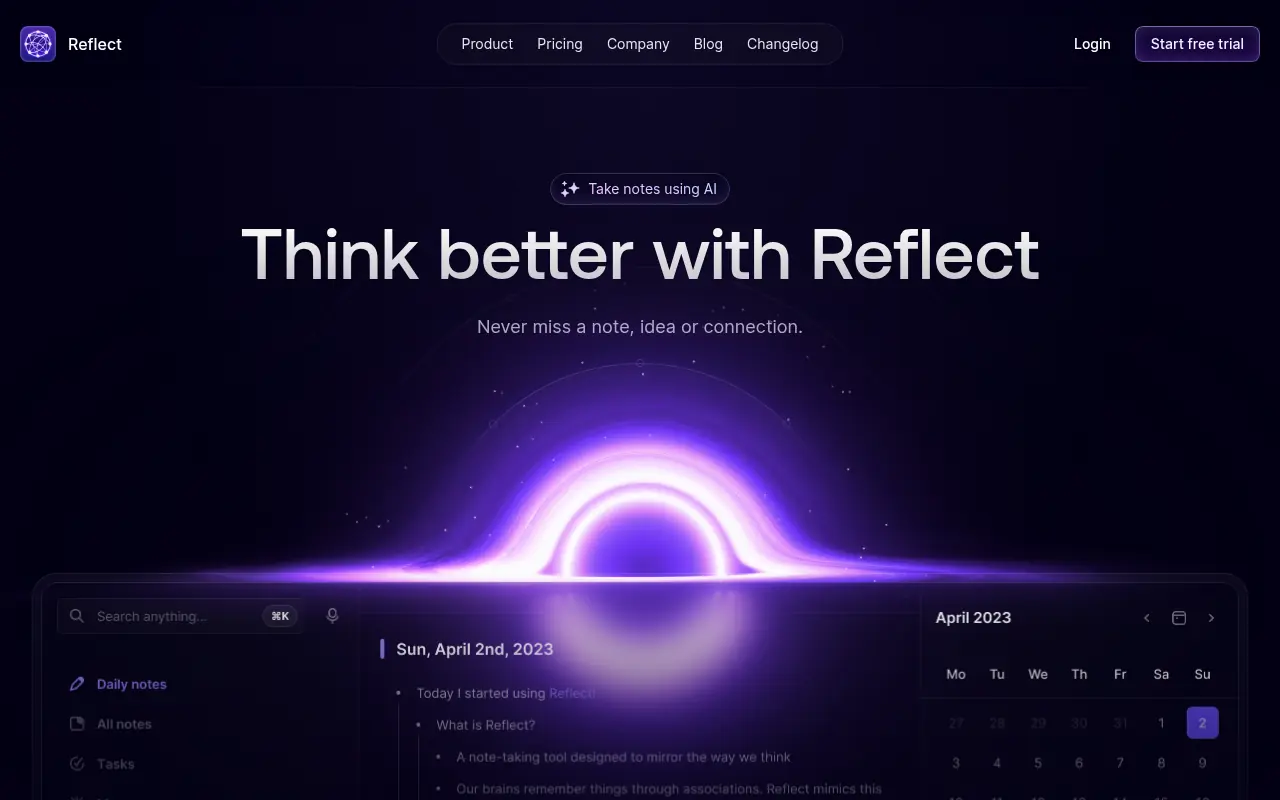

Reflect
Reflect is an AI-powered note-taking app that helps users capture, organize, and connect ideas through networked notes and intelligent features.


TicNote
TicNote is an agentic AI-powered recording and note-taking ecosystem designed to transcribe, summarize, and organize spoken conversations into actionable knowledge.
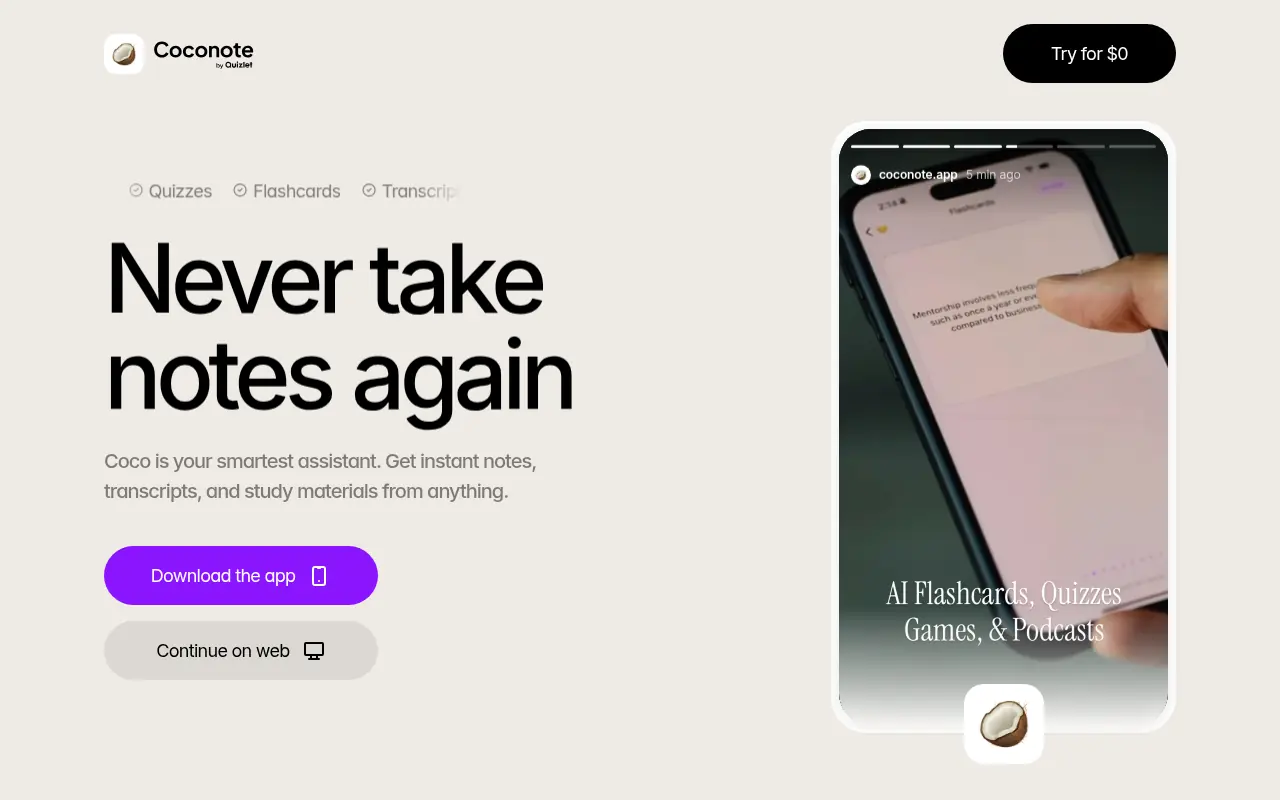

Coconote
Coconote is an AI-powered note-taking app that transforms lectures, audio, and videos into instant study guides, flashcards, and quizzes.
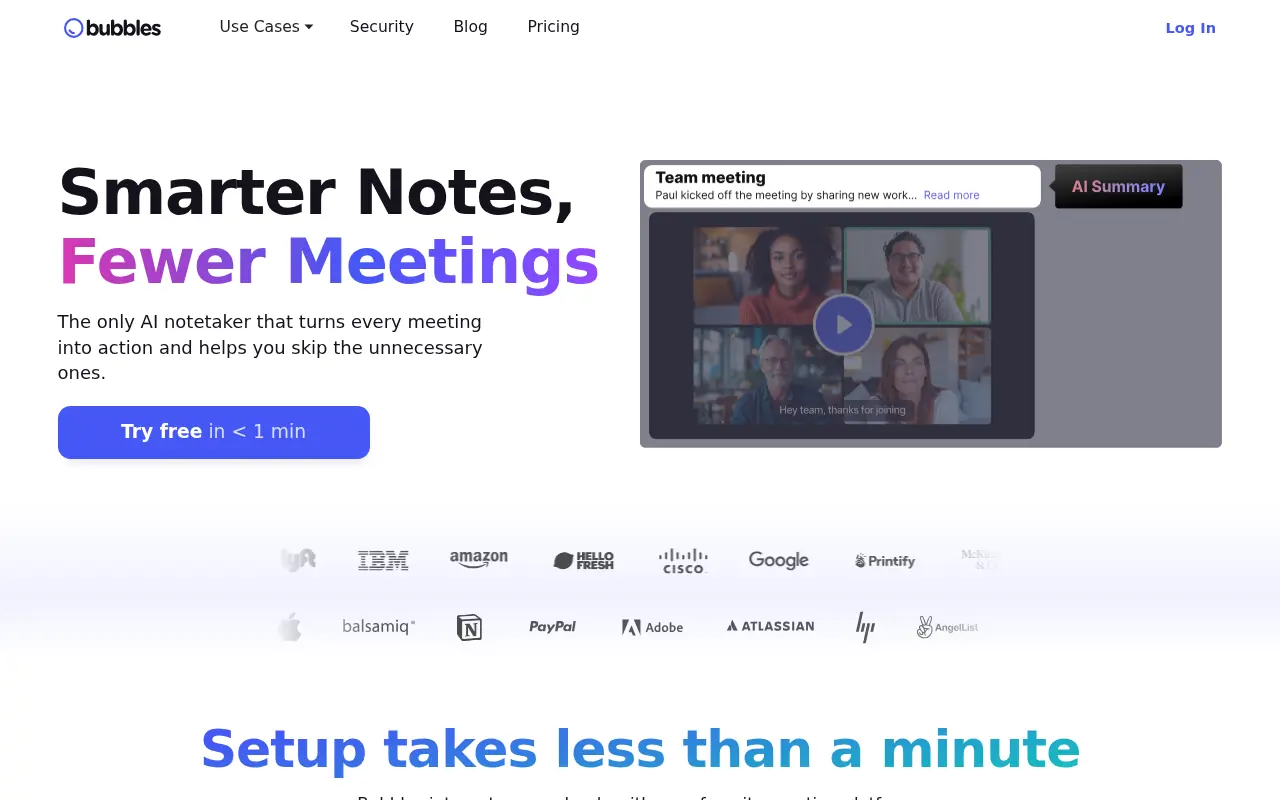

Bubbles
Bubbles is an AI-powered notetaker that automates meeting transcription, summarization, and collaboration for teams.
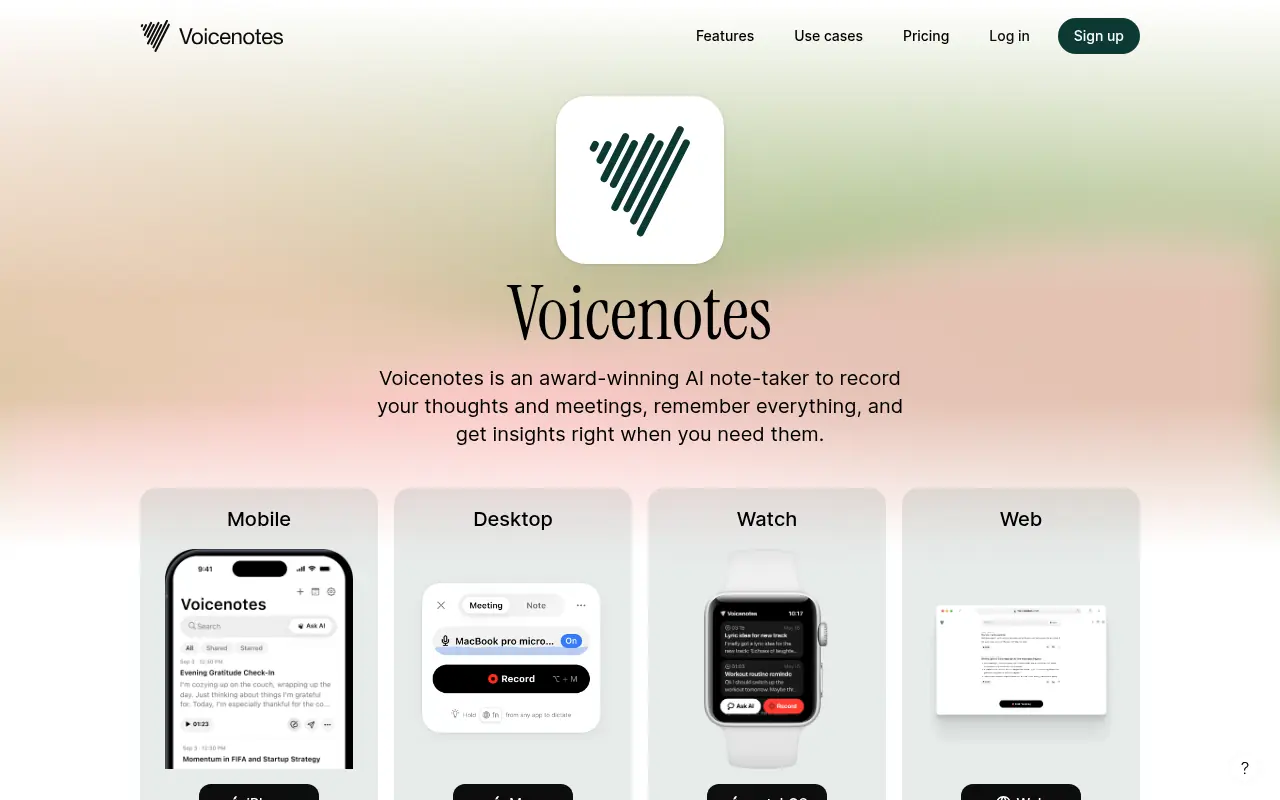

VoiceNotes
VoiceNotes is an AI-powered note-taking app that allows users to capture ideas via voice, transcribe them automatically, and organize thoughts intelligently.
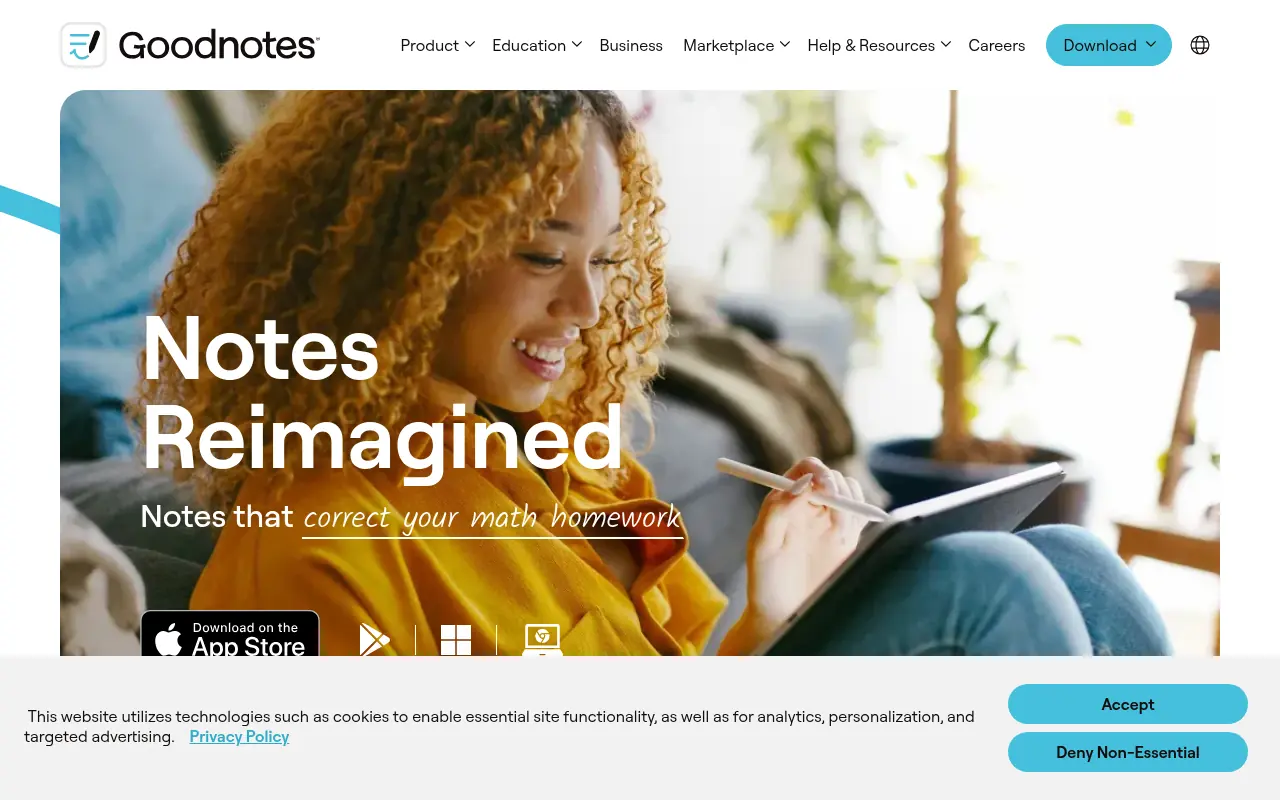

Goodnotes
Goodnotes is a digital note-taking app designed for handwritten notes and document annotation on tablets and desktops.
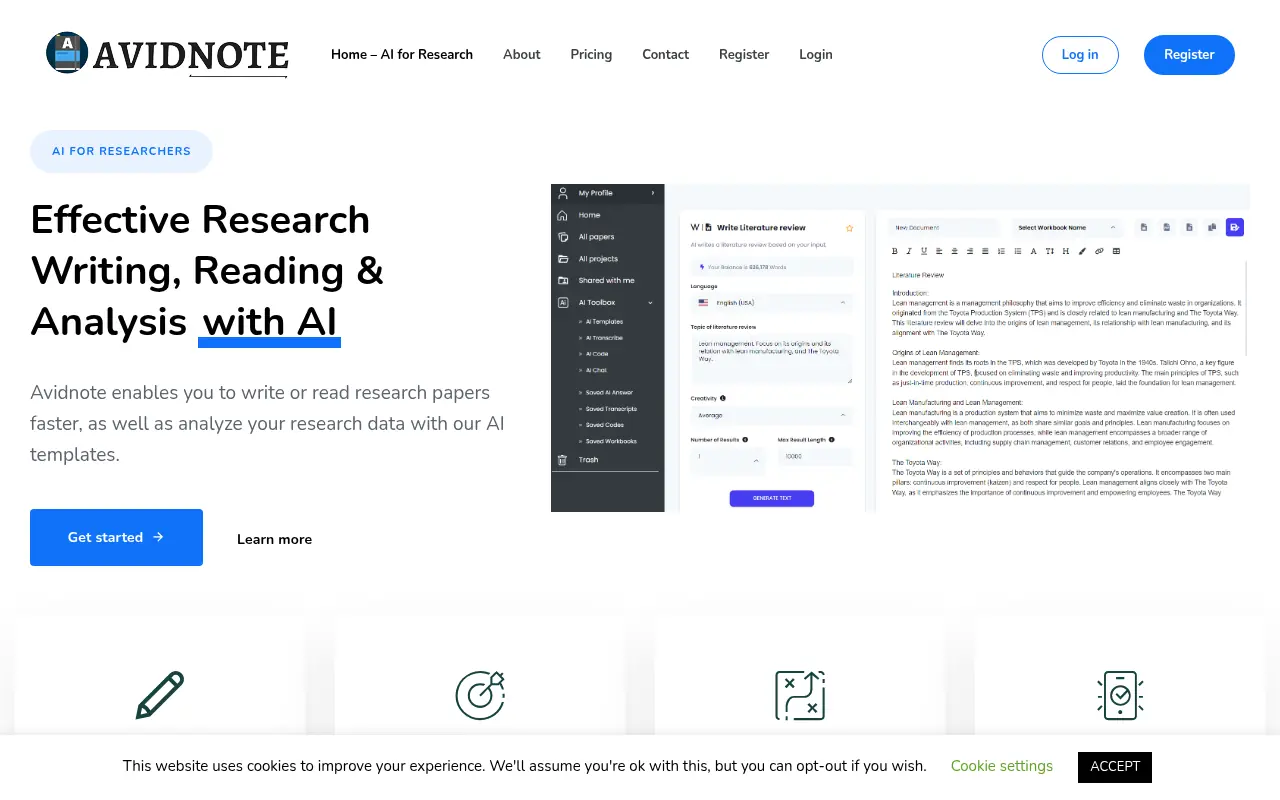

Avidnote
Avidnote is an AI-powered platform that streamlines research writing, note-taking, and data analysis for researchers and students.