

CodeParrot AI
What is CodeParrot AI?
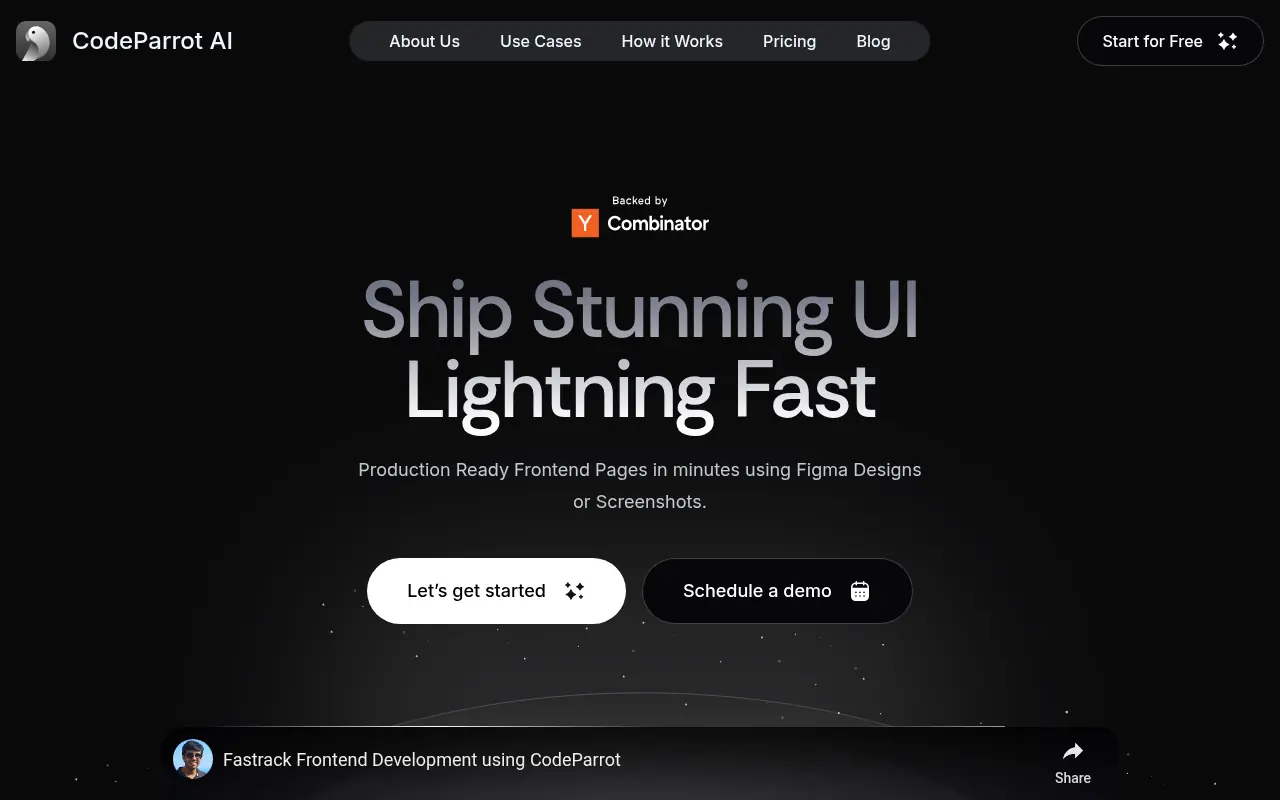
CodeParrot AI is a developer-focused tool that leverages artificial intelligence to convert Figma designs and screenshots into production-ready code for frameworks like React, Vue, Angular, and Flutter. Its mission is to bridge the gap between design and development, offering seamless integration into developers’ workflows and enabling the rapid creation and refinement of UI components. CodeParrot AI stands out for its deep understanding of users’ existing codebases, allowing it to reuse themes, libraries, and coding standards, which saves significant development time and ensures consistency. The tool targets individual software engineers, design teams, and organizations seeking to accelerate UI implementation, reduce manual coding, and maintain high-quality results. Integration as a VS Code plugin helps eliminate context switching, transforming the development lifecycle and boosting productivity substantially.
How to use CodeParrot AI?
Start by installing the CodeParrot AI plugin in Visual Studio Code or accessing the platform's web interface. Upload or provide a Figma file URL, or use a screenshot of your UI design. Configure your coding preferences and point CodeParrot to your existing codebase for optimal reuse of themes, components, and libraries. Submit the design to generate production-ready code, which you can review, refine, and merge into your project directly within your IDE for a seamless development experience.
CodeParrot AI's Core Features
Direct Figma and screenshot to code conversion for popular frontend frameworks.
Deep integration with VS Code for streamlined developer workflows.
Reuses existing project components, themes, and coding standards.
Customizable code output to align with developer preferences.
Supports React, Vue, Angular, and Flutter code generation.
Enables rapid prototyping and fast iterations.
Minimizes context switching with IDE plugins.
Error resolution and contextual search to debug code easily.
Collaboration features for teams and organizations.
Public component library support and sharing.
Production-ready and maintainable code output.
Free tier and trial available, no credit card required.
CodeParrot AI's Use Cases
- #1
Convert Figma designs into React, Vue, Angular, or Flutter code instantly.
- #2
Accelerate UI development for web and mobile applications.
- #3
Maintain design and code consistency across projects.
- #4
Quickly prototype frontend components using screenshots.
- #5
Reduce manual work in transforming designer handoffs to code.
- #6
Integrate generated code with existing themes and libraries.
- #7
Facilitate rapid iteration and modifications during product development.
- #8
Empower cross-functional collaboration between designers and developers.
Frequently Asked Questions
Analytics of CodeParrot AI
Monthly Visits Trend: Jun 2025 - Aug 2026
Traffic Sources
Top Regions
| Region | Traffic Share |
|---|---|
| India | 100.00% |
Top Keywords
| Keyword | Traffic | CPC |
|---|---|---|
| public_url=https://novacall.pro | 480 | -- |
| 9router settup for vscode free | 300 | -- |
| if __dev__ js | 280 | -- |
| 9router npm | 260 | -- |
| parrot.ai | 210 | -- |
Alternative of CodeParrot AI

v0 by Vercel
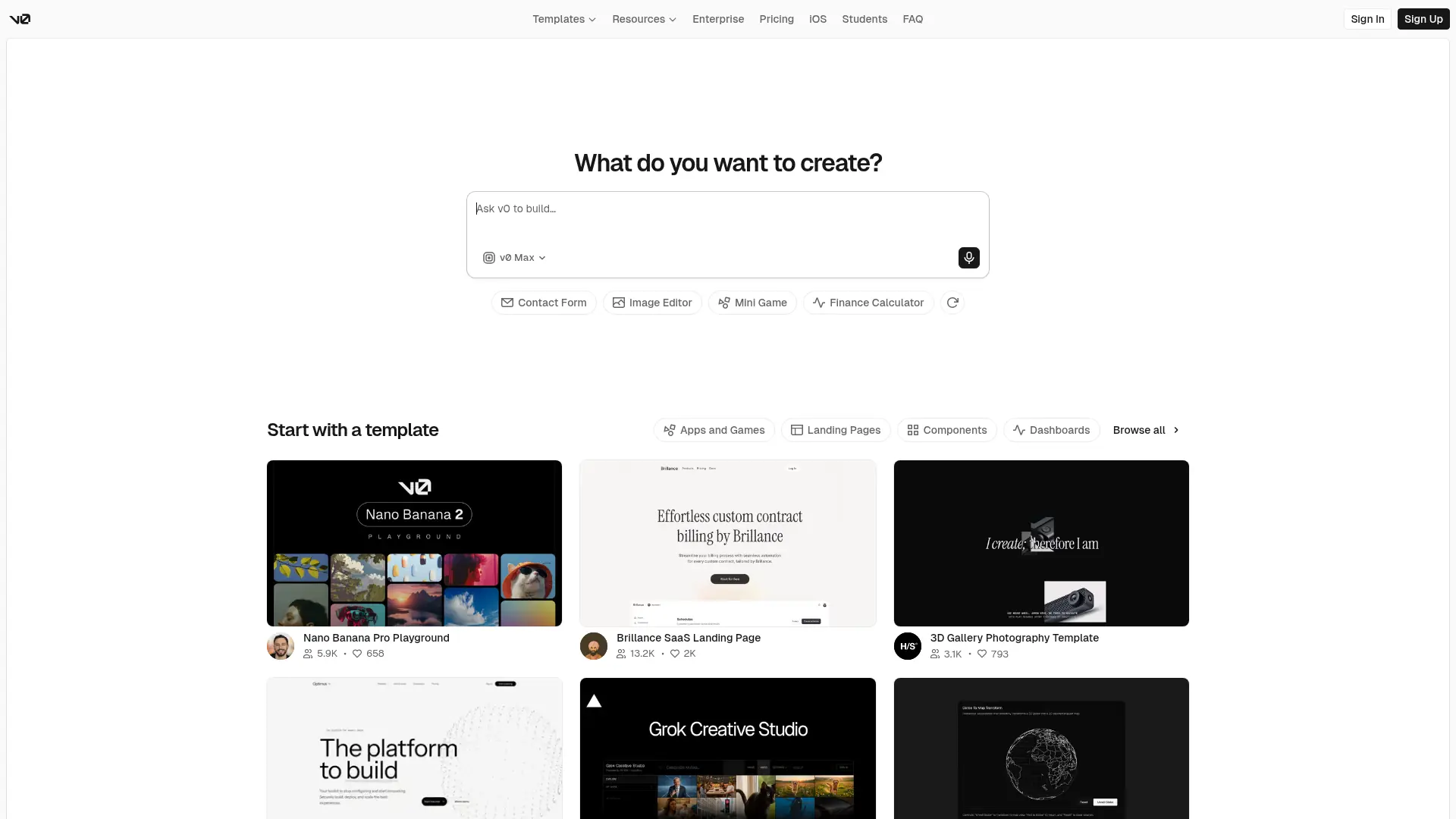
v0 translates natural language prompts into production-ready React user interfaces, accelerating front-end development with stunning shadcn and Tailwind CSS components.

Bolt.new
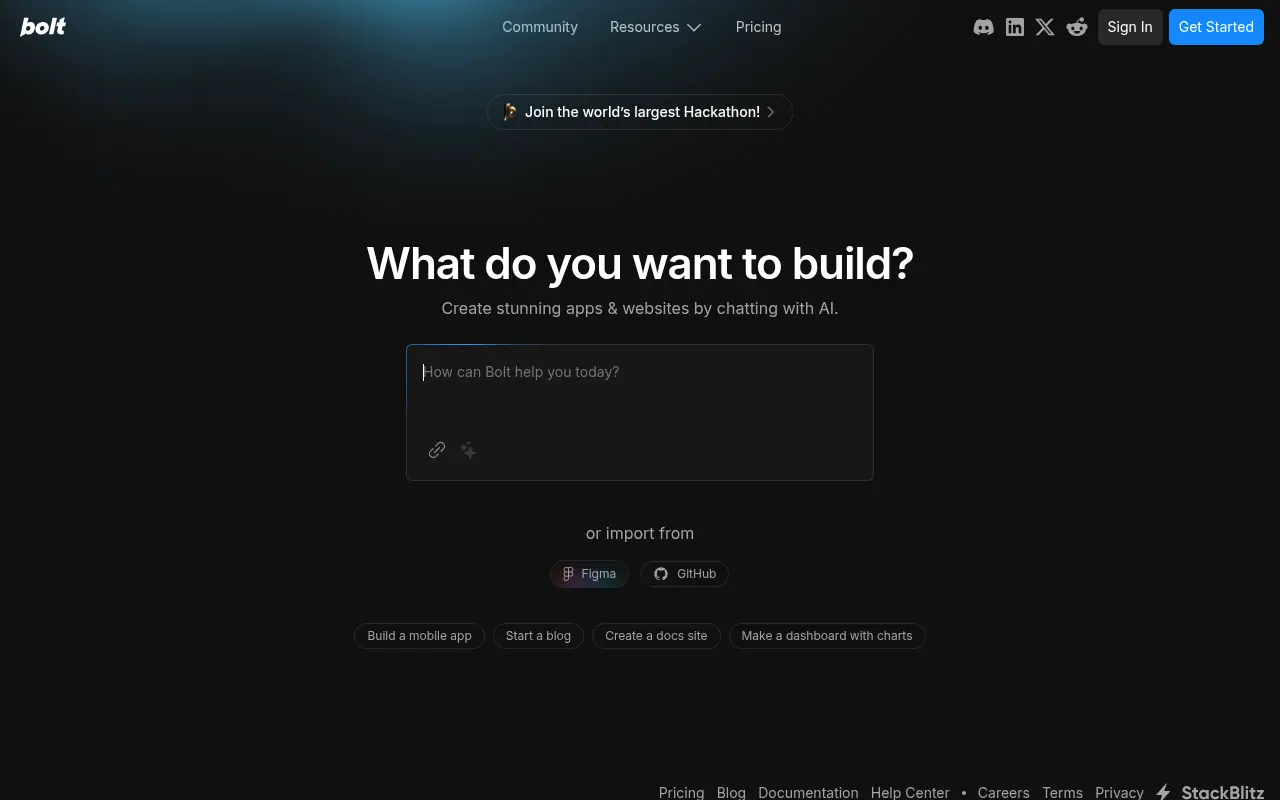
Bolt.new is an AI-powered platform for creating, running, and deploying full-stack web applications directly in the browser.

Codia AI
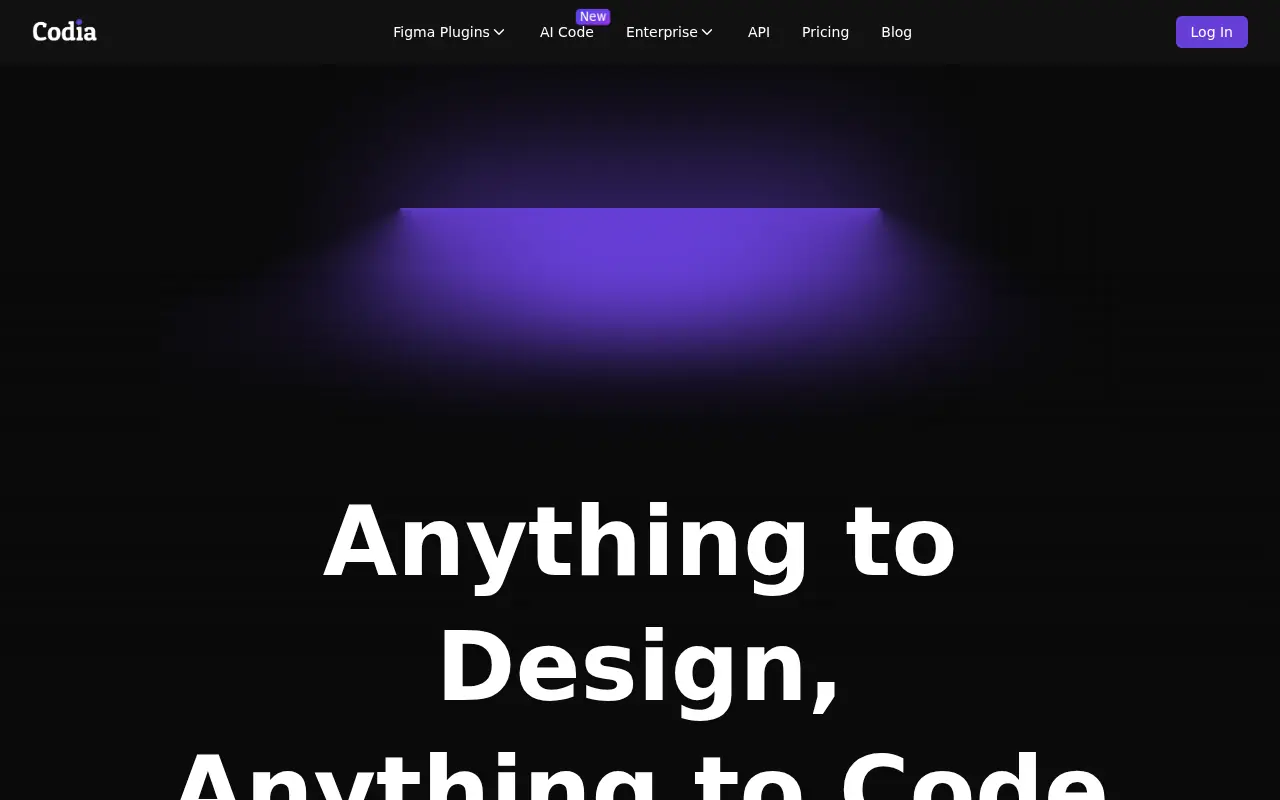
Codia AI is an innovative platform that uses artificial intelligence to convert screenshots and designs into editable code for various frameworks, streamlining the development process for designers and developers.
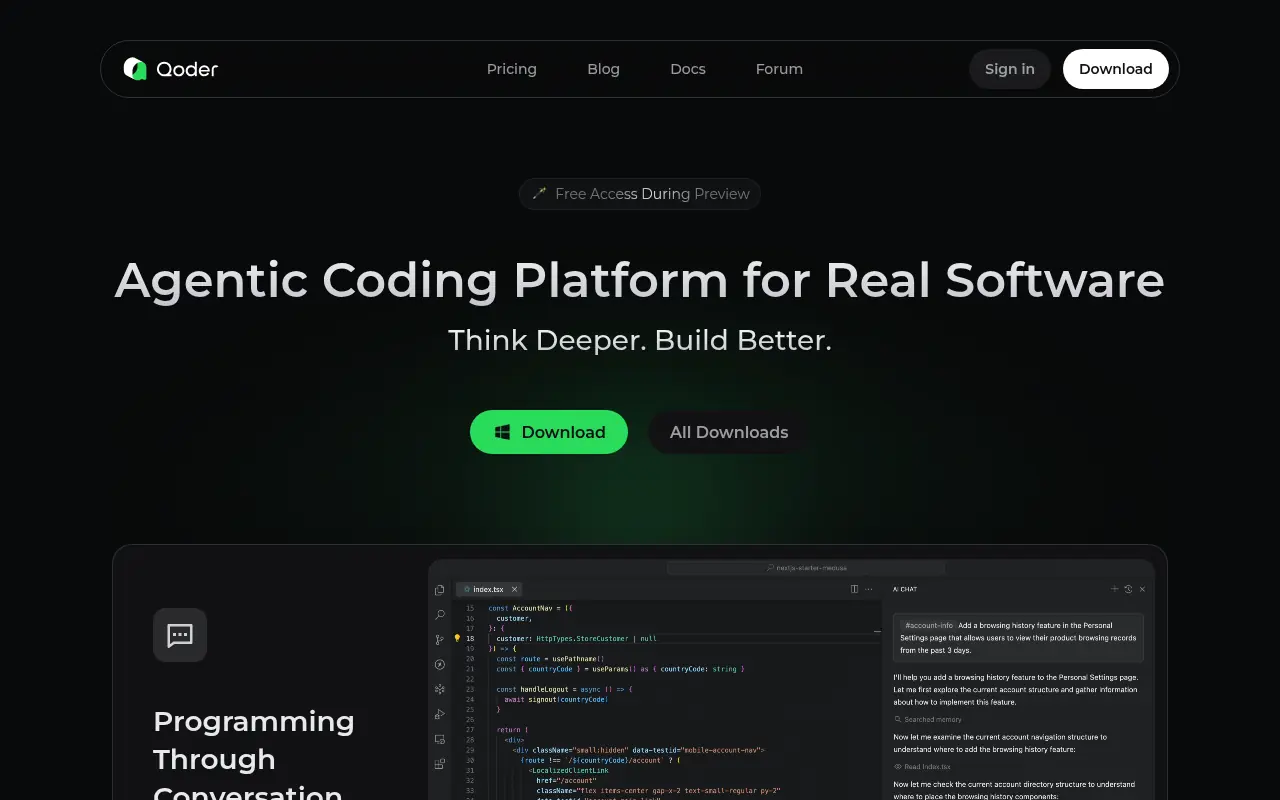

Qoder
Qoder is an AI-powered platform designed to assist developers with code generation, debugging, and optimization tasks.
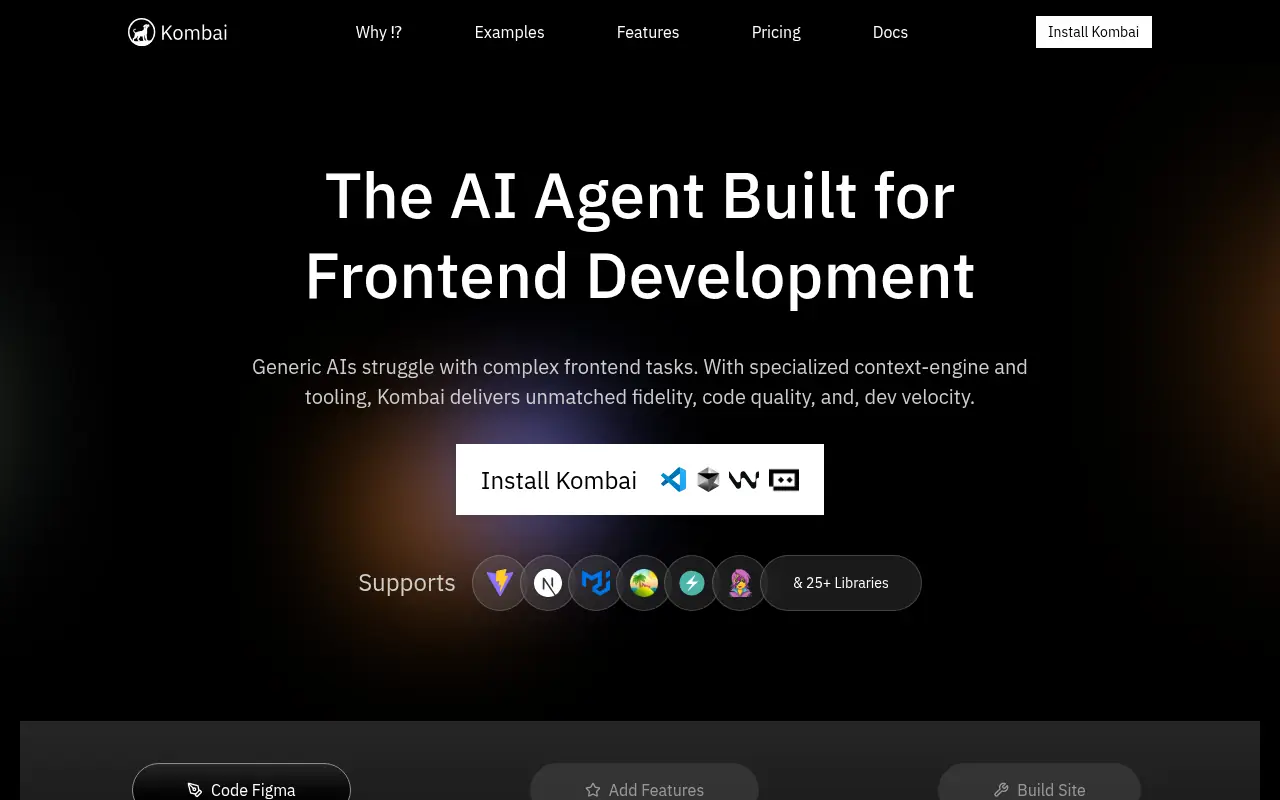

Kombai
Kombai is an AI-powered tool that converts Figma designs into high-quality, production-ready front-end code to streamline web development.

Lovable
Lovable.dev is an AI-powered platform that enables users to build full-stack web applications using natural language prompts.
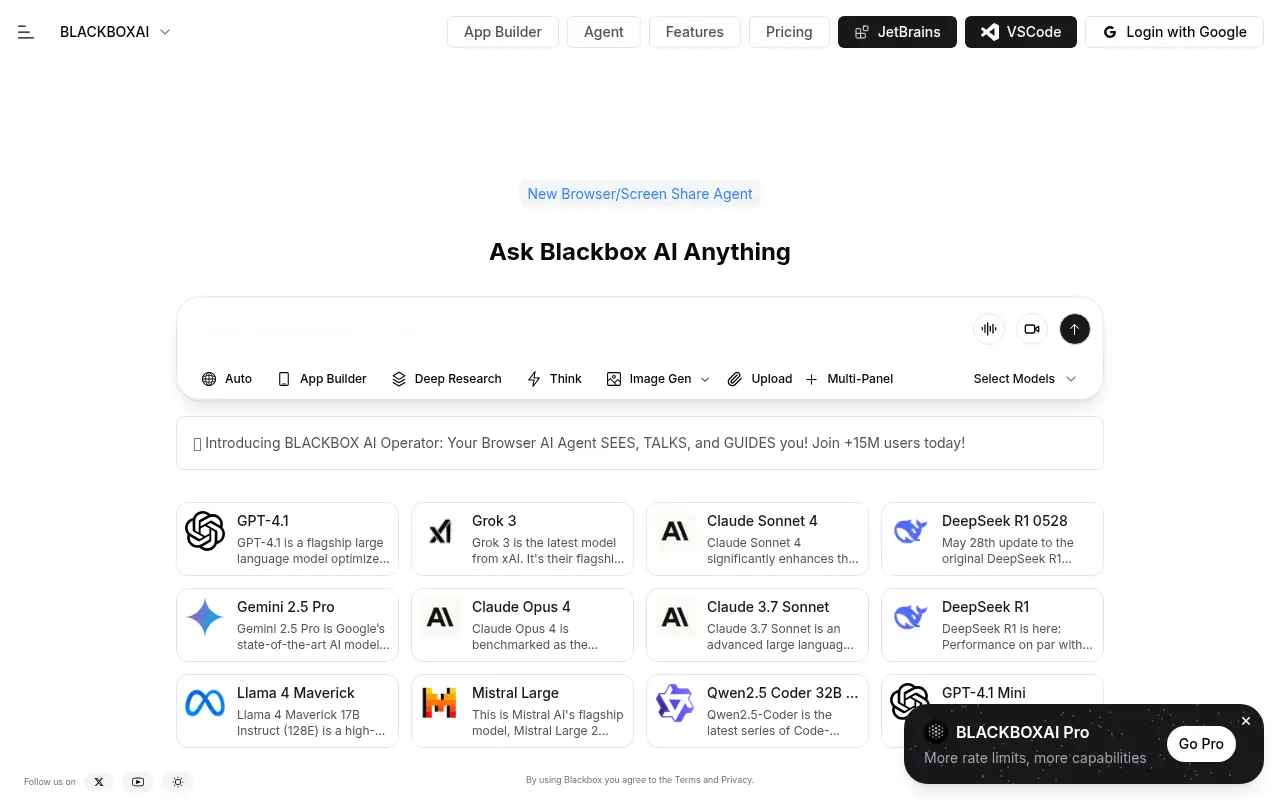

BLACKBOX AI
BLACKBOX AI is an AI-powered platform designed to enhance coding efficiency and automate software development tasks for developers.
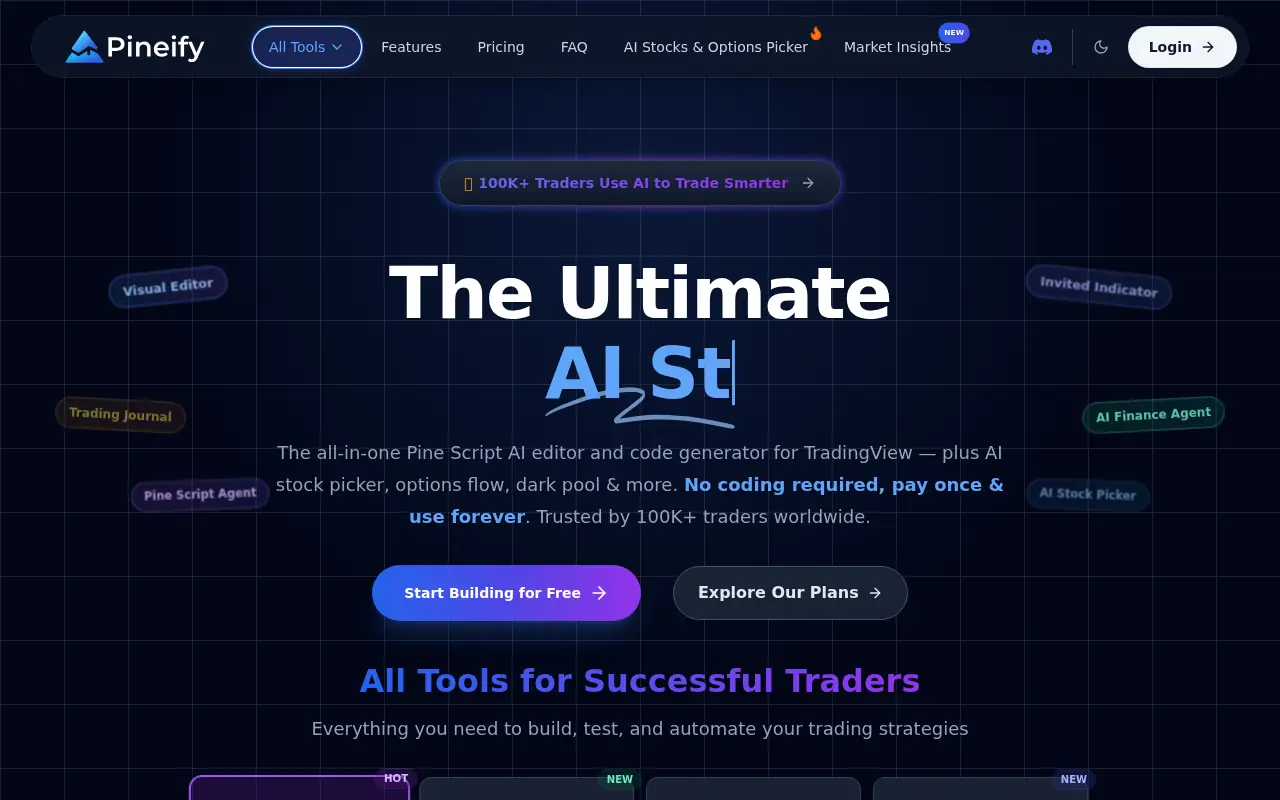

Pineify
Pineify is an all-in-one AI-powered platform that enables traders to generate TradingView Pine Script code, build custom indicators visually, and analyze market data without programming skills.