

TimeTackle (Tackle)
What is TimeTackle (Tackle)?
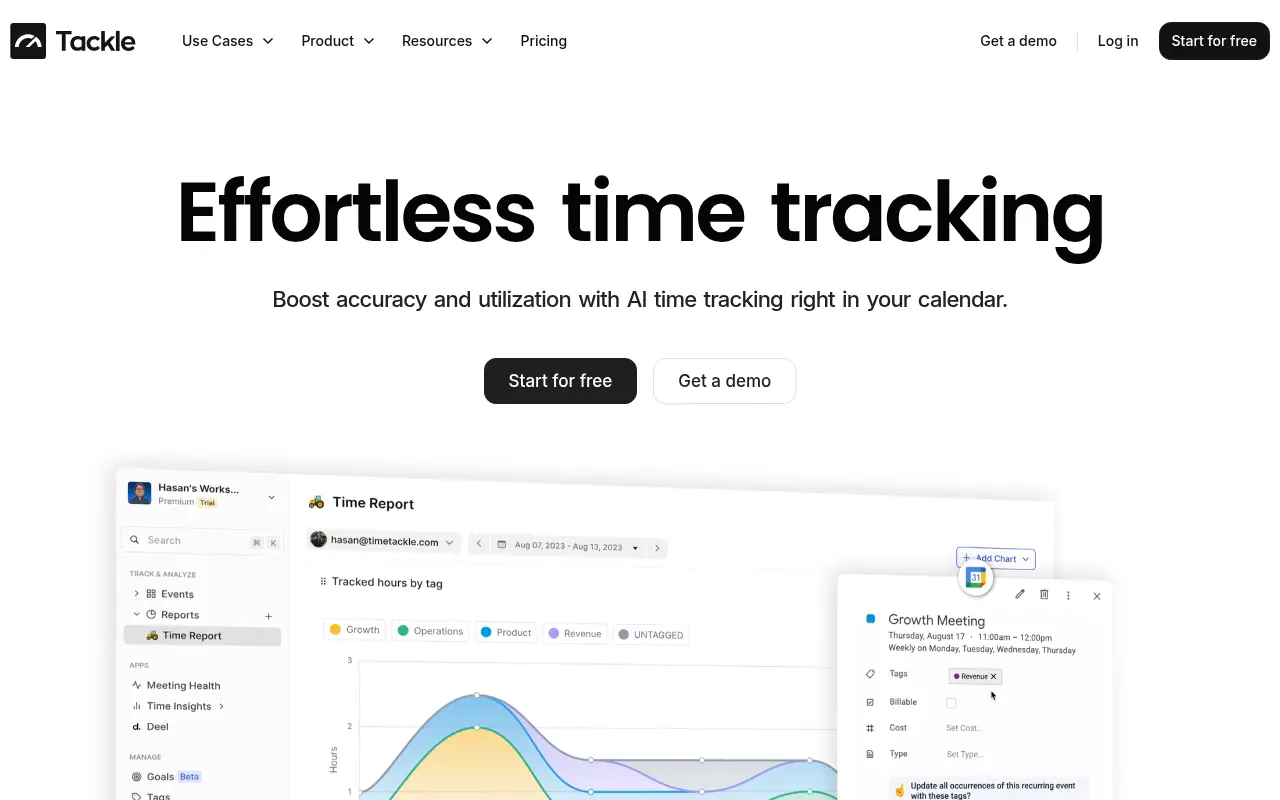
TimeTackle (branded as Tackle) is an automatic time tracking and calendar analytics platform that connects primarily to Google and Outlook calendars to capture how individuals and teams spend their time.Its mission is to solve time tracking and management challenges through effective reporting, analytics, and automation, redefining productivity for professional services teams.By turning calendar events into structured time-series data, TimeTackle becomes a source of truth for time allocation, client work, and project costs.The platform leverages AI-powered automation, intelligent tagging, and customizable reports to eliminate manual timesheets and provide real-time insights into utilization, meeting health, and project ROI.It serves executives, team leaders, operations, and customer-facing professionals who need accurate, up-to-date time data to optimize resources and maximize profitability for each client and project.
How to use TimeTackle (Tackle)?
To use TimeTackle effectively, sign up and connect your Google or Outlook calendar so the platform can automatically capture your events and time entries.Configure tags and custom fields to categorize meetings, projects, and clients, then set up AI-powered automations to classify and track time without manual logging.Use the dashboard, calendar analytics, and custom reports to monitor utilization, billable hours, project performance, and meeting health for yourself or your team, exporting data to CSV, Excel, or BI tools as needed.Iterate on your tagging structure and reporting filters over time to align insights with KPIs, project budgets, and strategic initiatives.
TimeTackle (Tackle)'s Core Features
Automatic time tracking by integrating with Google and Outlook calendars to capture events as time entries.
AI-powered automation to categorize and tag calendar events and tasks with minimal manual input.
Intelligent tagging system to label meetings and activities by client, project, or activity type for granular analysis.
Calendar analytics dashboards that visualize time allocation, productivity trends, and meeting health.
Custom reporting tools that allow flexible filters and exports to CSV, Excel, and PDF for operational and financial reporting.
Project and client utilization insights that connect scheduled time to budgets and ROI.
Enterprise-grade security with strong encryption and SOC 2–ready practices for handling sensitive time and client data.
Calendar audit capabilities to track changes to events, calendars, and subscriptions in one place.
Browser-based intelligent time capture that simplifies logging and reviewing time directly from the web interface.
Support for professional services and customer-facing teams to optimize resources and maximize client profitability.
API and data warehouse sync options to integrate time data with other business intelligence tools.
Multi-calendar aggregation so teams can consolidate data from many individual calendars into one analytics view.
TimeTackle (Tackle)'s Use Cases
- #1
Automatically track billable hours for client projects by pulling data from team calendars instead of manual timesheets.
- #2
Analyze executive or leadership calendars to align time spent with strategic priorities and KPIs.
- #3
Monitor team utilization and capacity to improve staffing decisions and prevent burnout or underuse.
- #4
Measure meeting load and meeting health to identify time sinks and optimize collaboration patterns.
- #5
Generate weekly or monthly time reports for payroll, invoicing, or budget reconciliation with minimal manual effort.
- #6
Provide operations leaders with real-time analytics on project ROI and resource allocation across clients.
- #7
Export calendar-derived time data into spreadsheets or BI tools for deeper financial and operational analysis.
Frequently Asked Questions
Analytics of TimeTackle (Tackle)
Monthly Visits Trend: Jun 2025 - Aug 2026
Traffic Sources
Top Regions
| Region | Traffic Share |
|---|---|
| Taiwan | 27.99% |
| United States | 27.29% |
| United Kingdom | 5.16% |
| India | 5.11% |
| Canada | 4.91% |
Top Keywords
| Keyword | Traffic | CPC |
|---|---|---|
| calendar can't load data | -- | -- |
| free digital habit tracker | 90 | -- |
| tackle ai google calendar | 90 | -- |
| 1600*24 | 1.2K | -- |
| how many hours in a month | 20.6K | -- |
Alternative of TimeTackle (Tackle)

Clockwise
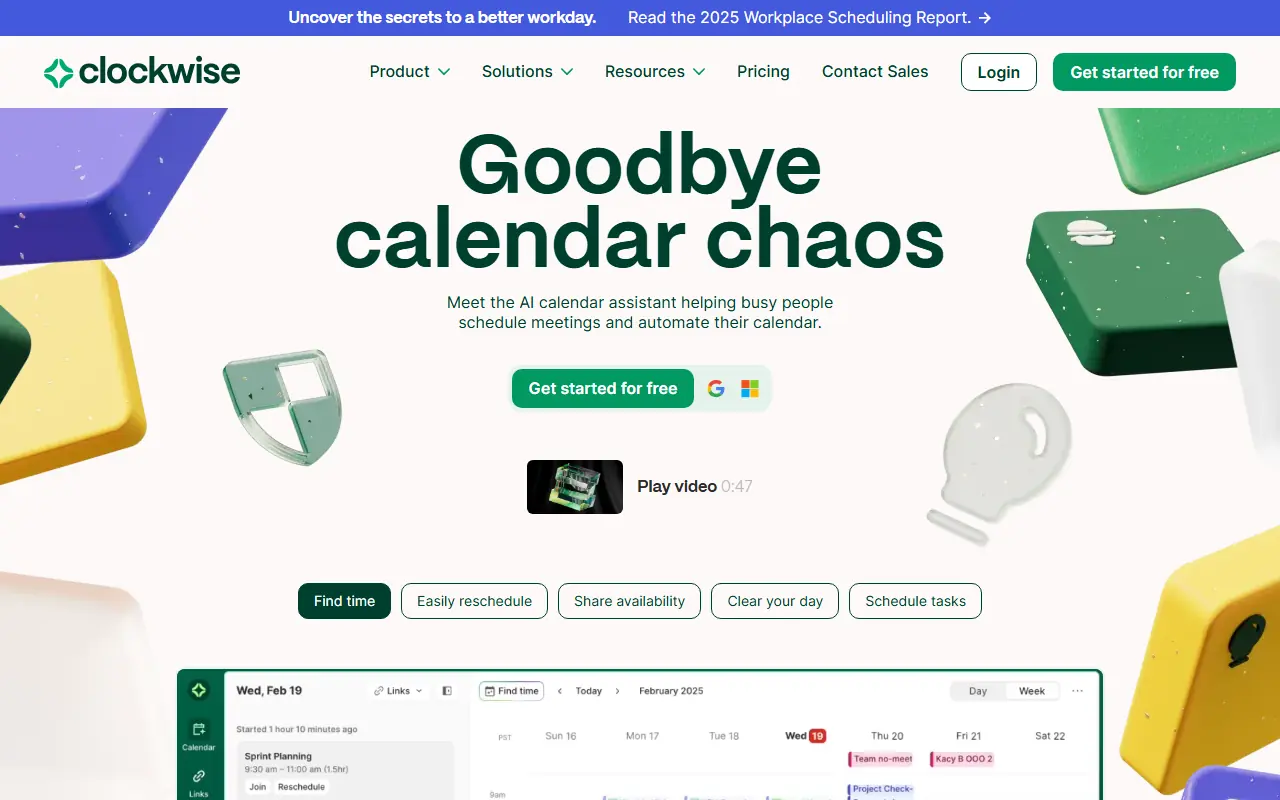
Clockwise is an AI-powered calendar optimization tool that helps users and teams manage time more effectively by automating scheduling and maximizing focus time.

FlowSavvy
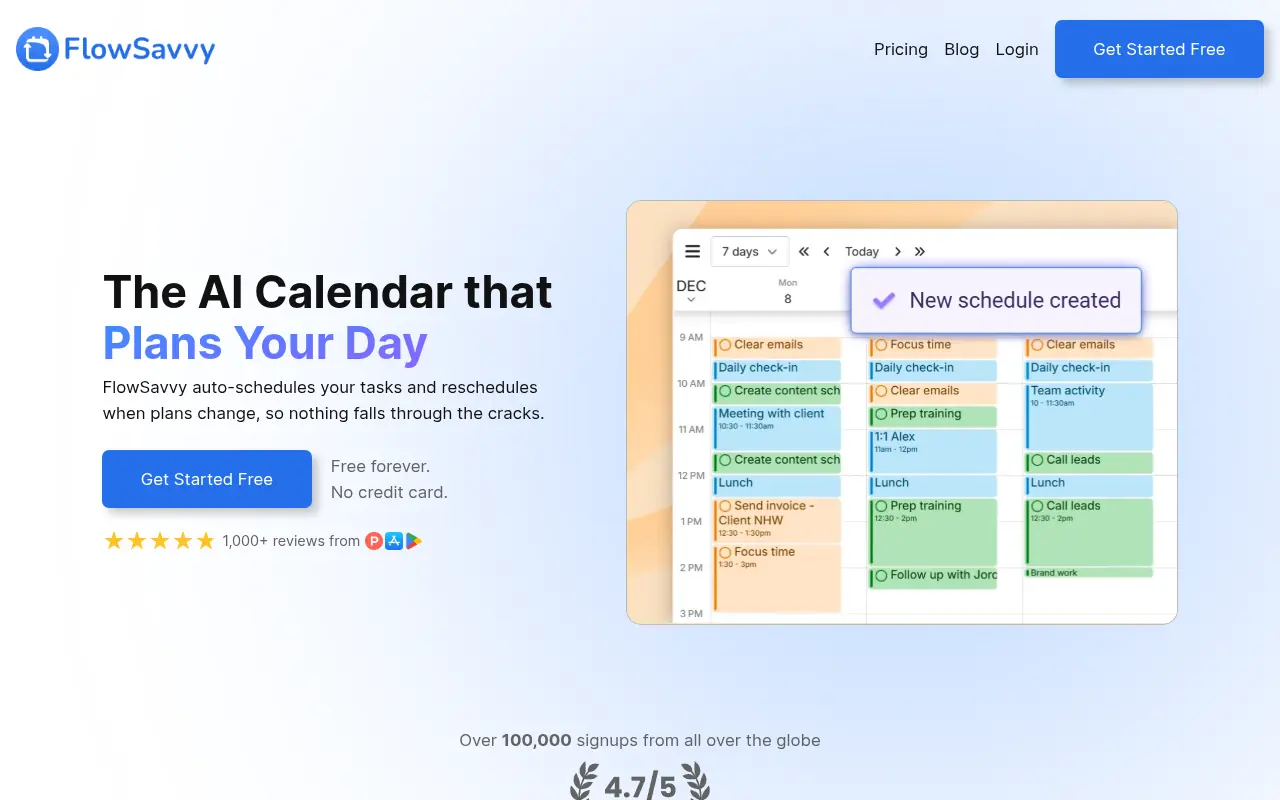
FlowSavvy is an AI-powered schedule planner that intelligently auto-schedules tasks from your to-do list into your calendar and automatically reschedules them when plans change.

Toki AI
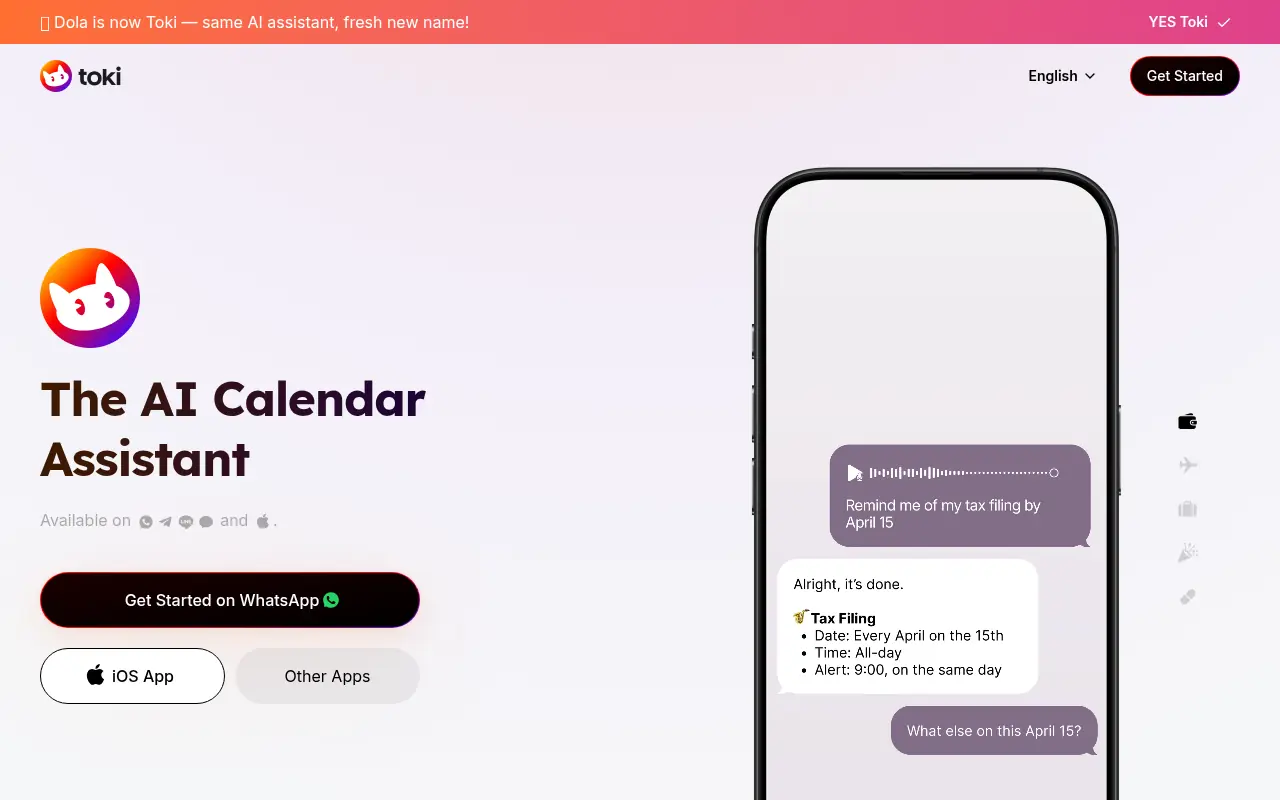
Toki AI is an AI-powered calendar assistant that streamlines time management through voice, text, and image-based scheduling.
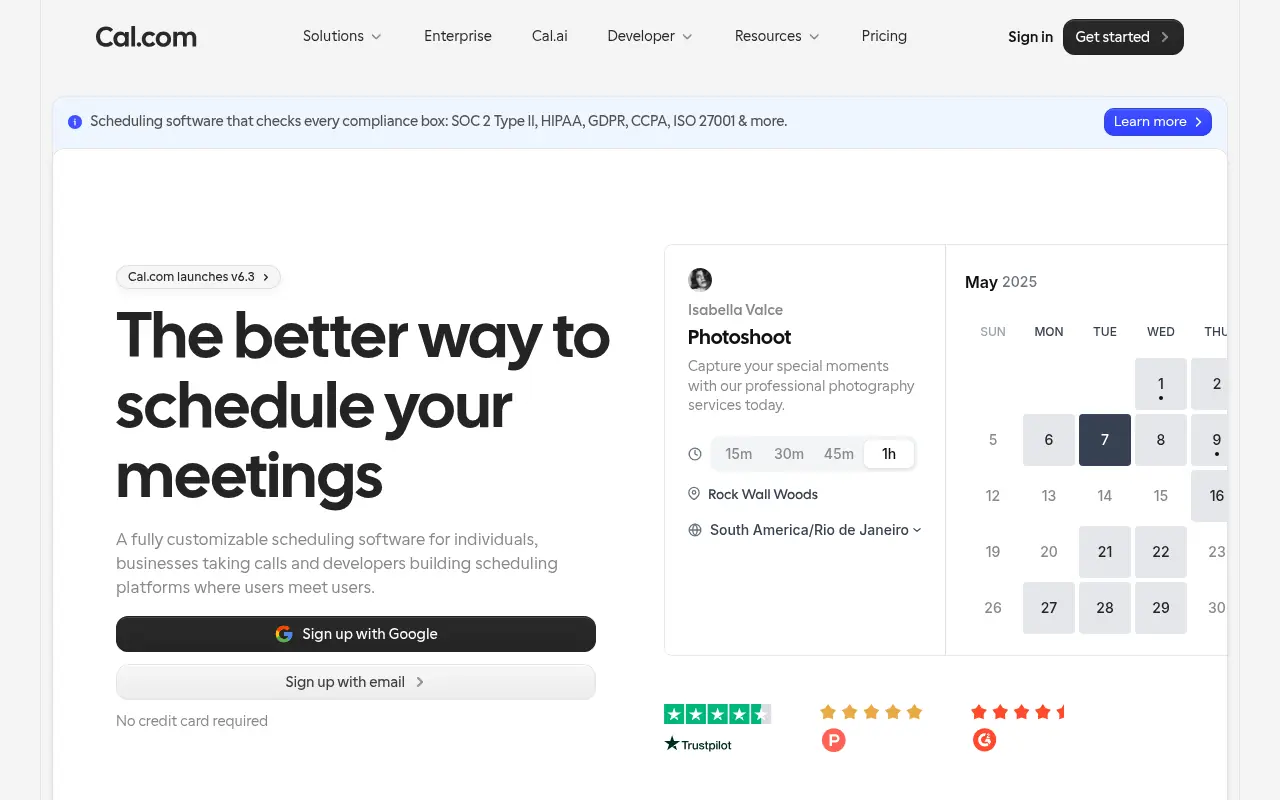

Cal.com
Cal.com is an open-source scheduling platform that helps individuals and businesses streamline appointment booking and manage their time effectively.
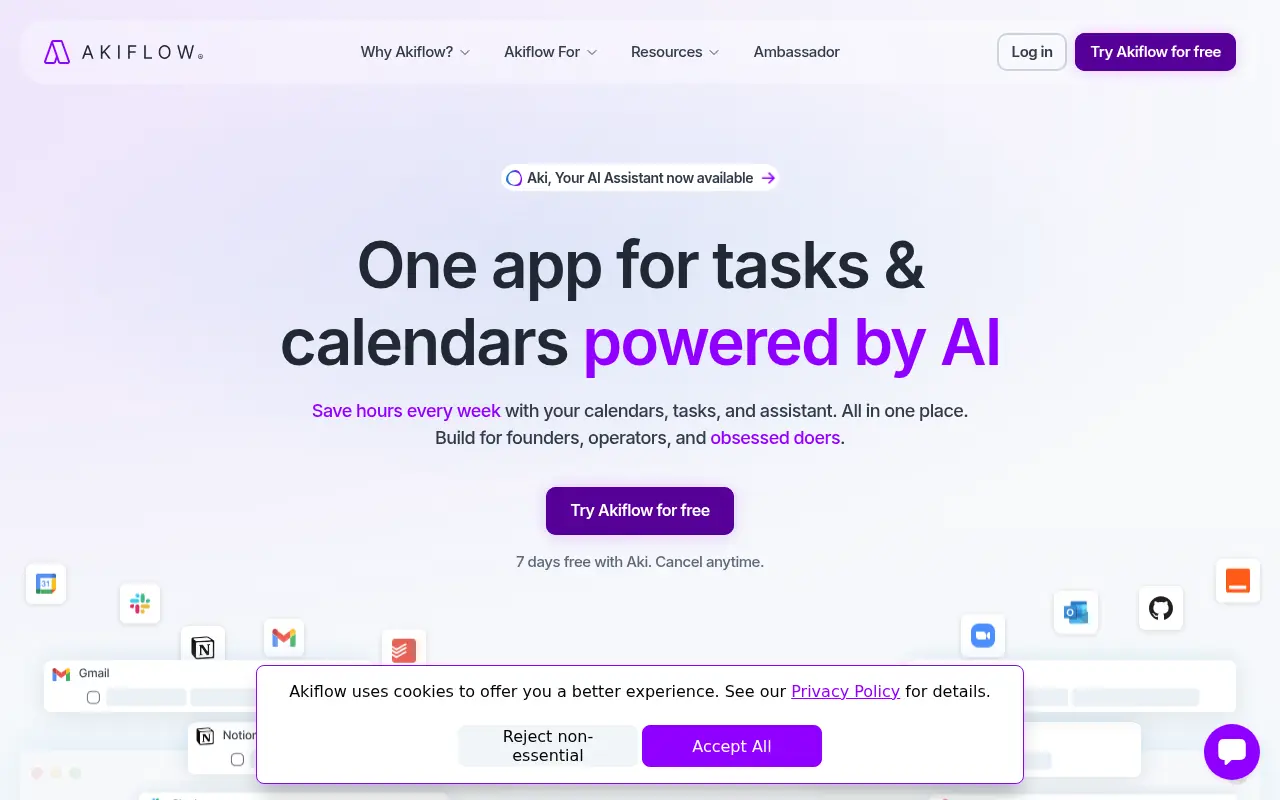

Akiflow
Akiflow is an AI-powered productivity platform that integrates tasks and calendars for efficient time management and scheduling.
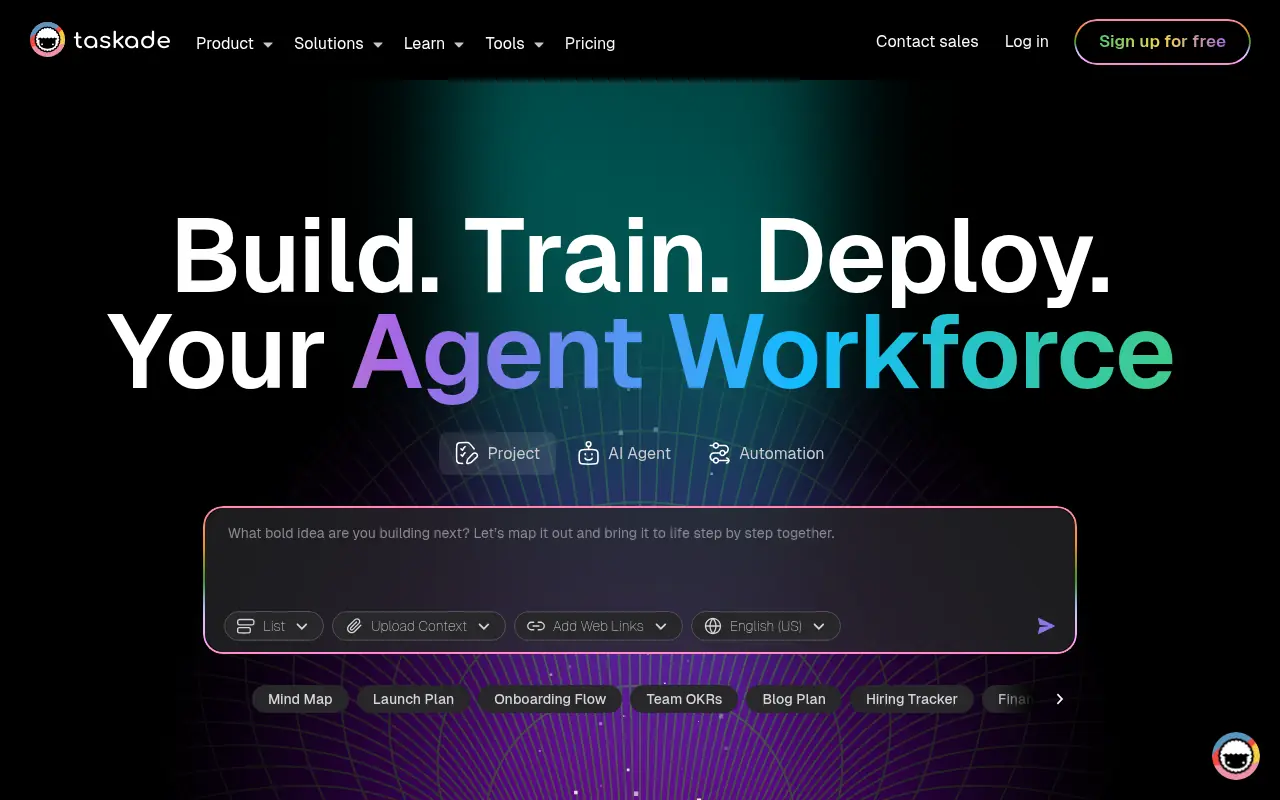

Taskade
Taskade is an AI-powered productivity platform for task management, collaboration, and workflow automation.
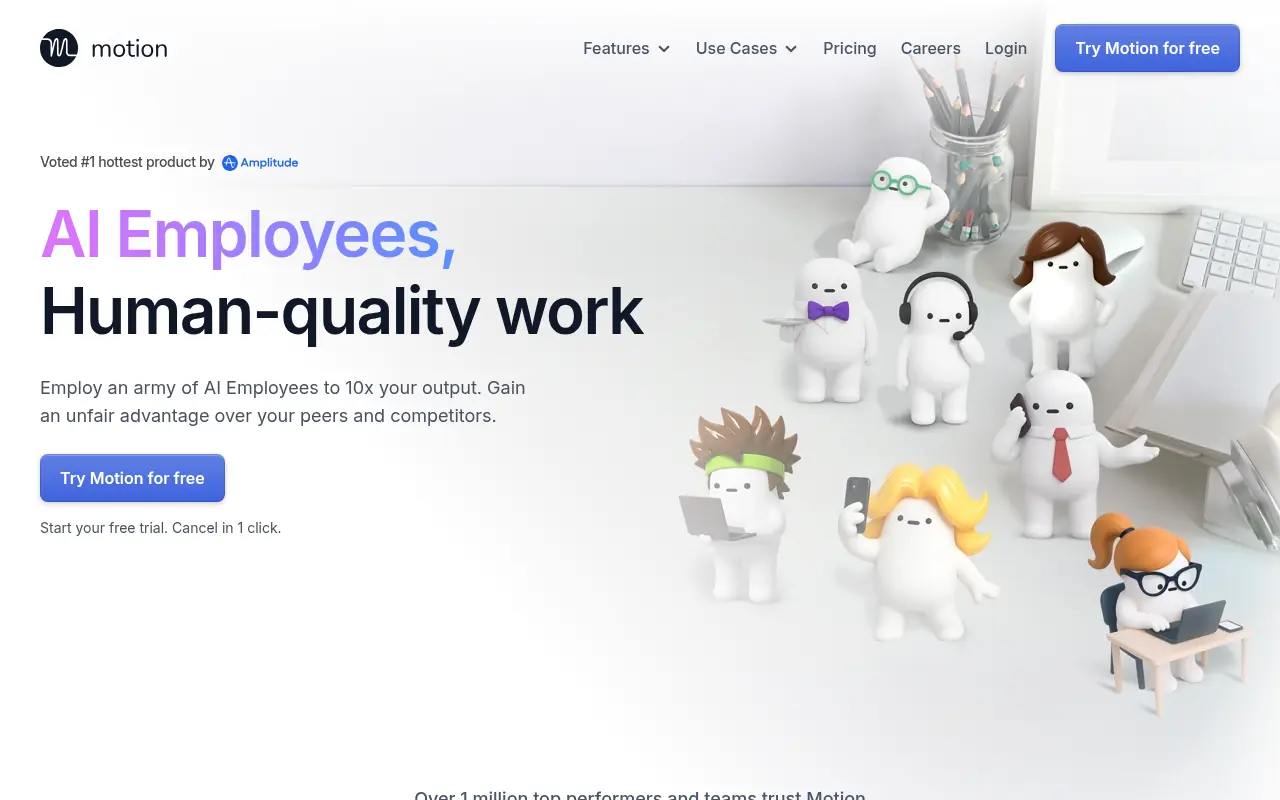

Motion
Motion is an AI-powered productivity tool that automates task management and scheduling to optimize daily workflows.
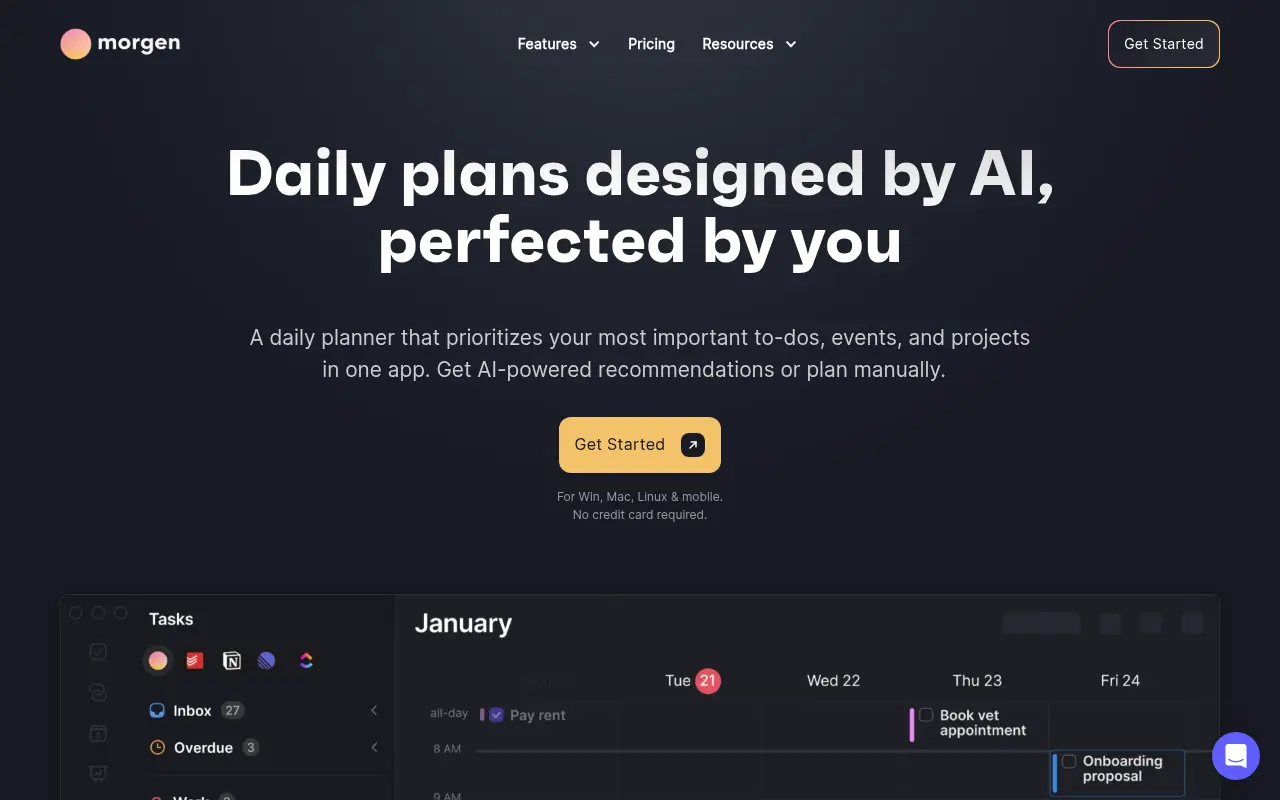

Morgen
Morgen is a unified calendar and productivity app that integrates schedules, tasks, and time management tools to help users optimize their daily workflows.