

Ginger Software
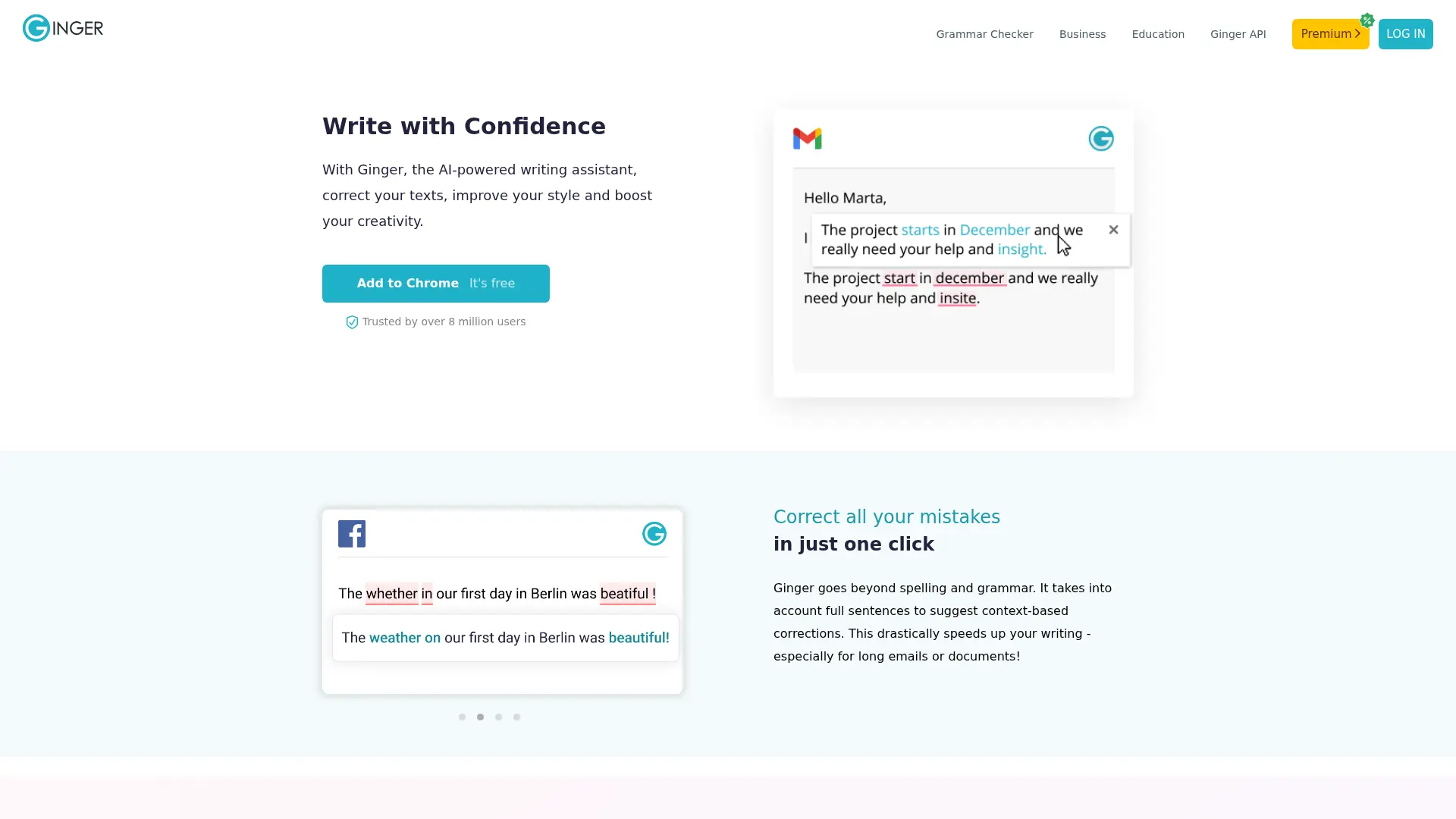
What is Ginger Software?
Ginger Software is an AI-powered writing assistant that checks English grammar, spelling, punctuation, and sentence structure. Its contextual correction technology identifies misused words and errors that basic spell checkers can miss. The platform serves students, professionals, casual writers, English learners, and people who need additional writing support. Users can access Ginger through a web editor, desktop applications, browser extensions, Microsoft Office integrations, and mobile apps. Its key differentiator is combining contextual corrections with sentence rephrasing, translation, synonyms, text reading, and personalized learning tools.
How to use Ginger Software?
1. Open Ginger's online editor or install the desktop app, browser extension, Office add-in, or mobile app. 2. Paste, type, or select the English text you want to review. 3. Apply Ginger's suggested corrections and optional rephrasing, translation, synonym, or text-reading tools to produce clearer writing.
Ginger Software's Core Features
Contextual grammar checking: Detect and correct grammar errors based on the meaning of the complete sentence.
Intelligent spell checking: Fix typos, phonetic mistakes, severe spelling errors, and incorrectly used words.
One-click correction: Apply multiple suggested corrections at once to reduce editing time.
Sentence rephrasing: Generate alternative sentence structures to improve clarity, flow, and variety.
Punctuation correction: Identify misplaced or missing commas, apostrophes, semicolons, and periods.
Browser extensions: Receive writing suggestions directly in Gmail, Facebook, LinkedIn, Google Docs, and other websites.
Microsoft Office integration: Review text in Word, Outlook, and PowerPoint on Windows without leaving Office.
Translation tools: Translate text between multiple supported languages when multilingual communication is required.
Personal dictionary: Save preferred words and terms to personalize the writing experience.
Text reader: Listen to written text aloud to review phrasing, flow, and potential mistakes.
Ginger Software's Use Cases
- #1
Students proofreading essays, assignments, and research drafts before submission
- #2
Professionals correcting grammar and punctuation in emails, reports, presentations, and business documents
- #3
English language learners checking sentence structure, spelling, translations, and word usage
- #4
Writers rephrasing repetitive sentences to improve clarity and variety
- #5
People with dyslexia or persistent spelling difficulties correcting contextual and phonetic errors
- #6
Remote teams reviewing messages written in Gmail, LinkedIn, Slack, and other browser-based applications
- #7
Mobile users polishing emails, texts, and social media posts while writing on iOS or Android
- #8
Organizations embedding grammar correction into learning management systems, CRM platforms, or internal tools through the API
Frequently Asked Questions
Analytics of Ginger Software
Monthly Visits Trend: Jun 2025 - Aug 2026
Traffic Sources
AI Channel Traffic Trends
Top Regions
| Region | Traffic Share |
|---|---|
| United States | 19.09% |
| India | 16.90% |
| Philippines | 8.12% |
| Malaysia | 3.36% |
| Indonesia | 2.86% |
Top Keywords
| Keyword | Traffic | CPC |
|---|---|---|
| grammar checker | 420.3K | $0.35 |
| ginger | 127.0K | $0.46 |
| grammar check | 135.3K | $0.35 |
| ginger grammar | 4.5K | $0.42 |
| check grammar | 32.9K | $0.55 |
Alternative of Ginger Software
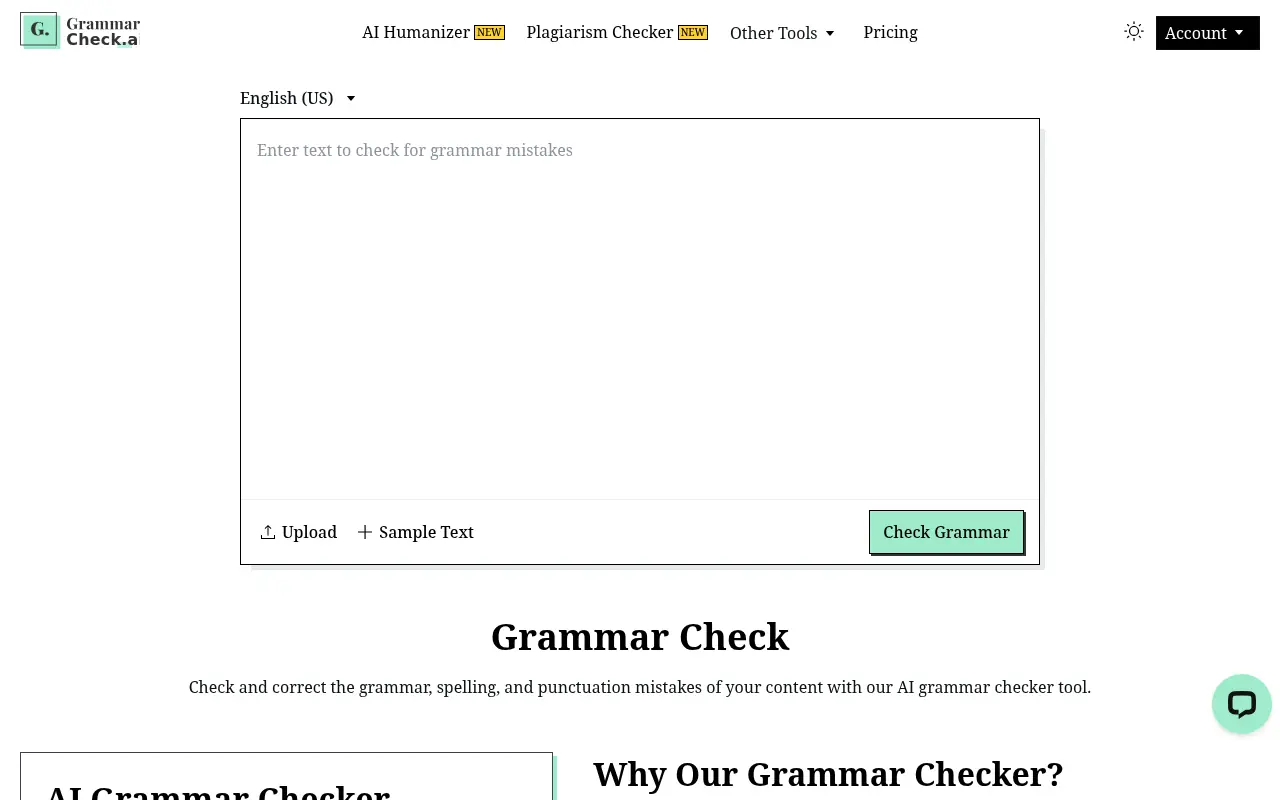

Grammar Check
An AI-powered grammar checker that instantly corrects grammar, spelling, and punctuation errors with one-click accuracy.
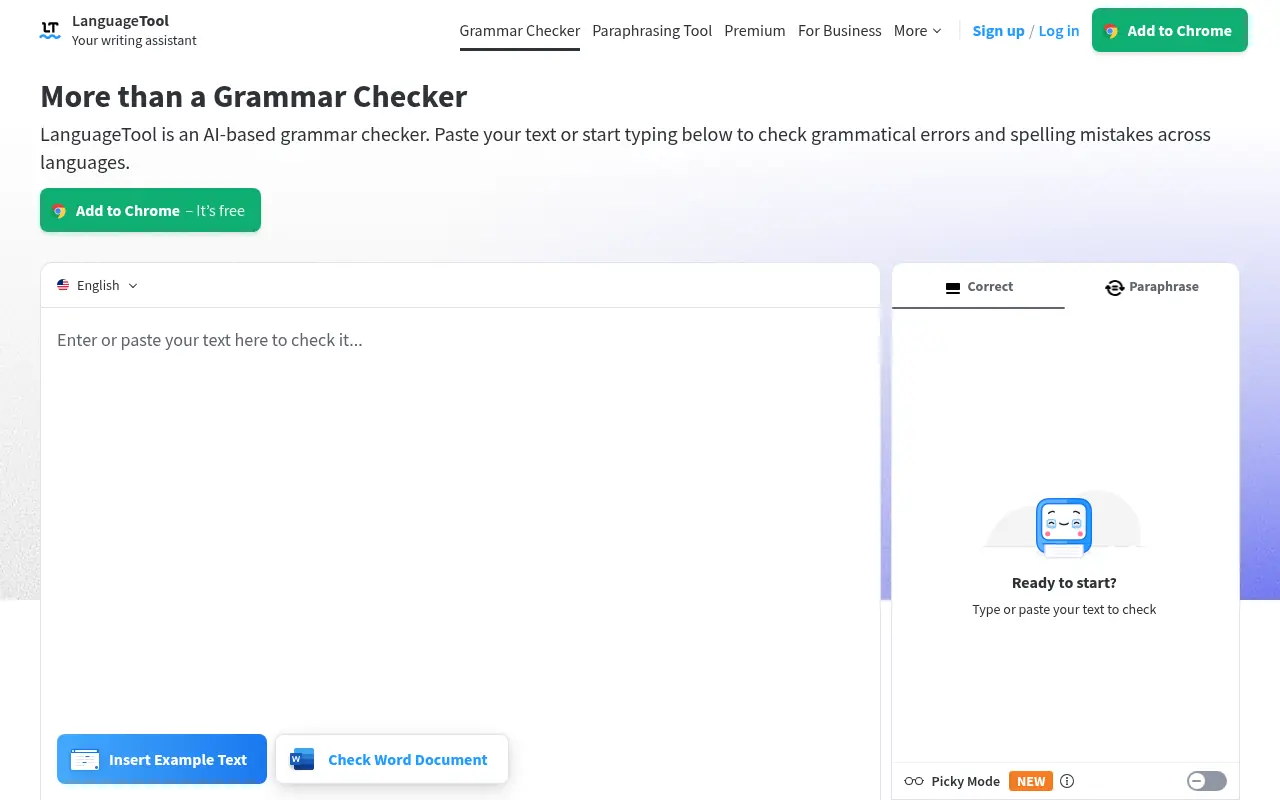

LanguageTool
LanguageTool is an AI-powered grammar, style, and spell checker enhancing writing in over 30 languages.


ProWritingAid
ProWritingAid is a writing assistant tool that helps users improve their writing through AI-powered editing, grammar checks, and style suggestions.
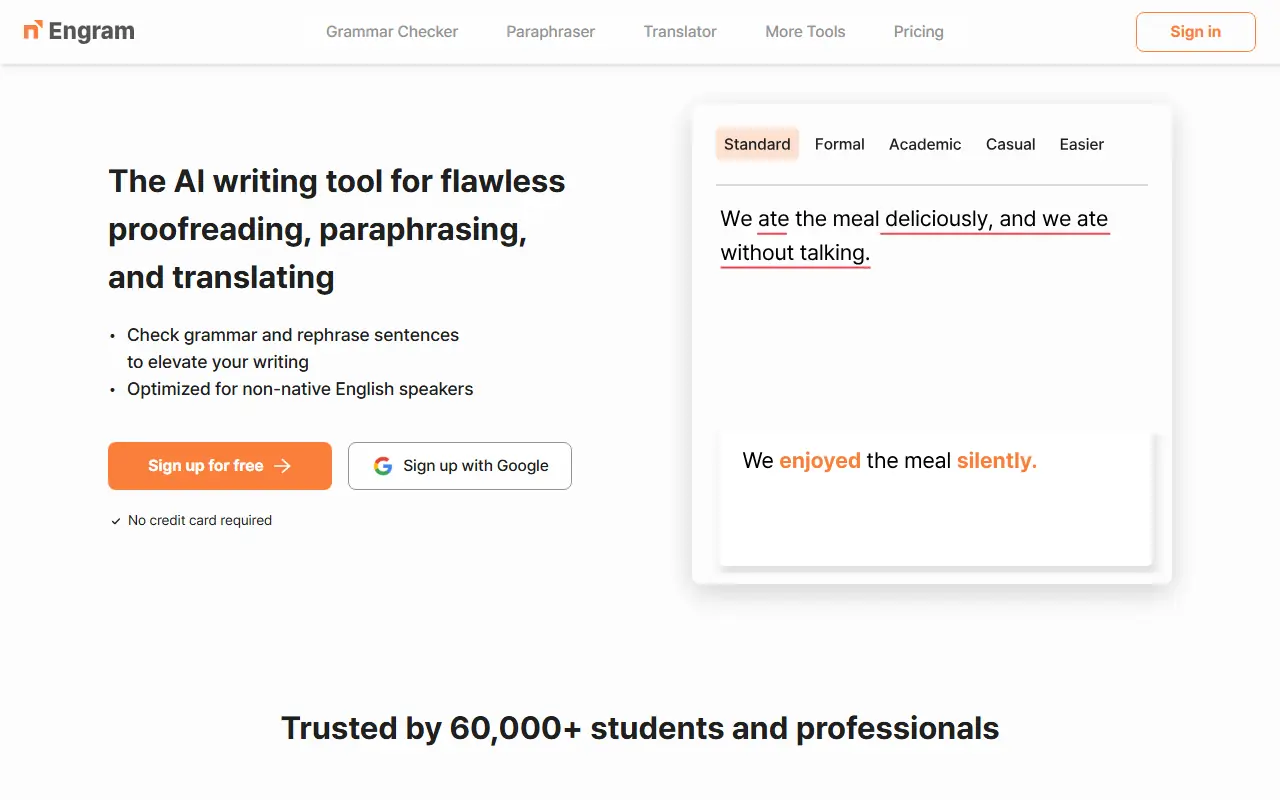

Engram
Engram is an AI-powered advanced proofreading tool designed to help users, especially non-native English speakers, improve their writing accuracy, style, and fluency.
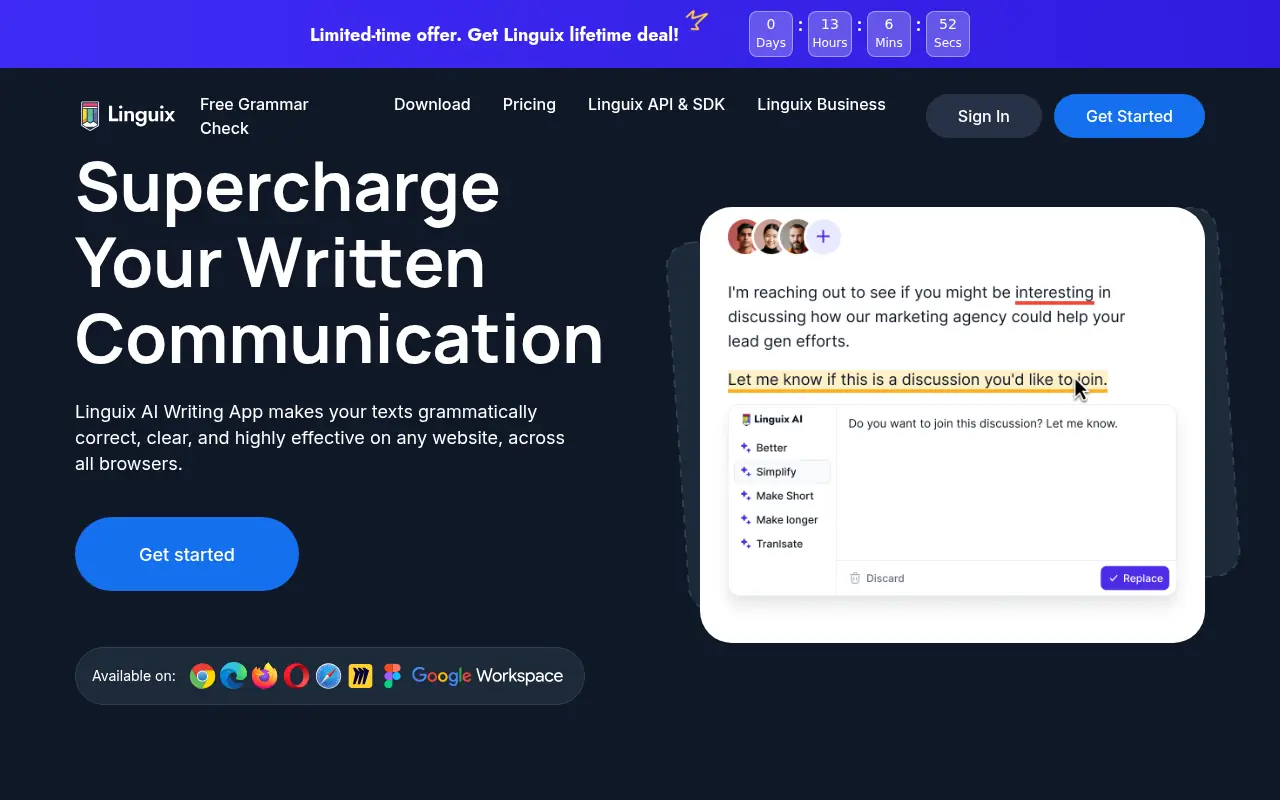

Linguix
Linguix is an AI-powered writing assistant that helps users improve grammar, style, and content quality in real-time across various platforms.


Trinka AI
Trinka AI is an advanced AI-powered grammar checker and writing assistant tailored for academic, technical, and professional writing.
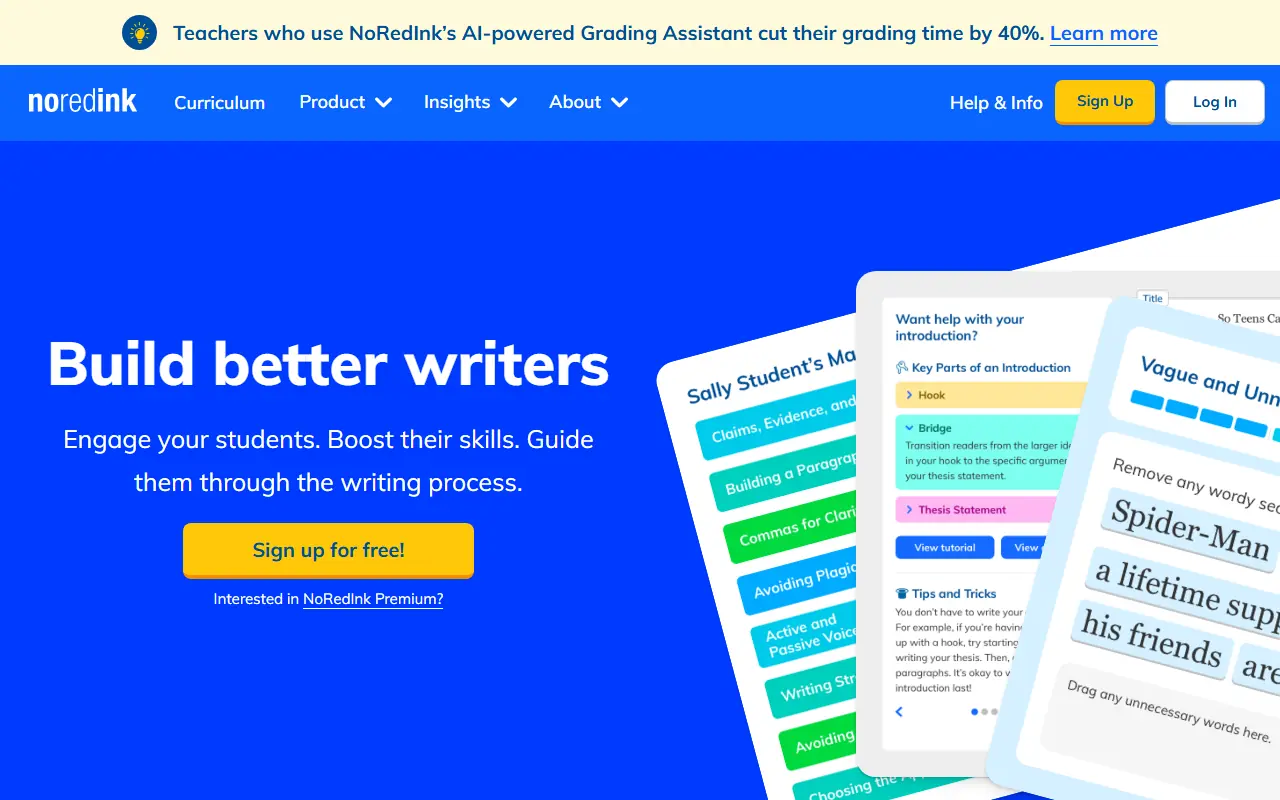

NoRedInk
NoRedInk is a comprehensive, adaptive writing and grammar platform designed to help K-12 students improve their language skills while offering AI-powered grading tools for teachers.
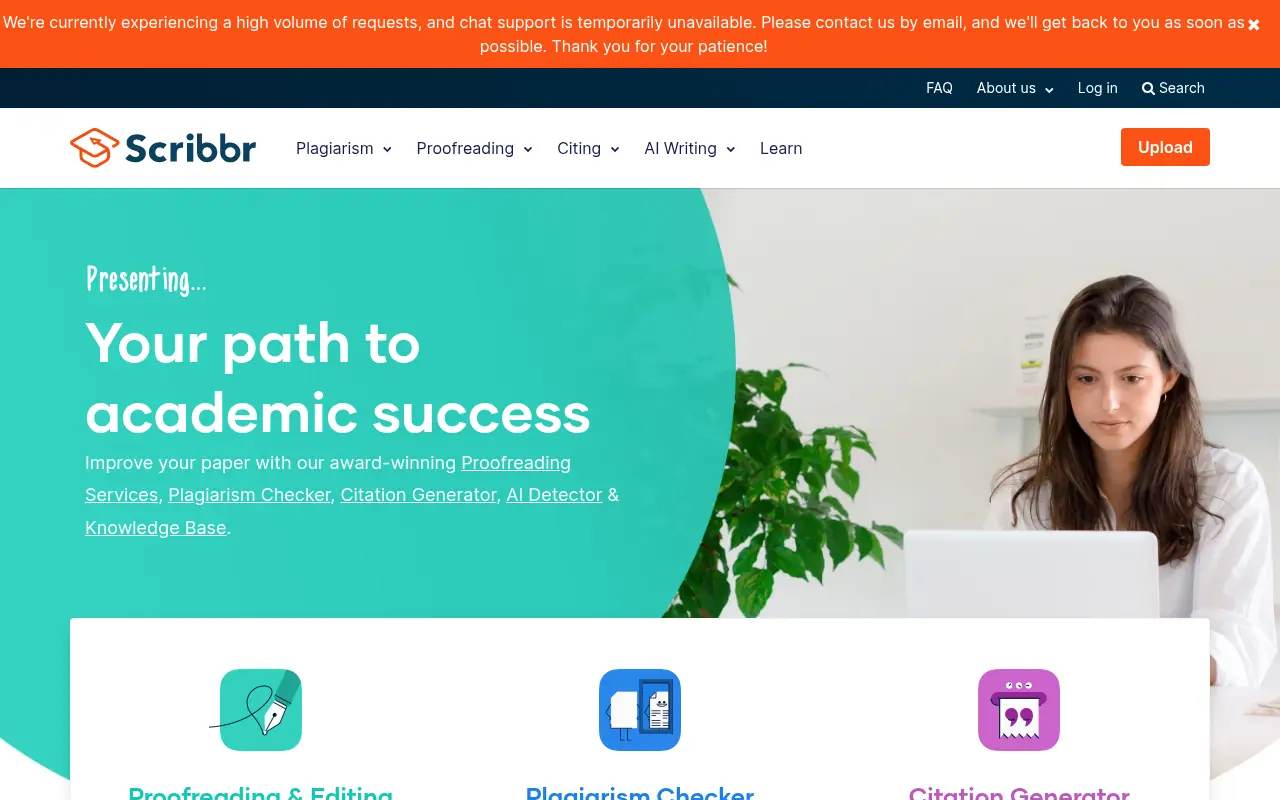

Scribbr
Scribbr is an all-in-one academic writing platform offering a plagiarism checker, citation generator, proofreading services, and AI writing tools to help students and researchers improve their papers.