

Editpad
What is Editpad?
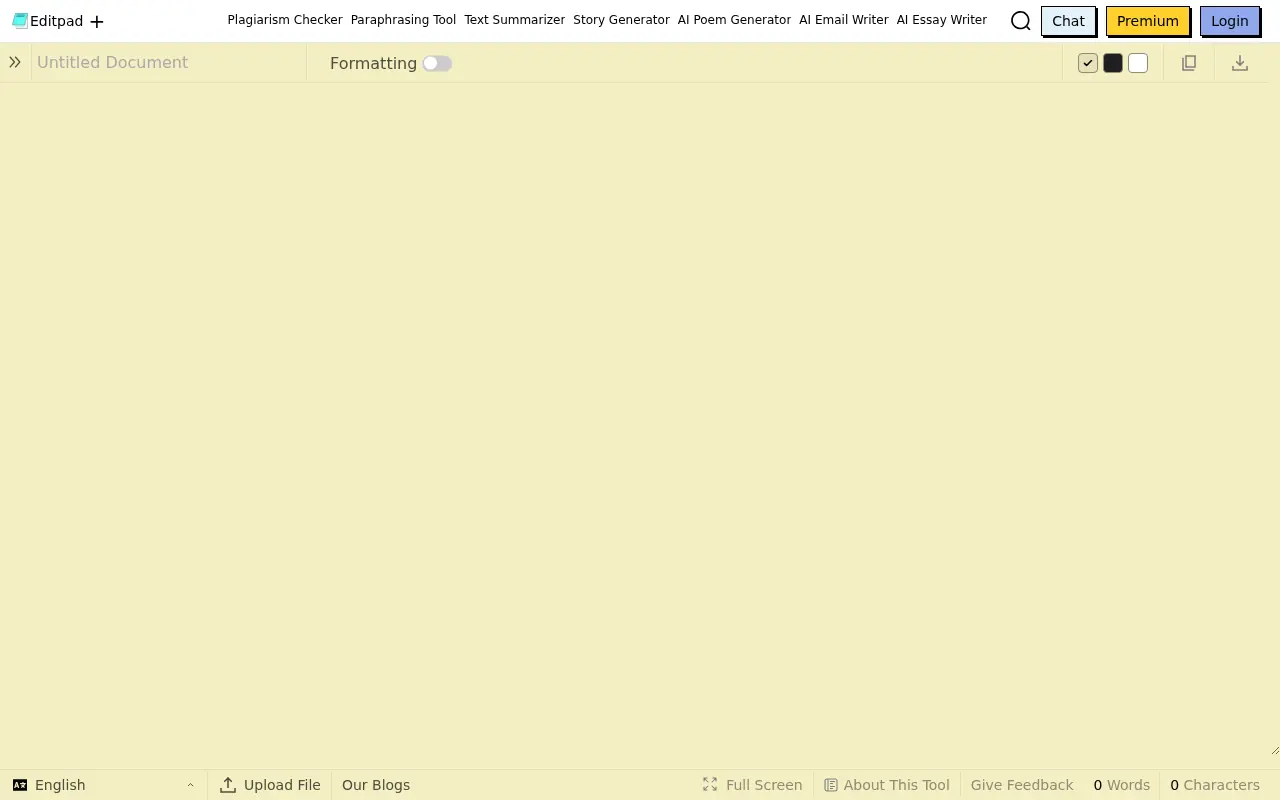
Editpad is a versatile online text editor and writing assistant that allows users to create, format, and enhance text directly in their web browser without installing any software. Its core mission is to simplify the writing process by offering an all-in-one platform packed with various tools, including AI writing assistants, plagiarism checkers, paraphrasing tools, and OCR image-to-text converters. It serves students, casual writers, and professionals by automating tasks like essay generation, rewriting text for clarity, and summarizing long documents. Additionally, it provides essential note-taking capabilities and extensive multilingual support, making it a reliable digital companion for academic and professional content refinement.
How to use Editpad?
To use Editpad effectively, simply navigate to the website and start typing or paste your text into the main online notepad editor. From the primary interface, you can access specific standalone tools from the menu—such as the Plagiarism Checker, Paraphrasing Tool, or AI Essay Writer—depending on your workflow. For tools like the OCR image-to-text converter, you simply upload an image or document, and the tool extracts the text for immediate editing. While core features are available for free, users requiring higher word limits, advanced generation capabilities, and an ad-free experience can sign up for a premium subscription.
Editpad's Core Features
Online Notepad: A simple, browser-based text editor for quick note-taking, formatting, and easy downloading.
Plagiarism Checker: Scans text against extensive online databases to detect copied content and ensure originality.
Paraphrasing Tool: Uses AI to rewrite and restructure sentences for better readability and uniqueness.
Text Summarizer: Condenses long articles or documents into concise, easy-to-read summaries.
OCR (Image to Text): Extracts editable text directly from uploaded images, screenshots, or scanned documents.
AI Essay Writer: Generates structured drafts and academic essays based on user-provided prompts and topics.
Grammar Checker: Highlights spelling and grammatical errors while offering AI-powered correction suggestions.
Voice Converter: Automatically shifts sentence structures between active and passive voices to refine tone.
Humanize AI Text: Modifies AI-generated text to make it sound more natural and bypass AI detectors.
Editpad's Use Cases
- #1
Quickly drafting, formatting, and organizing study notes or meeting minutes online.
- #2
Scanning and extracting editable text from printed images or physical documents using OCR.
- #3
Rewriting or paraphrasing existing text to improve clarity, tone, and avoid plagiarism.
- #4
Checking academic essays or web articles to ensure 100% originality.
- #5
Summarizing lengthy articles, research papers, or web pages into concise key points.
- #6
Converting passive sentences to active voice to strengthen writing style.
- #7
Generating structured essays, story drafts, or thesis statements using AI.
Frequently Asked Questions
Analytics of Editpad
Monthly Visits Trend: Jun 2025 - Aug 2026
Traffic Sources
AI Channel Traffic Trends
Top Regions
| Region | Traffic Share |
|---|---|
| United States | 21.47% |
| India | 6.13% |
| Mexico | 5.80% |
| Brazil | 5.31% |
| Indonesia | 4.99% |
Top Keywords
| Keyword | Traffic | CPC |
|---|---|---|
| invisible text | 49.6K | $0.47 |
| texto invisible | 15.1K | $0.30 |
| blank text | 19.6K | $0.83 |
| invisible character | 85.9K | $0.28 |
| espacio en blanco | 13.9K | $0.52 |
Alternative of Editpad

Scribbr
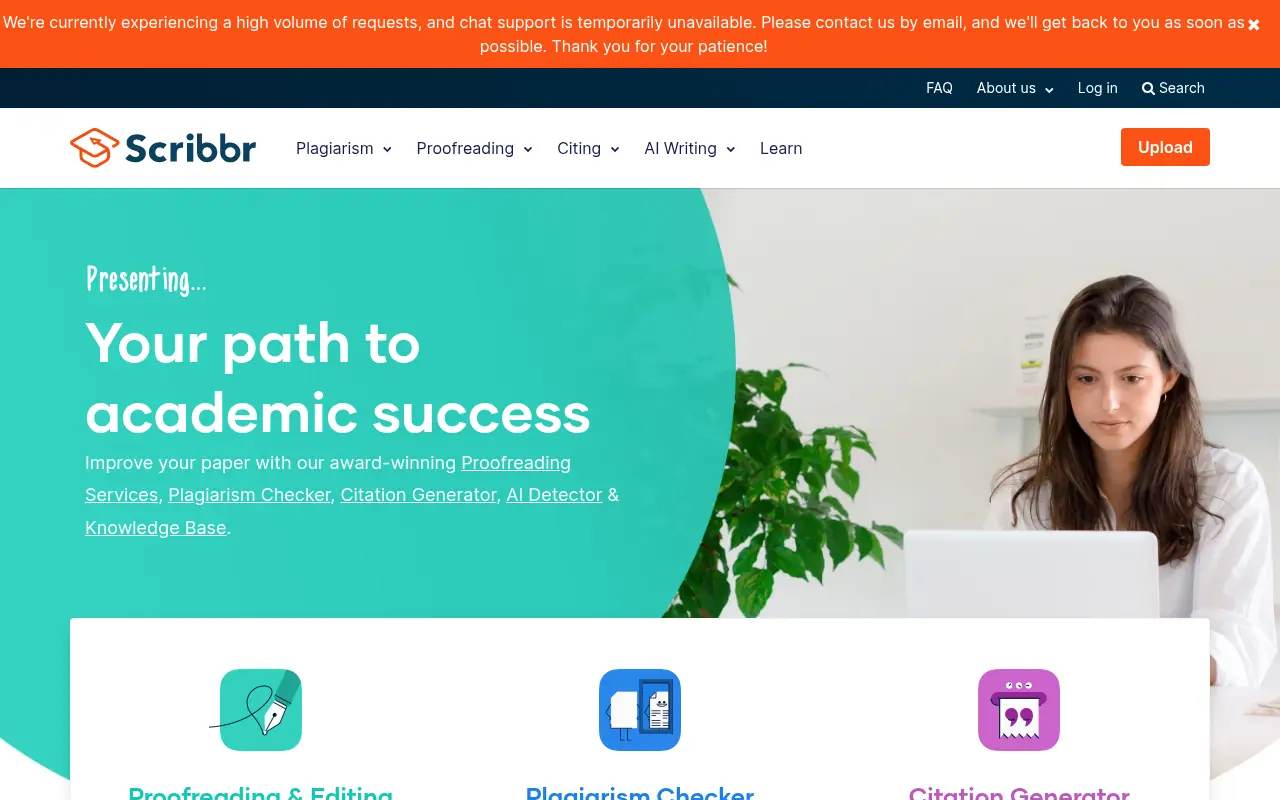
Scribbr is an all-in-one academic writing platform offering a plagiarism checker, citation generator, proofreading services, and AI writing tools to help students and researchers improve their papers.

Wordvice AI
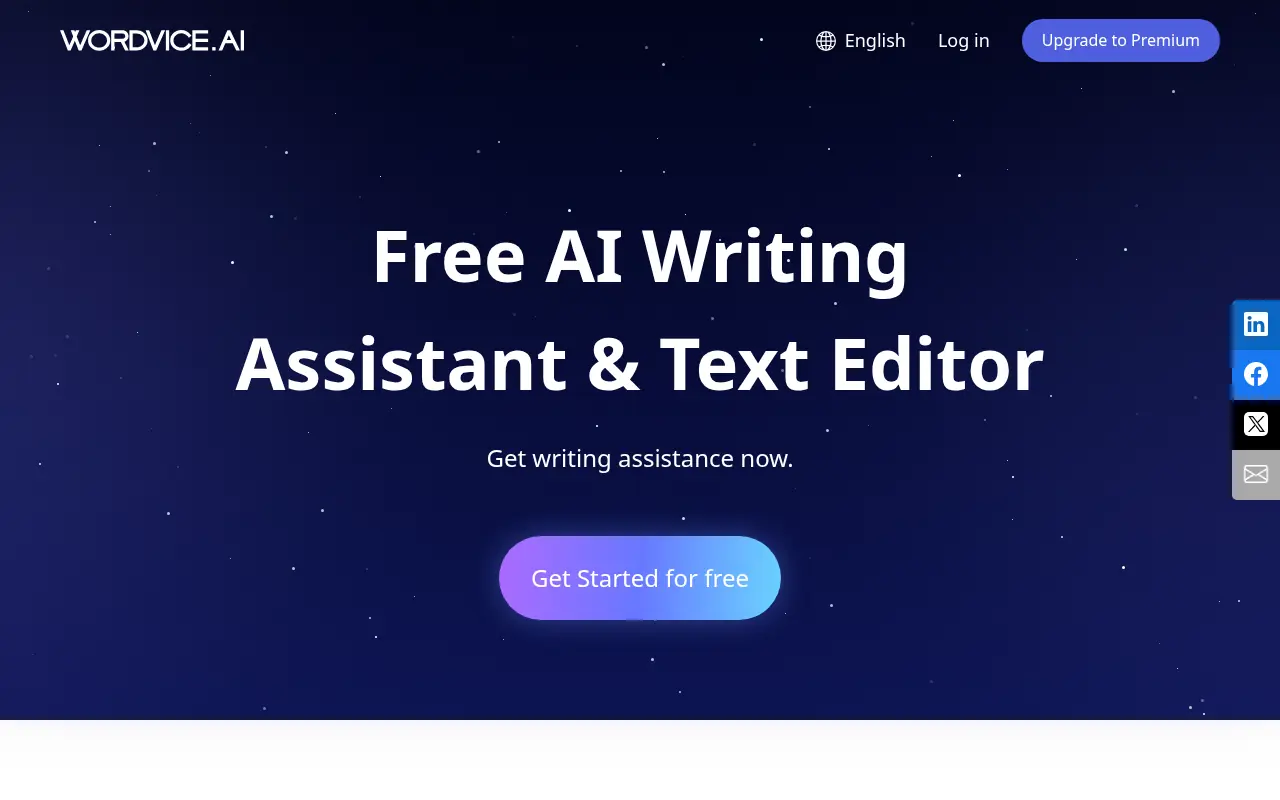
Wordvice AI is a free AI-powered writing assistant that offers comprehensive proofreading, paraphrasing, summarizing, translating, and grammar checking tools for academic, professional, and everyday writing.

Wrizzle AI
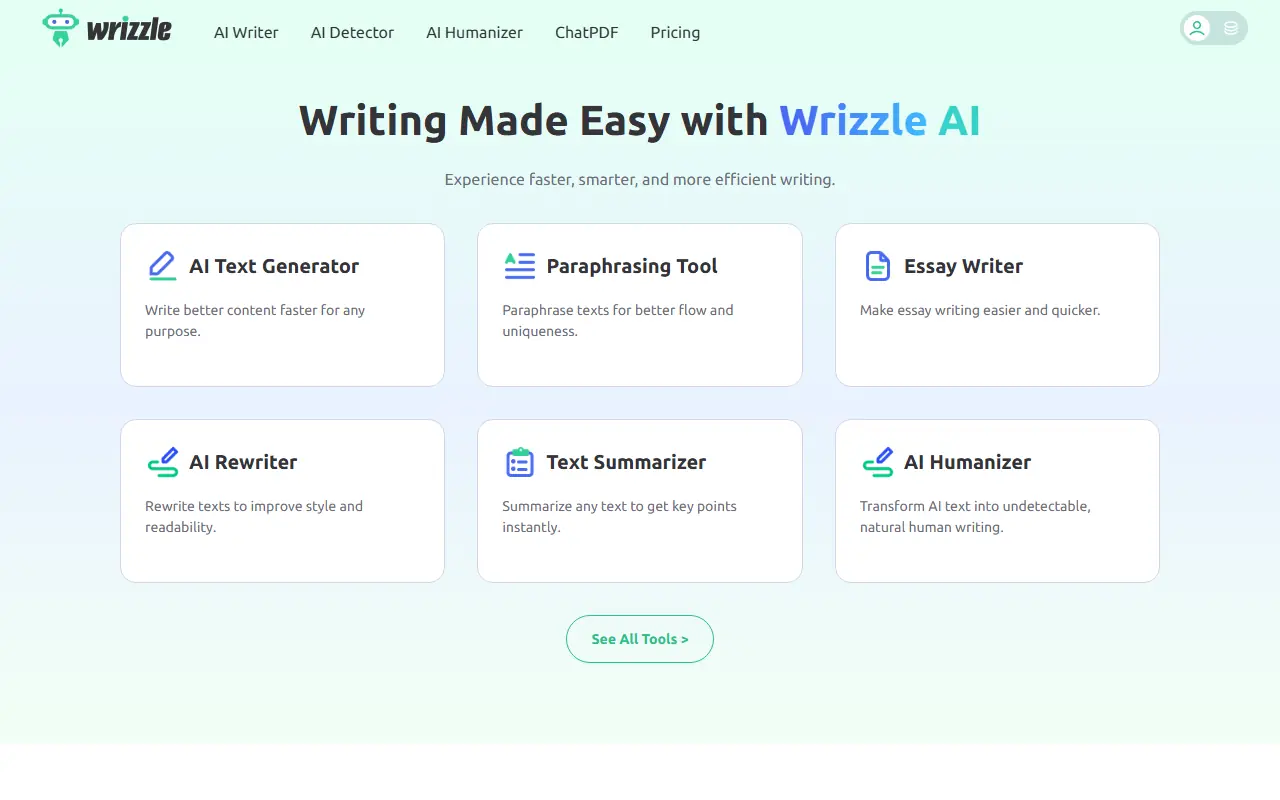
Wrizzle AI is an all-in-one AI writing assistant offering a suite of over 30 task-focused tools for drafting, paraphrasing, summarizing, and optimizing content.
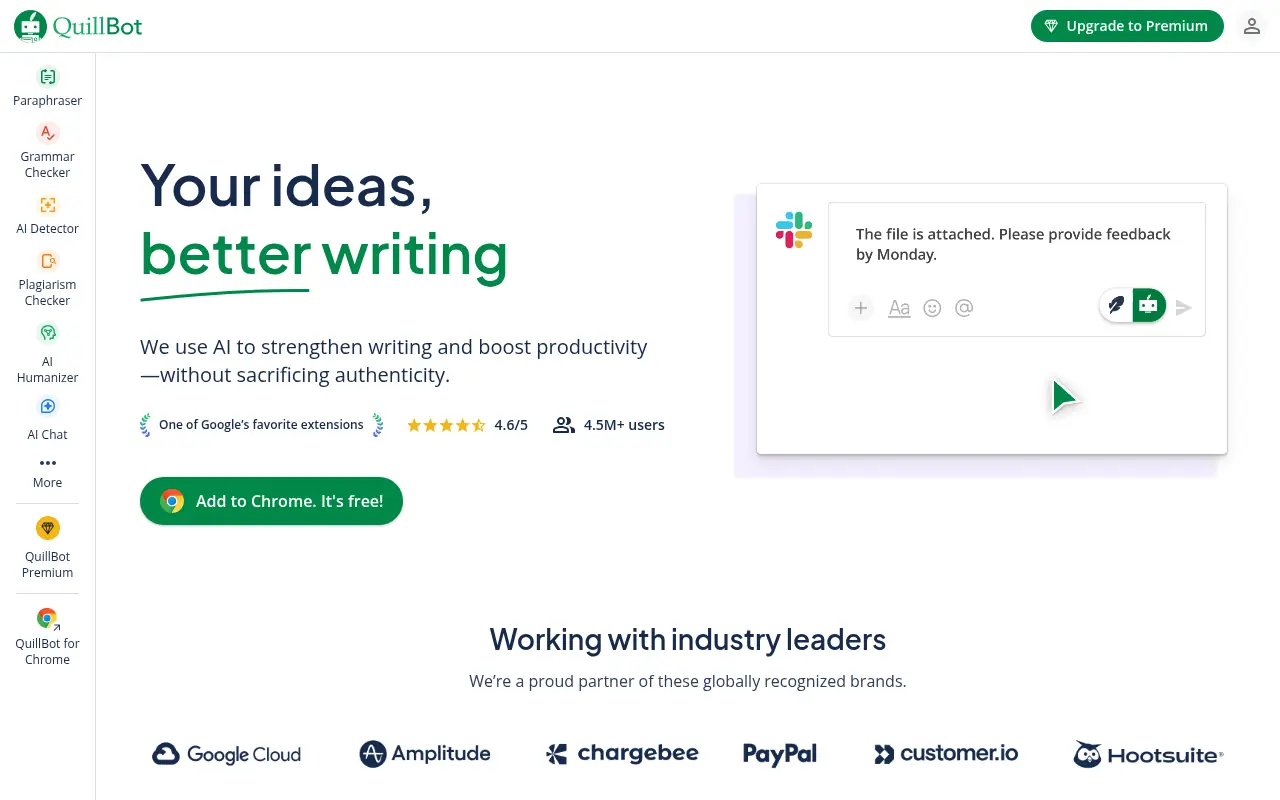

QuillBot
QuillBot is an AI-powered writing platform that enhances writing through paraphrasing, grammar checking, and other productivity tools.


Litero AI
Litero AI is a source-based AI writing assistant designed for students and academics to research, draft, edit, and cite essays with built-in originality and authenticity checks.
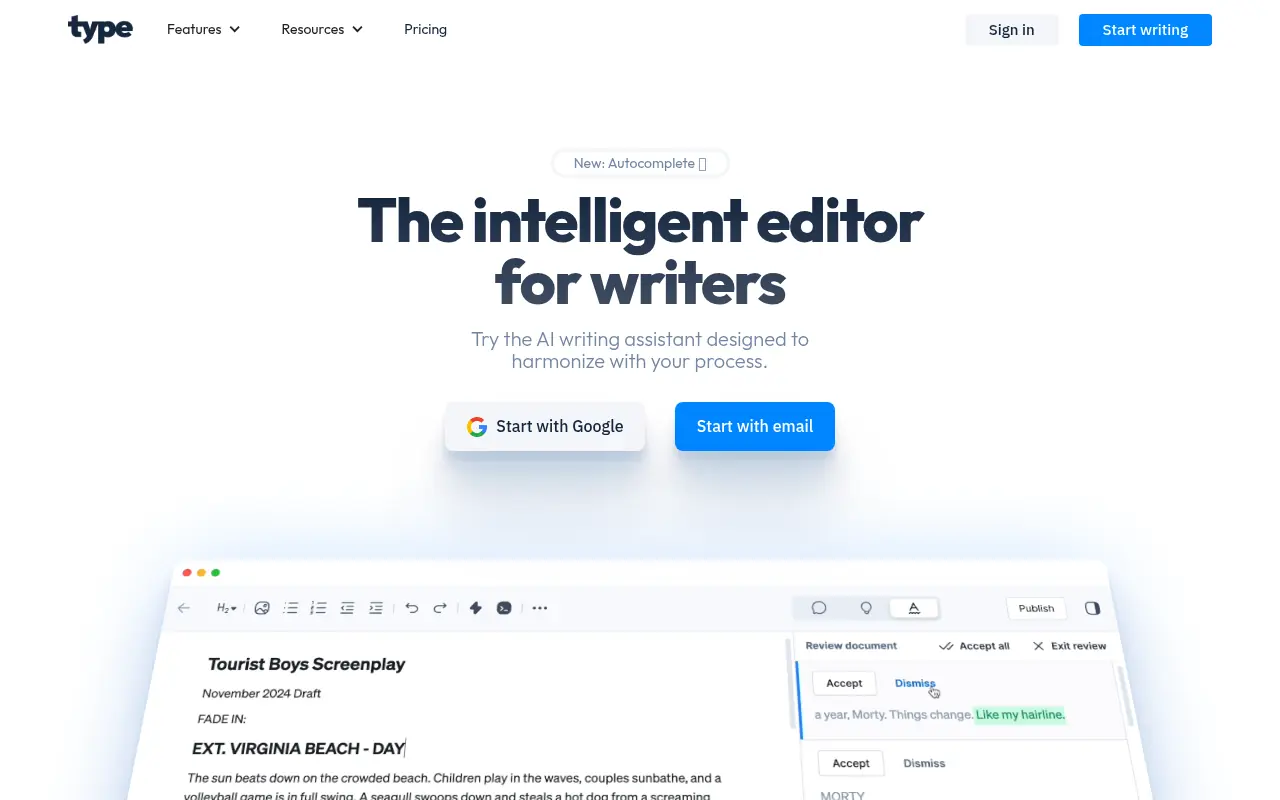

Type.ai
Type.ai is an AI-powered writing assistant that helps users generate, edit, and refine text content efficiently.
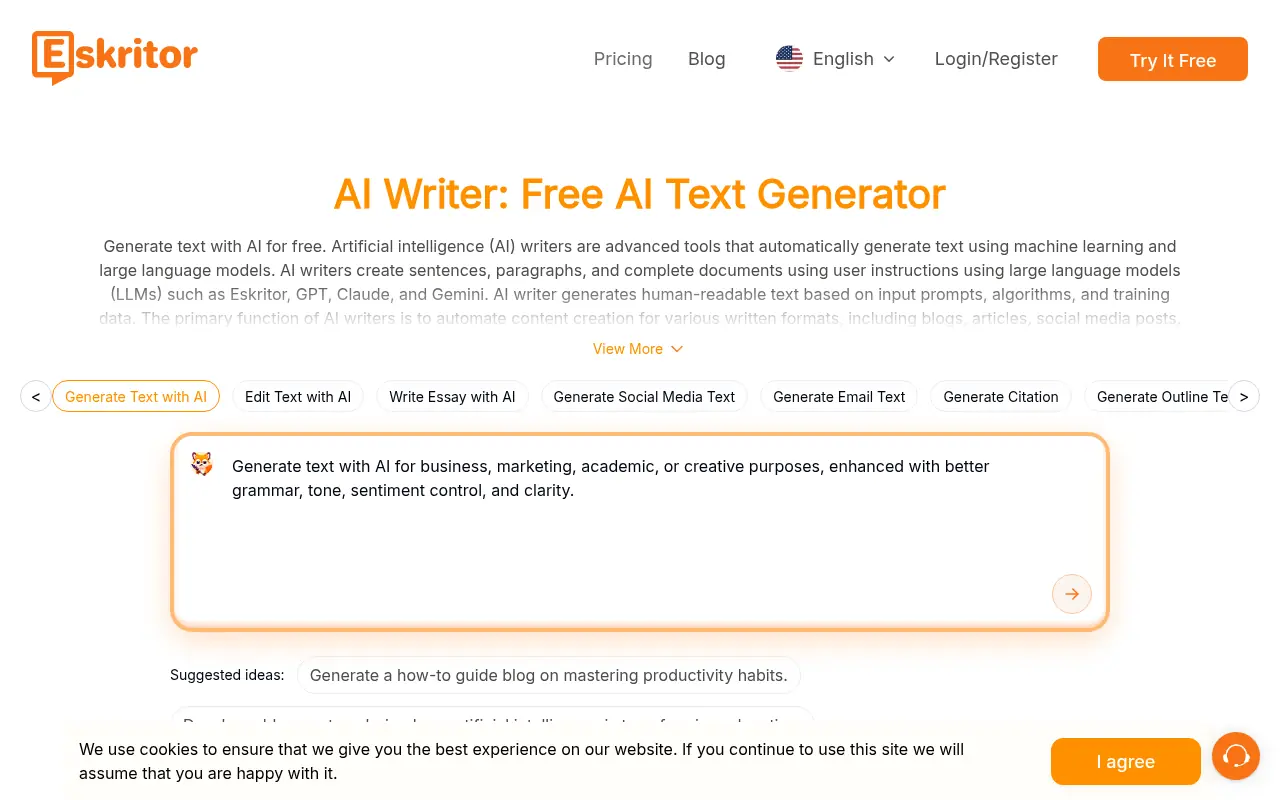

Eskritor
Eskritor is an AI-powered writing assistant that automates content creation and supports diverse writing tasks for users of all skill levels.
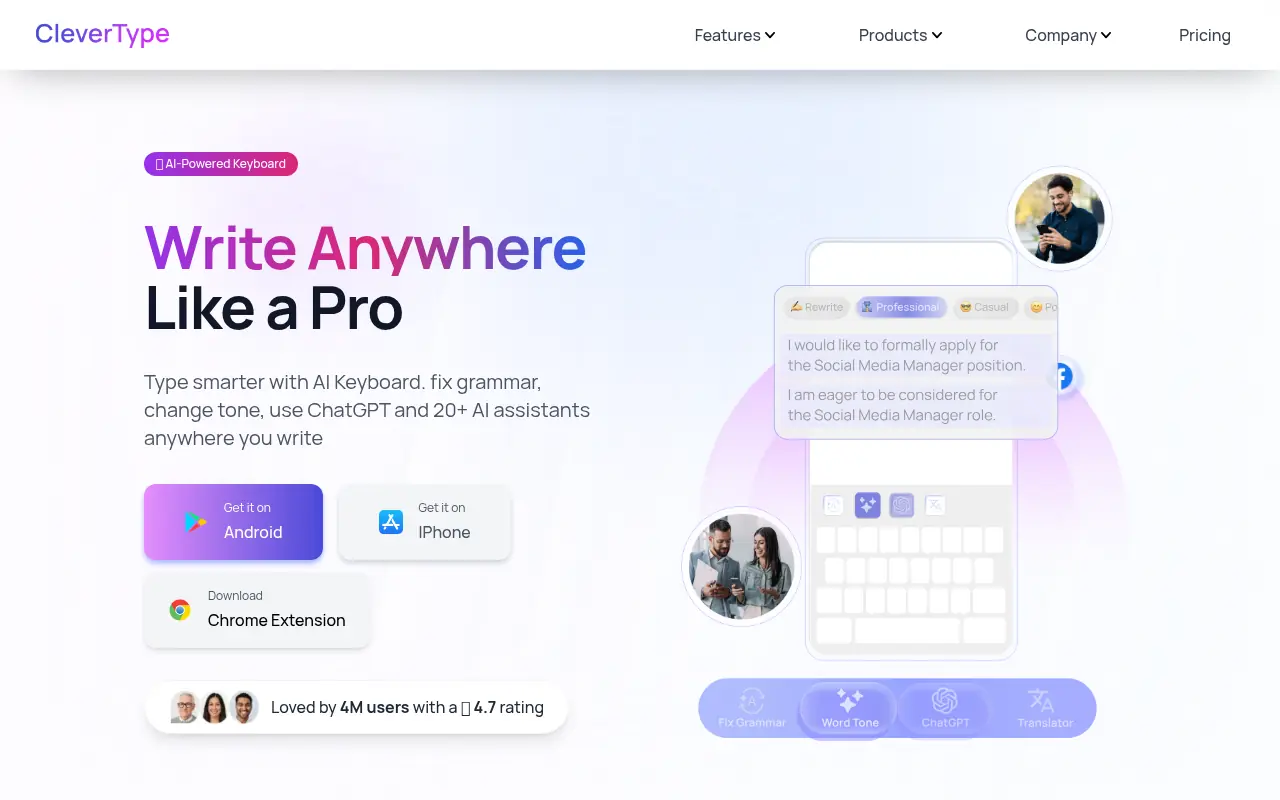

CleverType
CleverType is an AI-powered keyboard and writing assistant that fixes grammar, adjusts tone, and enhances typing across mobile and desktop apps.