

Kuse AI
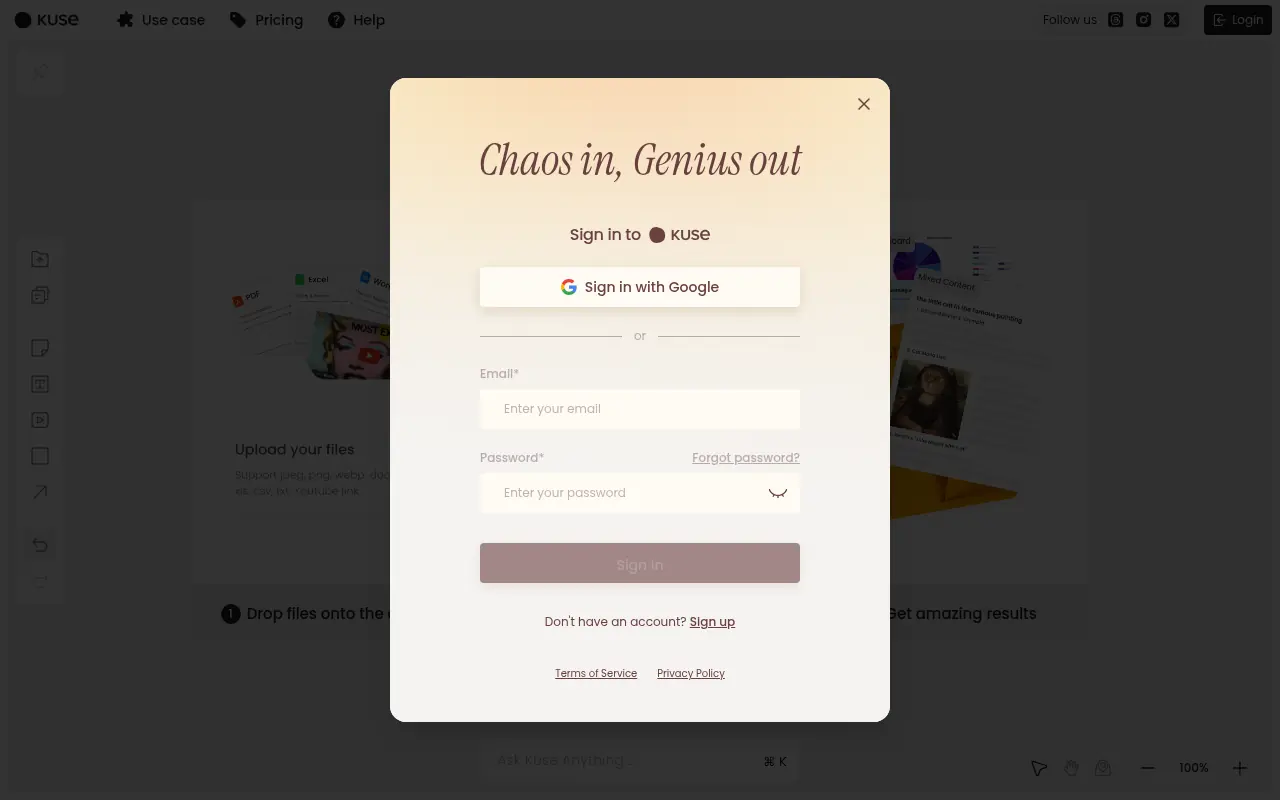
What is Kuse AI?
Kuse AI is an intelligent, multi-modal workspace designed to make AI a trusted partner in human creativity, productivity, and learning.It enables users to drop files, videos, images, and notes onto a visual canvas and interact with them contextually, blending the organizational power of tools like Notion, the spatial flexibility of a whiteboard, and the generative capabilities of advanced AI models.Kuse is built with project persistence, collaboration features, and modular organization, accommodating unlimited workflows for professionals, teachers, and students alike.The platform excels in creating shareable, actionable outputs—such as animated flashcards, web pages, dashboards, and PDFs—from heterogeneous sources, all retained for iteration and continuous improvement.It is accessible to non-technical users; no coding knowledge is required to transform unstructured information into polished deliverables.Kuse's mission is to amplify clarity, creativity, and productivity while adapting to each user's unique goals.
How to use Kuse AI?
Users start by creating a new project within the Kuse AI workspace, then drag and drop files, links, videos, images, or text notes onto the infinite canvas.From there, users can select specific assets or regions using the Magic Pen tool to prompt the AI for contextual analysis, summarization, or synthesis.The platform supports organizing, clustering, and editing content, enabling live collaboration and outputting persistent deliverables such as flashcards, web pages, PDFs, images, or Word documents.All actions are accessible through an intuitive, no-code interface, making it easy to iterate and refine projects until the desired structure and insight are achieved.
Kuse AI's Core Features
Infinite canvas workspace for organizing diverse content.
Magic Pen tool for AI-driven contextual selection and transformation.
Automated output generation: flashcards, web pages, PDFs, and Word docs.
Multi-modal asset support: files, videos, images, links, and text.
Live collaboration and editing for teams or classrooms.
Persistent project library for easy retrieval and iteration.
Synthesized analysis, clustering, and summarization capability.
No-code interface accessible to users of any technical skill level.
Citation-backed research suggestions and document analysis.
Personalized tone, pacing, and structure mimicking for teaching and writing.
Export and share deliverables in multiple formats (HTML, PDF, image, doc).
Secure project organization and asset management.
Kuse AI's Use Cases
- #1
Convert a YouTube video and notes into actionable flashcards for study.
- #2
Summarize and cluster research PDFs into a content strategy or knowledge base.
- #3
Brainstorm, markup, and collaborate on essays or proposals with live editing.
- #4
Transform messy brainstorming sessions into organized project outlines.
- #5
Automatically generate interactive web pages from aggregated project assets.
- #6
Extract trends and insights from spreadsheets, reports, or videos.
- #7
Design and export dashboards or visual project deliverables for teams.
- #8
Create differentiated lesson plans and study guides for educational use.
Frequently Asked Questions
Analytics of Kuse AI
Monthly Visits Trend: Jun 2025 - Aug 2026
Traffic Sources
Top Regions
| Region | Traffic Share |
|---|---|
| Taiwan | 50.64% |
| United States | 14.32% |
| Hong Kong | 8.94% |
| Brazil | 7.47% |
| India | 2.77% |
Top Keywords
| Keyword | Traffic | CPC |
|---|---|---|
| kuse | 3.9K | $0.97 |
| kuse ai | 2.0K | $0.71 |
| kuse-039 | 2.6K | -- |
| kuse table | 30 | -- |
| hacuse ia | 20 | -- |
Alternative of Kuse AI
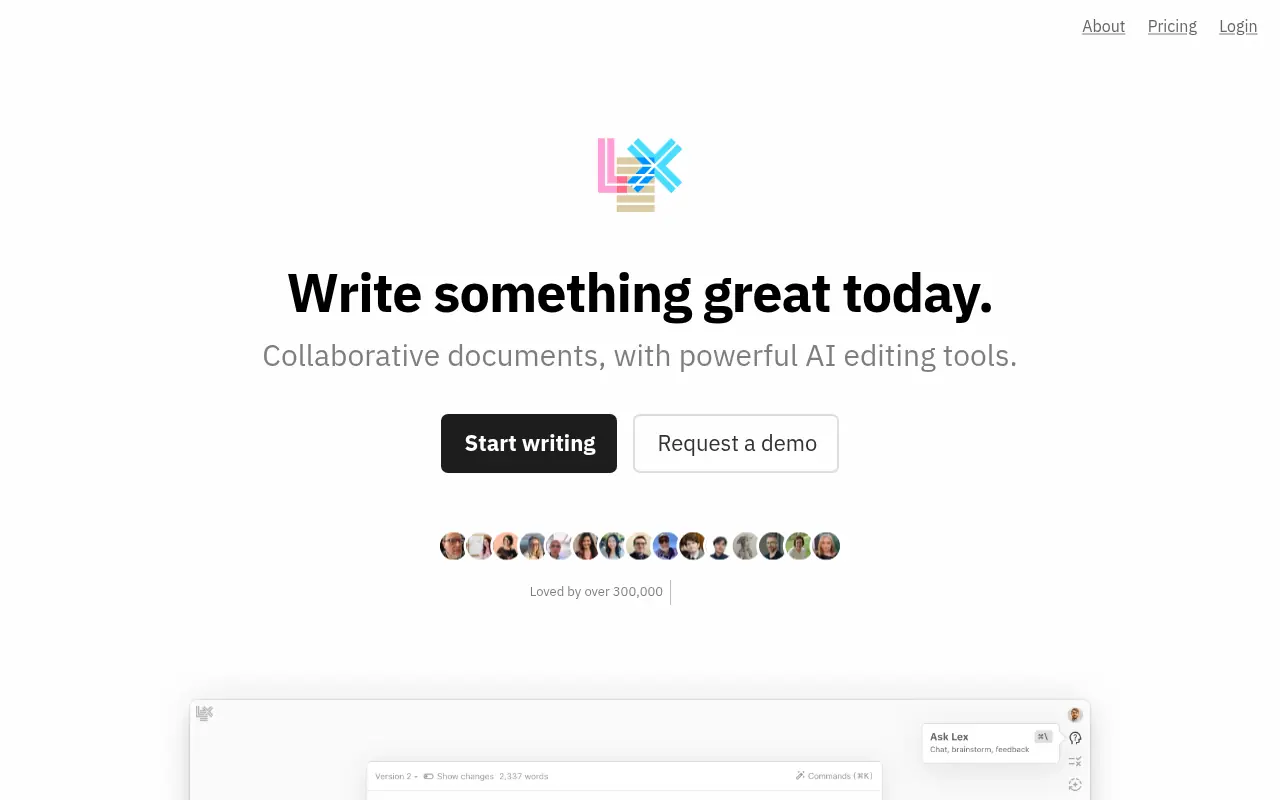

Lex.page
Lex.page is a minimalist, AI-powered writing platform that helps users draft, revise, and organize documents efficiently while overcoming writer's block.
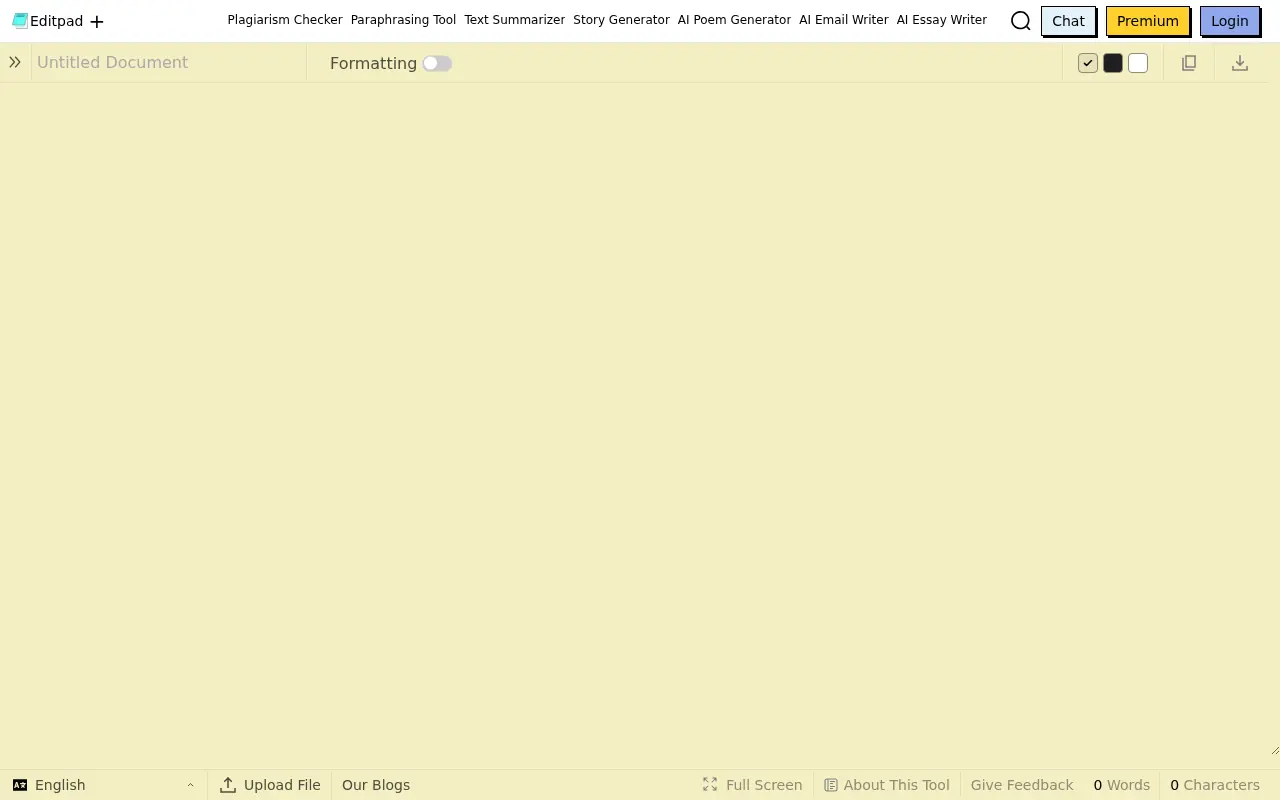

Editpad
Editpad is a comprehensive online text editor and AI writing suite designed to streamline content creation, editing, and plagiarism checking for writers and students.


Scribbr
Scribbr is an all-in-one academic writing platform offering a plagiarism checker, citation generator, proofreading services, and AI writing tools to help students and researchers improve their papers.
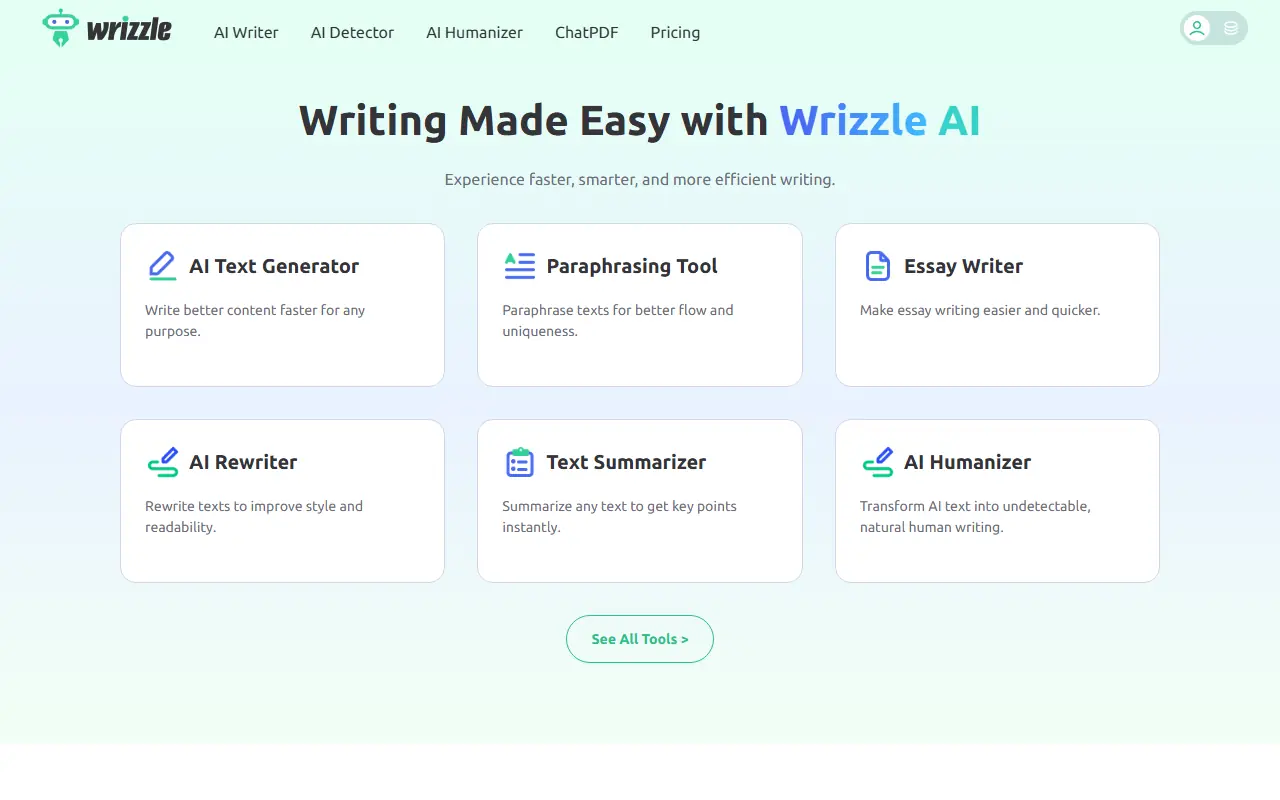

Wrizzle AI
Wrizzle AI is an all-in-one AI writing assistant offering a suite of over 30 task-focused tools for drafting, paraphrasing, summarizing, and optimizing content.
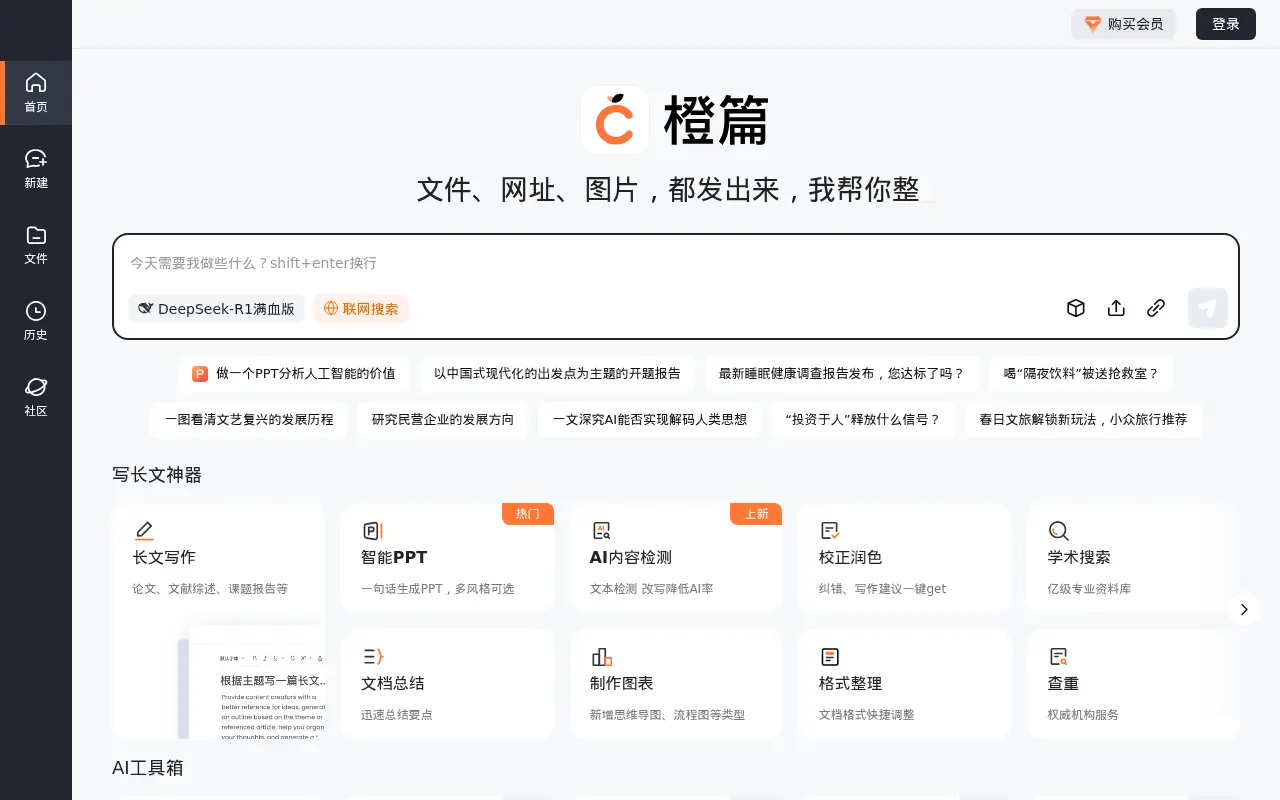

Baidu Cheng Pian
A comprehensive AI-native product by Baidu designed for professional knowledge retrieval, multi-document understanding, and long-form content creation.
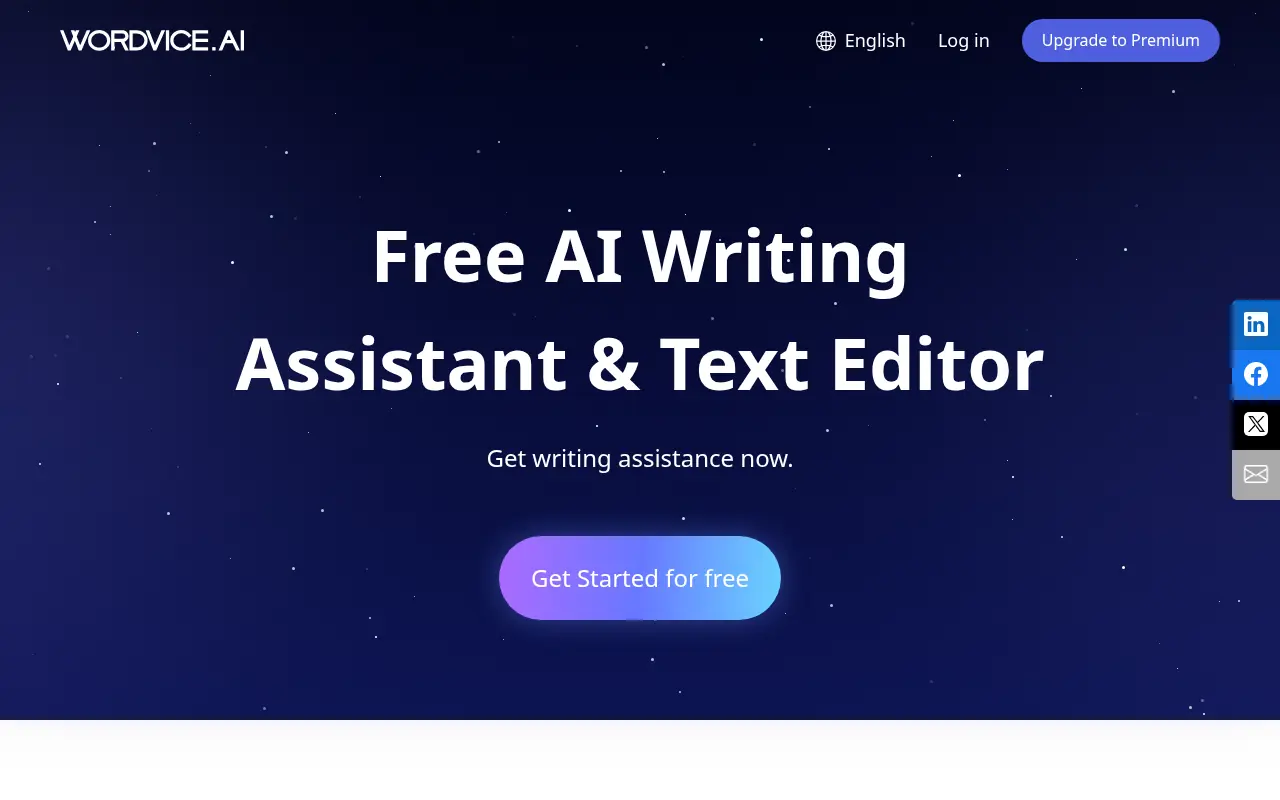

Wordvice AI
Wordvice AI is a free AI-powered writing assistant that offers comprehensive proofreading, paraphrasing, summarizing, translating, and grammar checking tools for academic, professional, and everyday writing.
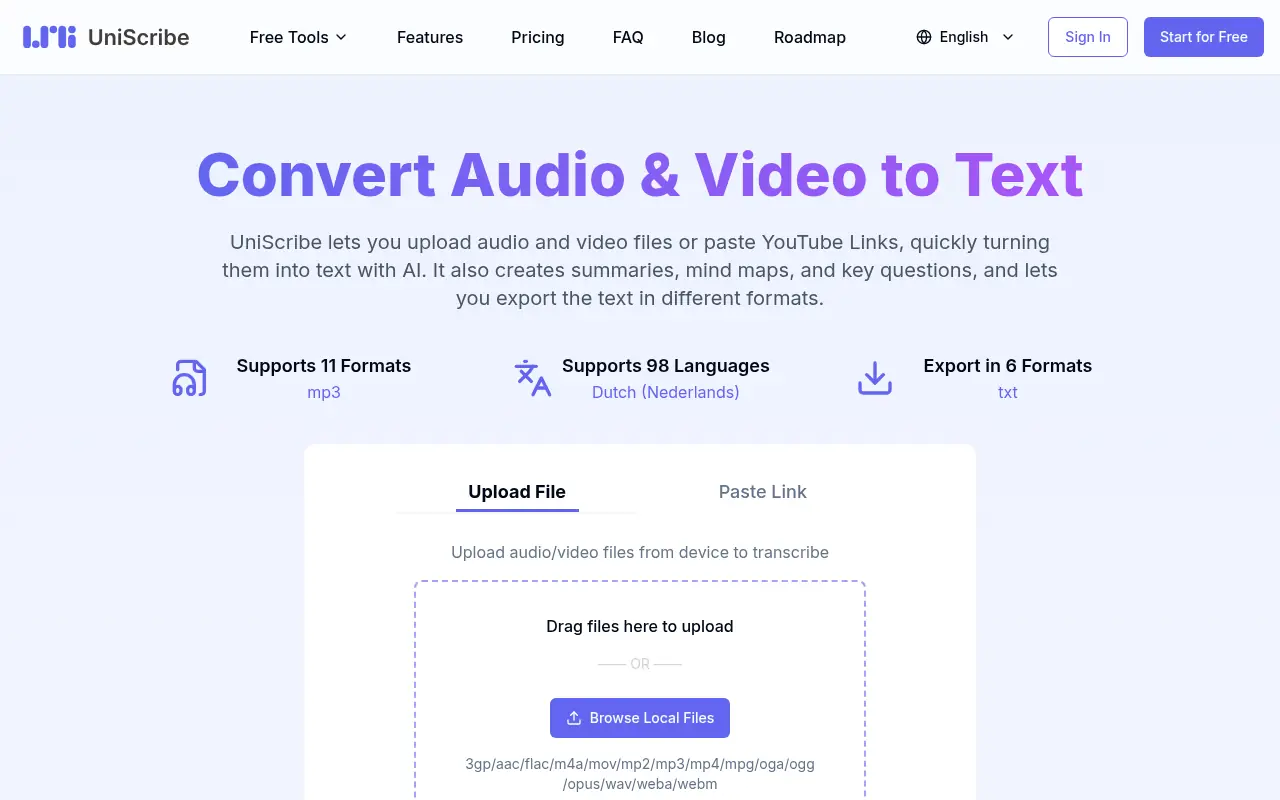

Uniscribe
Uniscribe is an AI-powered platform designed to assist students and professionals with academic writing, research, and content generation.
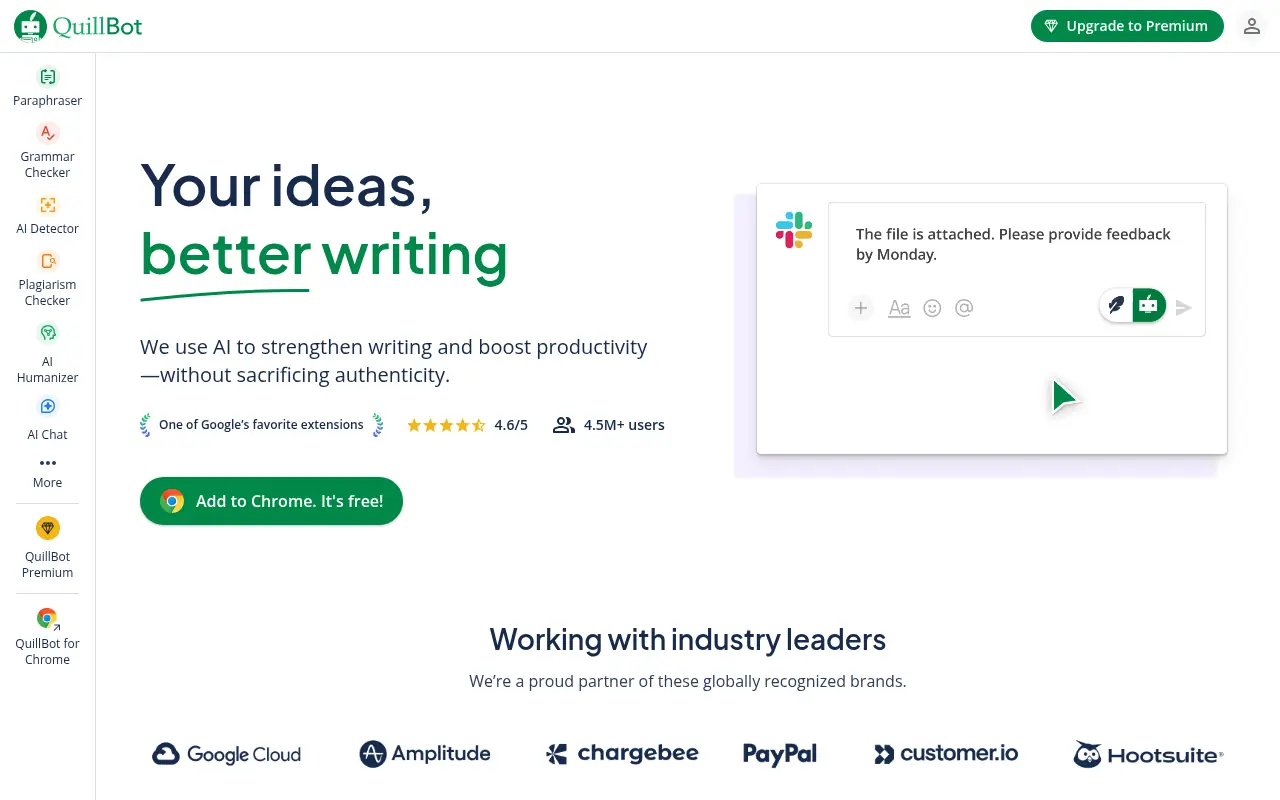

QuillBot
QuillBot is an AI-powered writing platform that enhances writing through paraphrasing, grammar checking, and other productivity tools.